IP TELEPHONE SET
59
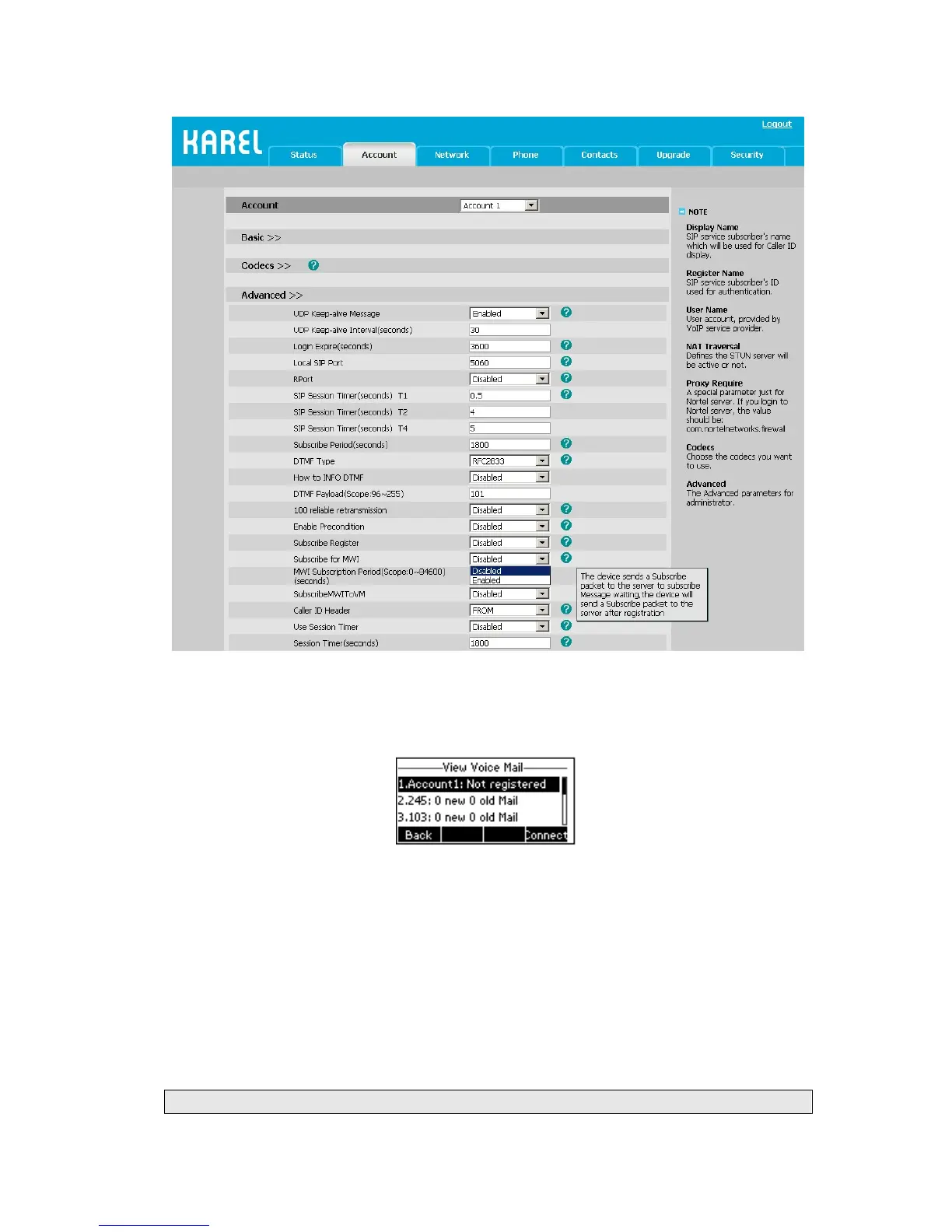
To view the voicemail via the Phone interface:
1) Press Menu->Messages->Voice Mail->View Voice Mail.
2) You can view the amount of the voice mail that includes new or old voice mail.
3) Choose the account and press the Connect button, then you are able to listen to your
new and old messages.
To retrieve the new voicemail via the Phone interface:
1) Press the Voicemail hot key directly.
2) You may be prompted to enter the password which is needed to connect to your VoIP
telephony system. It depends on your system.
3) Your voice mailbox is called and you are able to listen to your new and old
messages.
Note:



 To Next Page