IP TELEPHONE SET
61
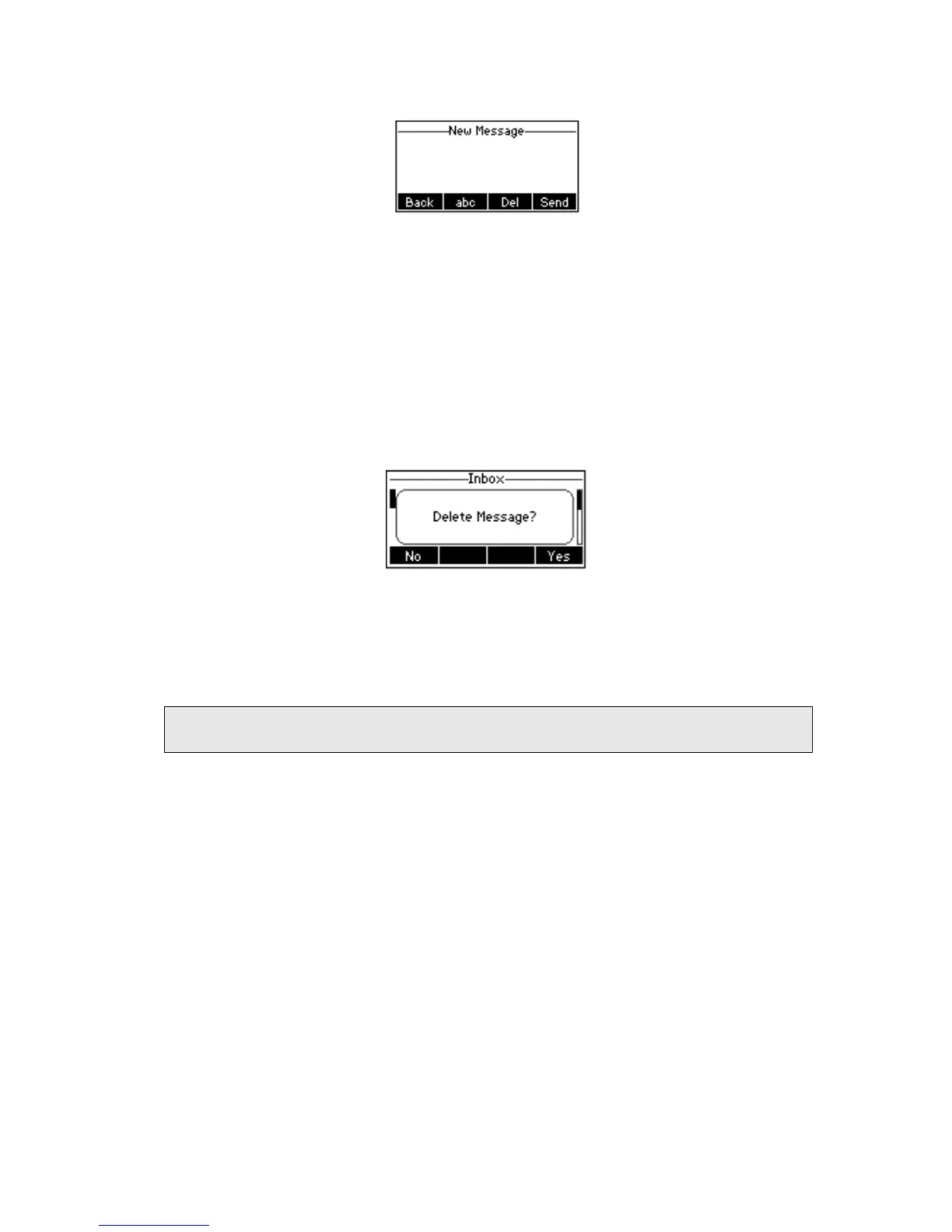
2) Edit the new message; use the abc hot key to change the Input Method.
3) (Optional) If multiple lines are configured on your phone, select from which line
messages are to be retrieved from the list using the navigation keys and Messages
appear first to last in sent order.
4) Press Send hot key to send out the message, or Back hot key to return to the
previous menu.
To delete the message via the Phone interface:
1) After retrieving the specific message, press Delete hot key.
2) You are prompted to confirm the Delete, press Yes hot key to delete the message,
press No hot key to return to previous menu.
To edit the message via Web interface:
1) Choose Phone->SMS
2) Enter the account information, target phone number, message content.
3) Press Send button to send out the message, or Cancel button to cancel the
operation.
Note:
You can not perform the messaging via Web interface except edit Message.



 To Next Page