Care instructions KaVo uniQa
2 Reprocessing steps in accordance with ISO 17664 | 2.9 Automatic cleaning programmes
28 / 56
2.9 Automatic cleaning programmes
CAUTION
Health damage due to germ formation.
Infection hazard.
4 Before starting, rinse all the water drain lines with no handpieces attached.
4 Before initial start-up and after downtimes (weekends, holidays, vacations,
etc.), rinse or purge the air and water lines with air.
4 Run weekly cleaning programme.
4 Actuate the tumbler filler several times.
The "Weekly" cleaning programme facilitates automatic rinsing and germ re-
duction of the water-conducting system. This counteracts the formation of mi-
cro-organisms at times of stagnation and ensures a hygienic water supply for
the patients.
The water-conducting system includes all water ducts of the treatment centre
to which the patient may be exposed. This includes the instruments on the
dentist element and assistant element as well as the tumbler filler on the spit-
toon bowl of the treatment centre.
If the OXYGENAL 6 needs to be replenished, the display of the dentist element
shows a status message: "Oxygenal empty"
Also refer to:
3.2 Replacing the OXYGENAL 6 bottle,Page50
Once the message " Replace DEKASEPTOL Gel bottle" is displayed, a full DEKA-
SEPTOL Gel bottle must be inserted.
Also refer to:
3.1 Replacing the DEKASEPTOL Gel bottle,Page49
During routine daily operation of the treatment centre, the continuous germ re-
duction function secures continuous germ reduction in the water-conducting
systems due to the automatic dosing of the germ reduction agent, KaVo OXY-
GENAL 6.*
*In combination with DVGW water block only
2.9.1 Preparation of the cleaning programmes
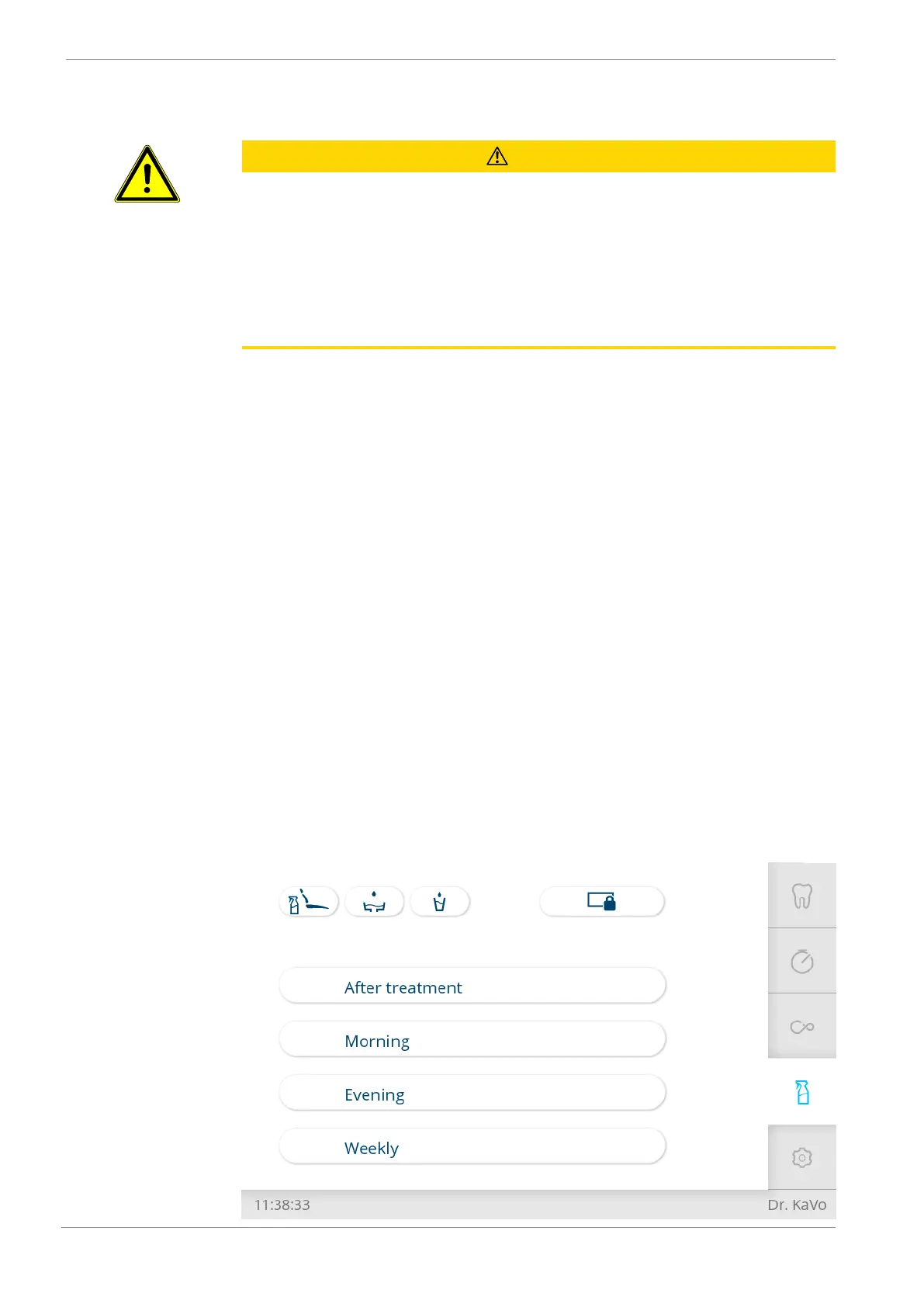
4 Tap the "Cleaning" tab to open the "Cleaning" menu.










 To Next Page