Care instructions KaVo uniQa
2 Reprocessing steps in accordance with ISO 17664 | 2.9 Automatic cleaning programmes
38 / 56
Before the down-time
4 Start the "Weekly" cleaning programme and switch it off during the expos-
ure phase after an acoustical signal within the dwell time of 30 minutes.
4 To prevent damage due to hoses getting kinked, remove hoses from the hy-
giene centre and place them in the dentist holder.
4 Cover the treatment centre during extended down-times.
After the down-time
4 Turn on the central compressor.
4 Switch on the water supply for the treatment centre after the system pres-
sure is achieved.
4 Reinsert the instrument hoses of the dentist and assistant elements in the
designated positions provided in the hygiene centre.
4 Switch the treatment centre on.
ð The unit automatically starts the remaining steps of the unfinished cycle.
4 Allow the cycle to complete and then run a second full "Weekly" cleaning.
ð The unit is now ready for use.
Additional intensive germ reduction during the down-
time
KaVo recommends to run an additional "Weekly" cleaning, e.g. during semester
breaks at universities. This flushes the components and replaces the germ re-
duction liquid (after 4 weeks).
2.9.6 Discontinuing a cleaning programme
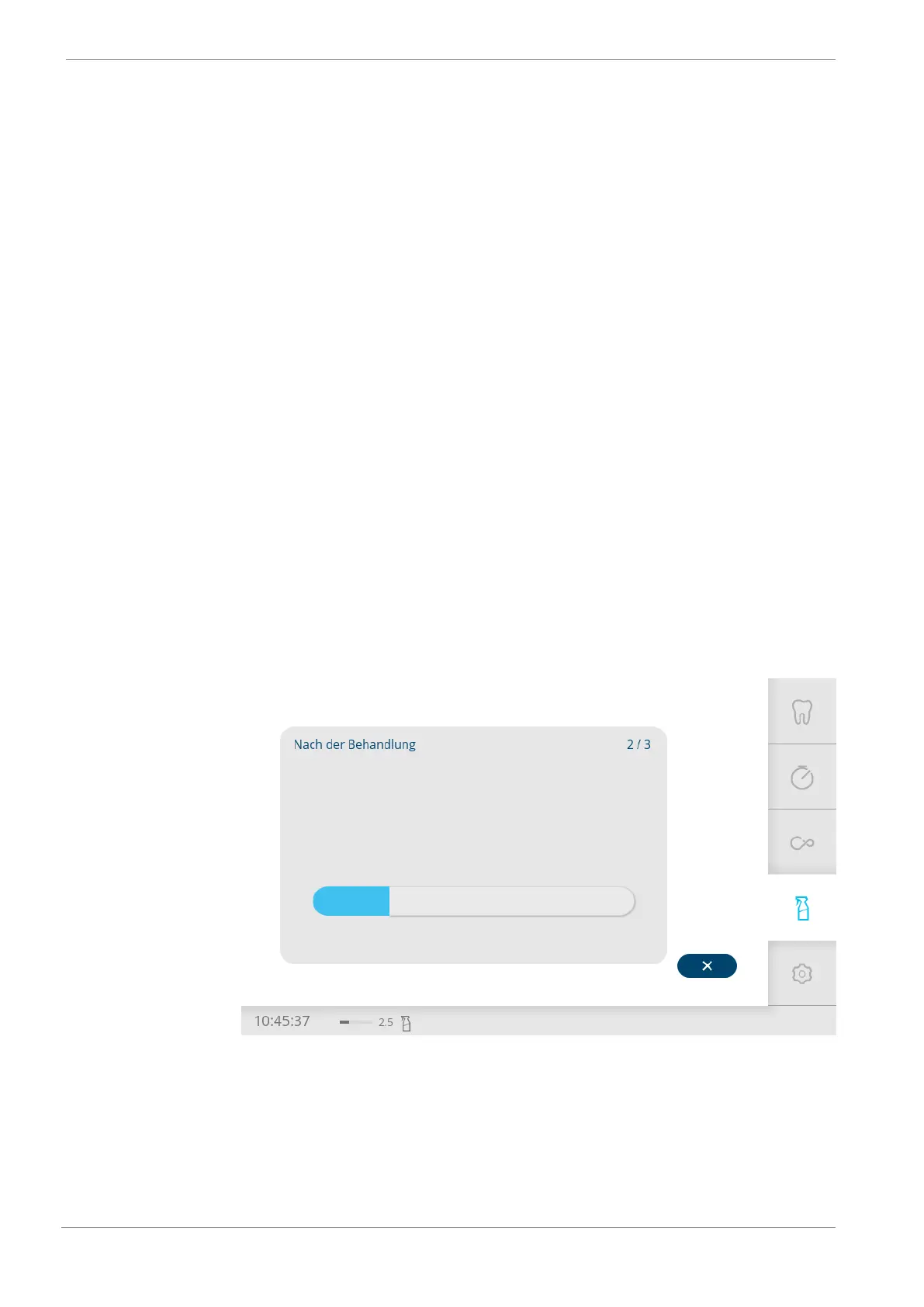
4 Tap the "x" button to discontinue a cleaning programme.
4 Tap the "Confirm" icon to discontinue the cleaning or tap the "x" button to
continue the cleaning.










 To Next Page