Getting Started 2
Keysight 34980A Mainframe User’s Guide 67
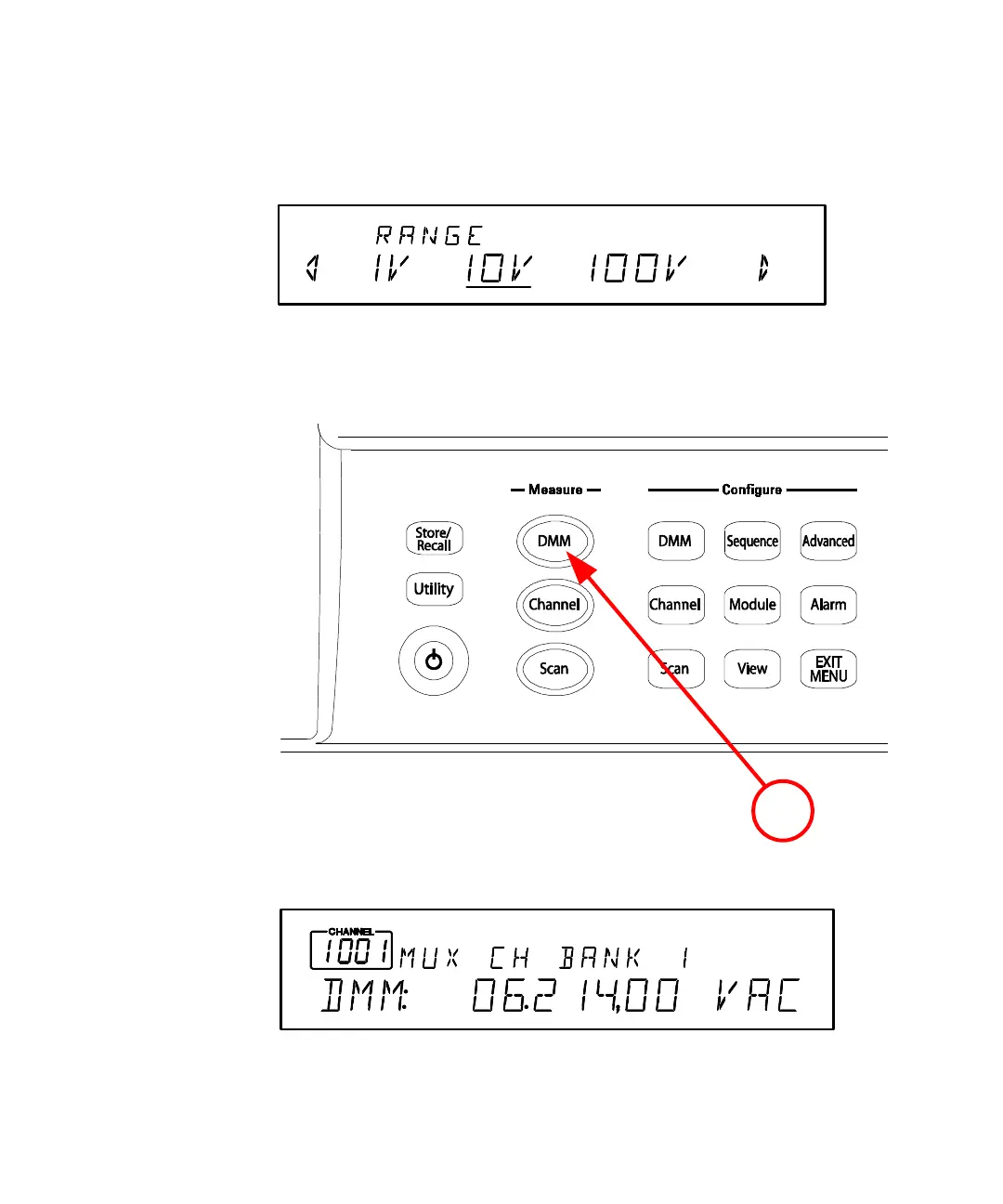
5 Using the knob, select 10V, which indicates the range parameter for ac
voltage.
6 Press EXIT MENU to save your selections (ac voltage, 10 volt range) and
immediately exit the menu. All unmodified parameters within the menu remain
unchanged.
7 Within the Measure key group, press DMM.
Note that the key lights and continuous ac voltage measurements are made
using the internal DMM.



 To Next Page