Performance Tests 5
Keysight 85024A User’s and Service Guide 39
Network Analyzer Operation
This section provides some general information for performing basic network
analyzer operations. For more specific operating information, refer to your
analyzers user’s guide.
Presetting the network analyzer
All analyzers have a [PRESET] hardkey for this function.
Selecting a transmission (or S21 measurement)
Setting the frequency range
Setting CW mode for power meter measurements
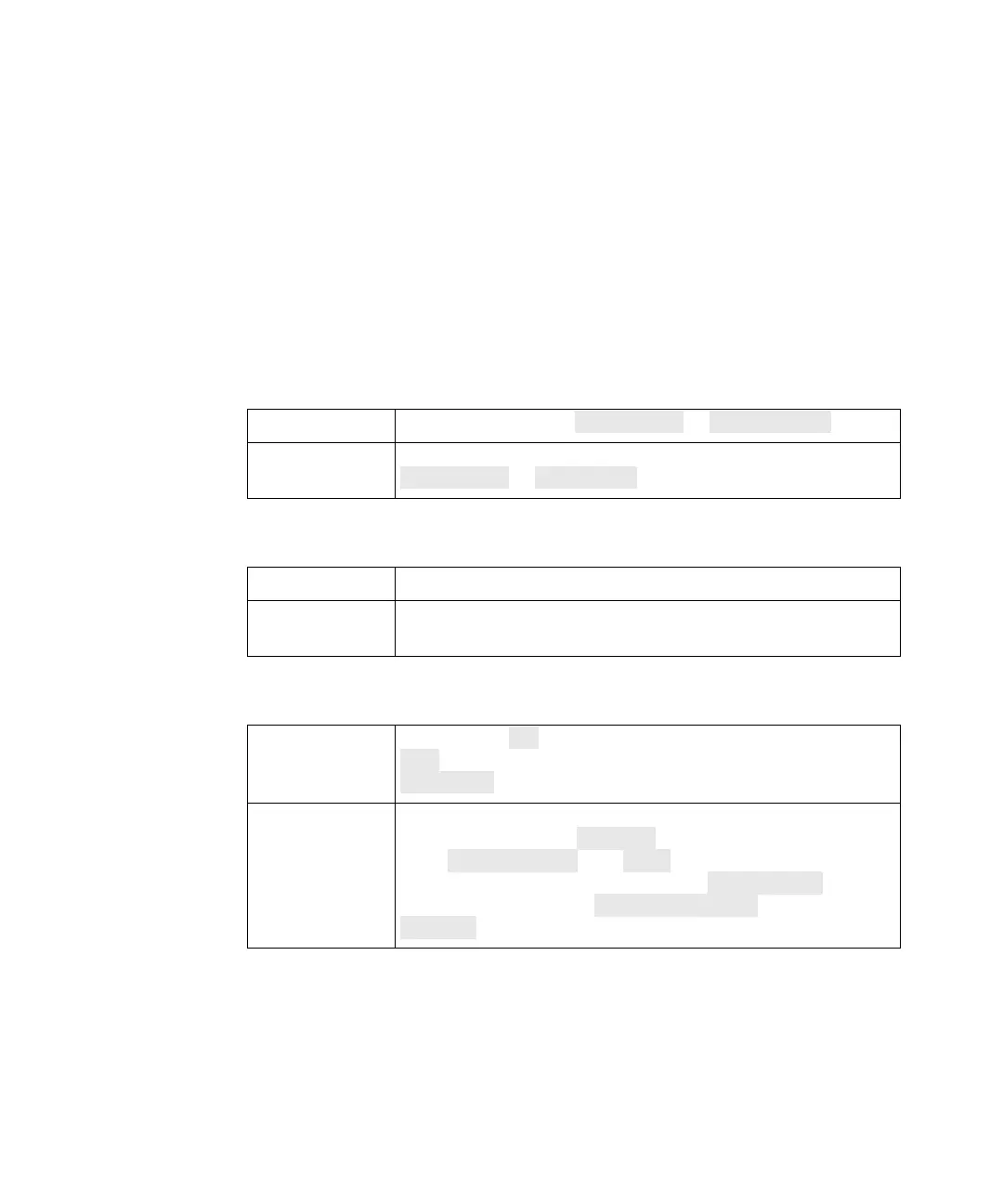
871x family Press [MEAS 1], then Transmission or Fwd Trans S21.
8753 family
Press [Chan 1] or [CH 1], then [Meas] followed by
Transmission or TRANS:FWD.
871x family Start and stop frequencies are accessed via [FREQ].
8753 family
Start and stop frequencies are accessed via [Start] and
[Stop].
871x family
Press [FREQ] CW, then [MENU] and set the Trigger mode to
Hold. To return to normal operation, set the trigger mode to
Continuous and define start and stop frequencies.
8753 family
Press [Menu] or [Sweep Setup] to access both the sweep and
trigger functions. The CW FREQ softkey activates CW mode,
press TRIGGER MENU then HOLD. To return to normal
operation, change the trigger mode to CONTINUOUS, [Menu]
or [Sweep Setup], then SWEEP TYPE MENU followed by
LIN FREQ.










 To Next Page