Performance Tests 5
Keysight 85024A User’s and Service Guide 41
Median Gain and Frequency Response Flatness
Description
This test procedure performs a response calibration on the analyzer and then
measures the gain of the probe over frequency. Maximum and minimum gains in
two different frequency bands are used to determine the probe performance.
Procedure
1 Preset the analyzer using the [PRESET] hardkey.
2 Set the frequency sweep range for 300 kHz to 3 GHz.
3 Set the analyzer for a transmission (S21) measurement.
4 Connect a type-N cable between the output port and input port on the
analyzer.
5 Perform a response calibration on the analyzer. The trace on the analyzer
should now be a flat line at 0 dB.
6 Disconnect the cable from the output port of the analyzer. Connect the type-N
barrel to the free end of the cable.
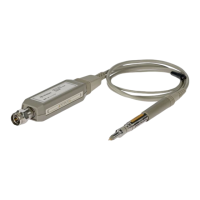
7 Connect the probe adapter to the output port of the analyzer. Connect the
probe between the probe adapter and the type-N barrel. Plug the probe power
cable into the front panel of the analyzer.
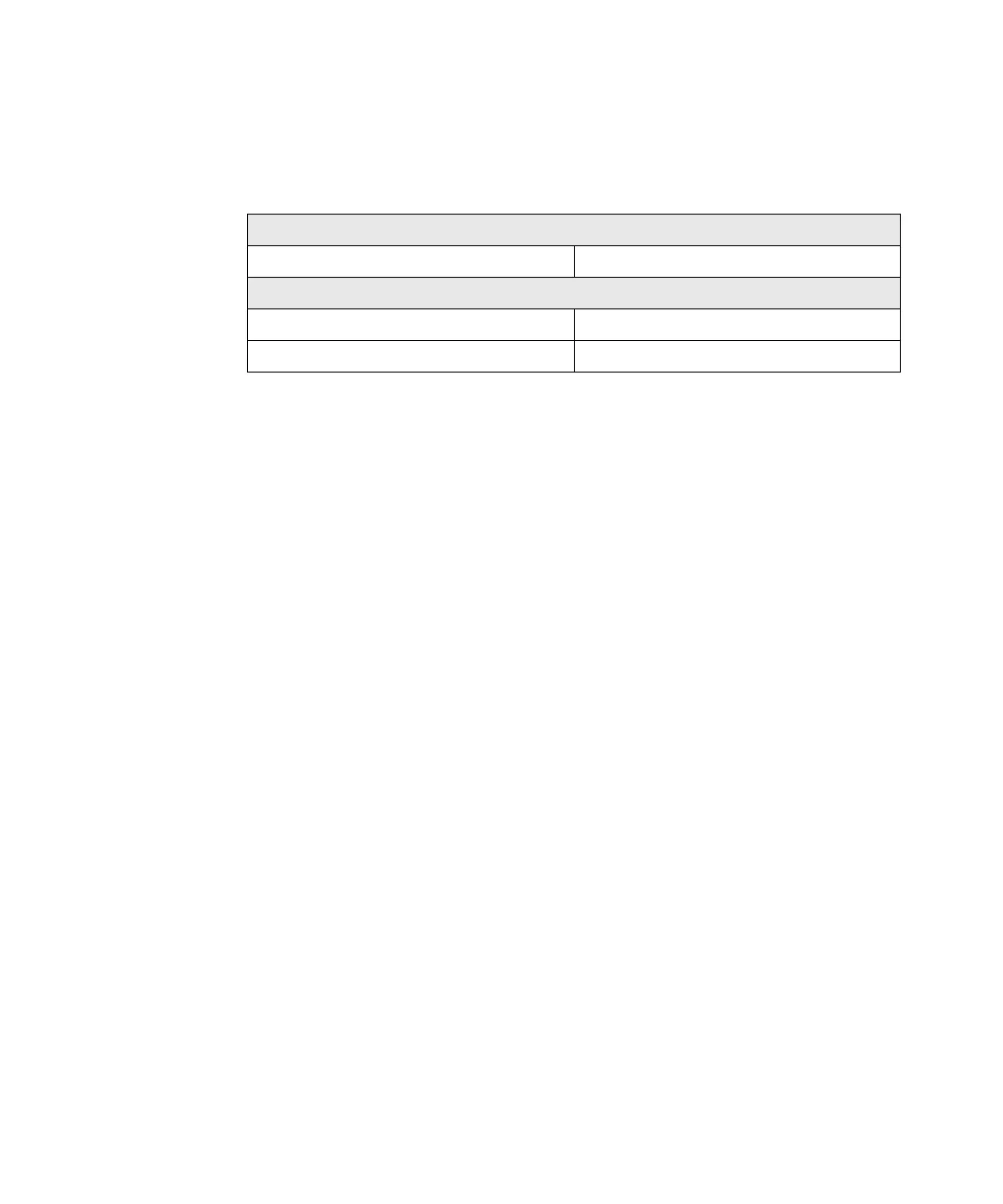
Specifications (at 25 °C ±5 °C)
Median gain over 300 kHz to 1 GHz 0 dB ±1.25 dB
Frequency response flatness (relative to median gain)
300 kHz to 1 GHz ±1.25 dB
1 GHz to 3 GHz ±2.5 dB










 To Next Page