Keysight M8194A 120 GSa/s Arbitrary Waveform Generator User Guide 23
M8194A Software Installation 2
Installation Steps
Follow the given steps to install Keysight M8194A software on your
system:
1 Double-click the executable (M8194A_Setup.exe). This executable file
is available either on CD or Web.
2 The Keysight M8194A Setup will prepare the InstallShield Wizard for
the installation process.
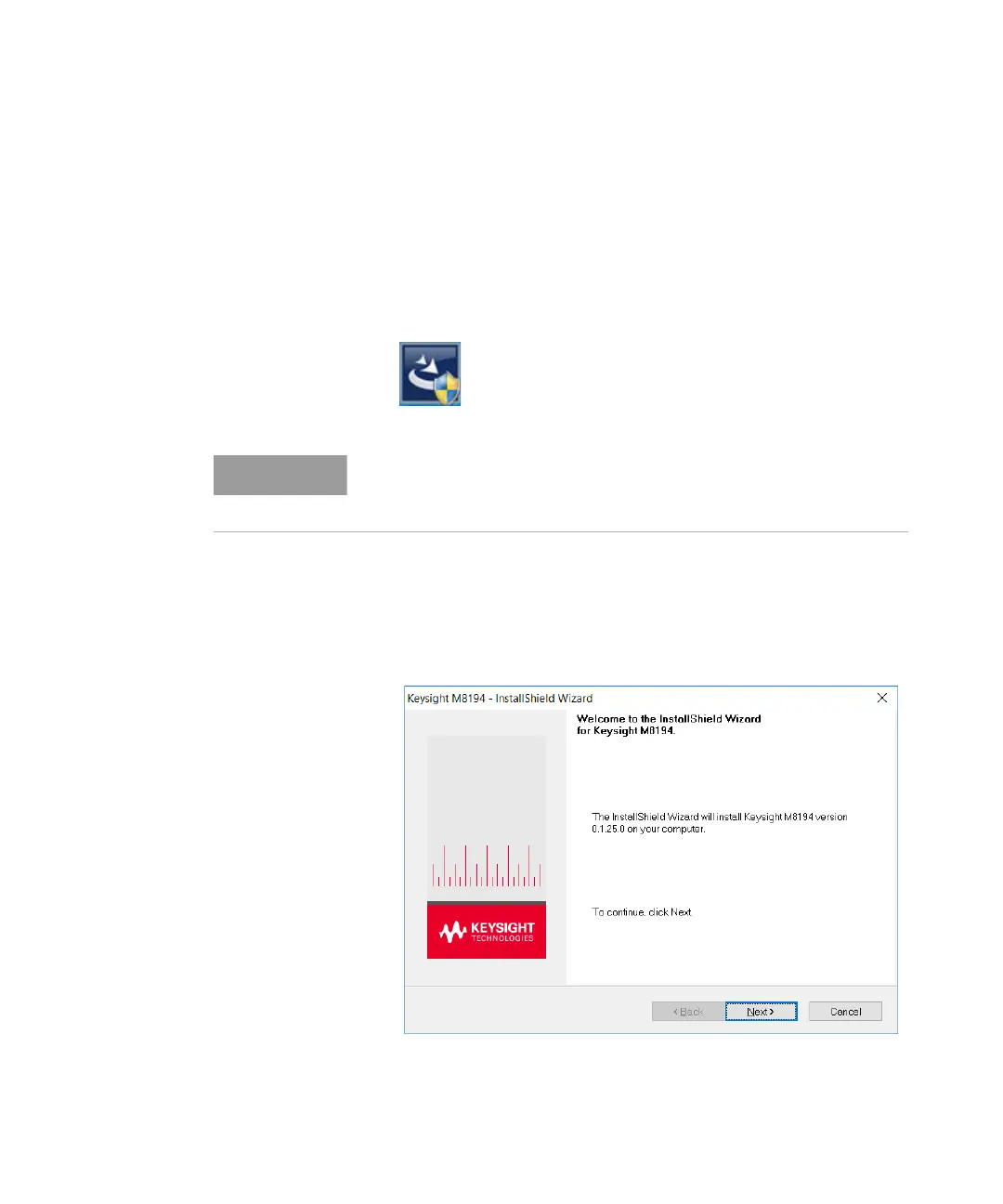
3 Follow the on-screen instructions to begin the installation process.
Click Next.
The installer will first check and list some prerequisites. Click Install to
install them. It is possible that your PC requests a reboot during this
step. Reboot your PC, if requested.



 To Next Page