Keysight M8194A 120 GSa/s Arbitrary Waveform Generator User Guide 47
M8194A Soft Front Panel 3
Clock/Sync Tab
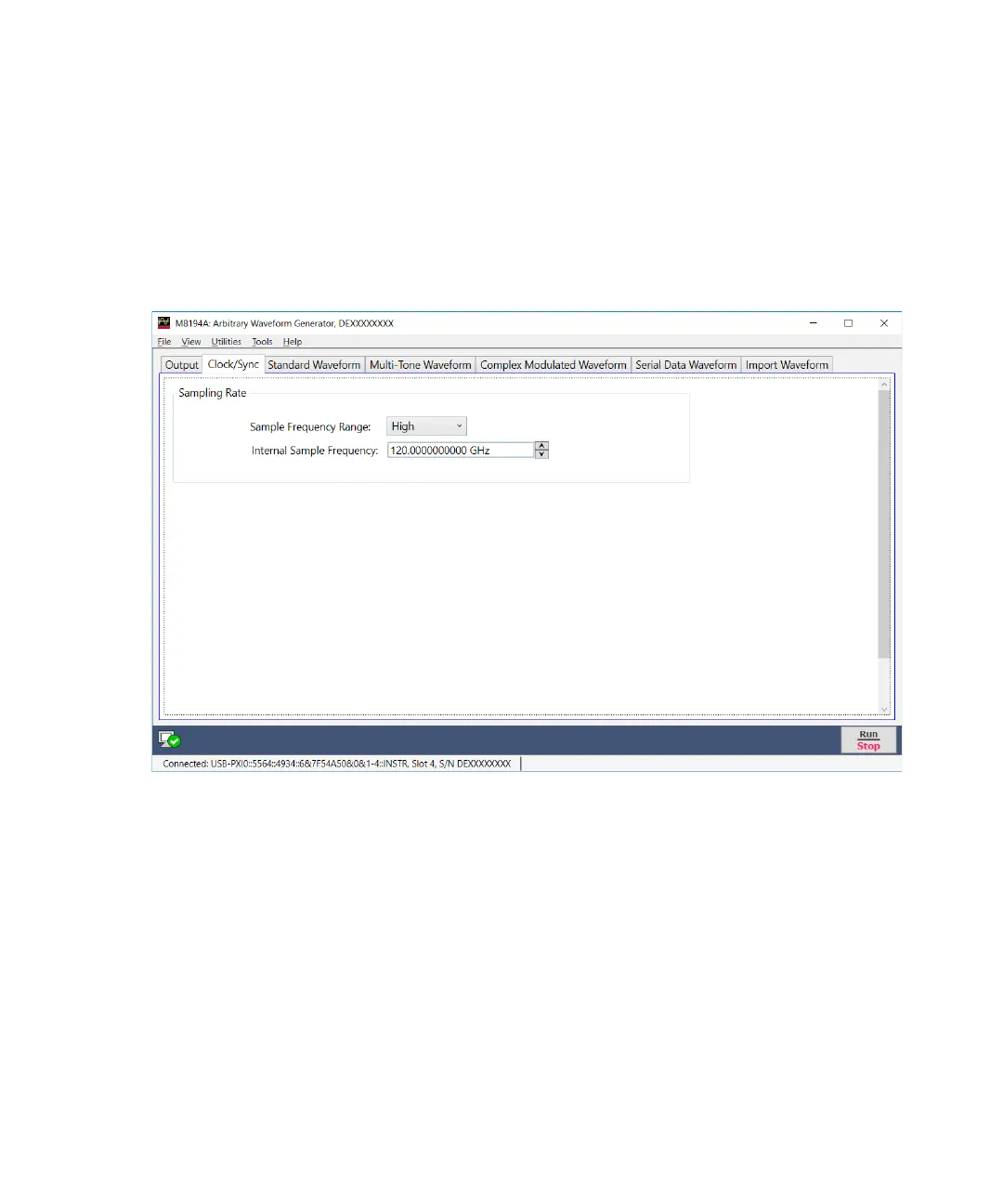
The Clock/Sync tab is used to configure the sample clock frequency of the
M8194A module. Figure 13 on page 47 display the Clock/Sync tab and its
options.
Figure 13 Clock/Sync tab
This tab has the following options:
• Sampling Rate
It allows you to select or set the sample clock frequency within the
given range.
• Sampling Frequency Range
This drop-down list allows to select a reference clock frequency from
the three options; High, Medium or Low.



 To Next Page