Keysight M8194A 120 GSa/s Arbitrary Waveform Generator User Guide 43
M8194A Soft Front Panel 3
The controls allow scientific notation if it is appropriate to the allowed
range. Type the first decimal number, enter an "E", and omit any trailing
zeroes. For example, in the Frequency control you can type 2.5e+9 and
press [Enter] to set the frequency to 2.5 GHz. (The plus sign is
automatically inserted if it is omitted.)
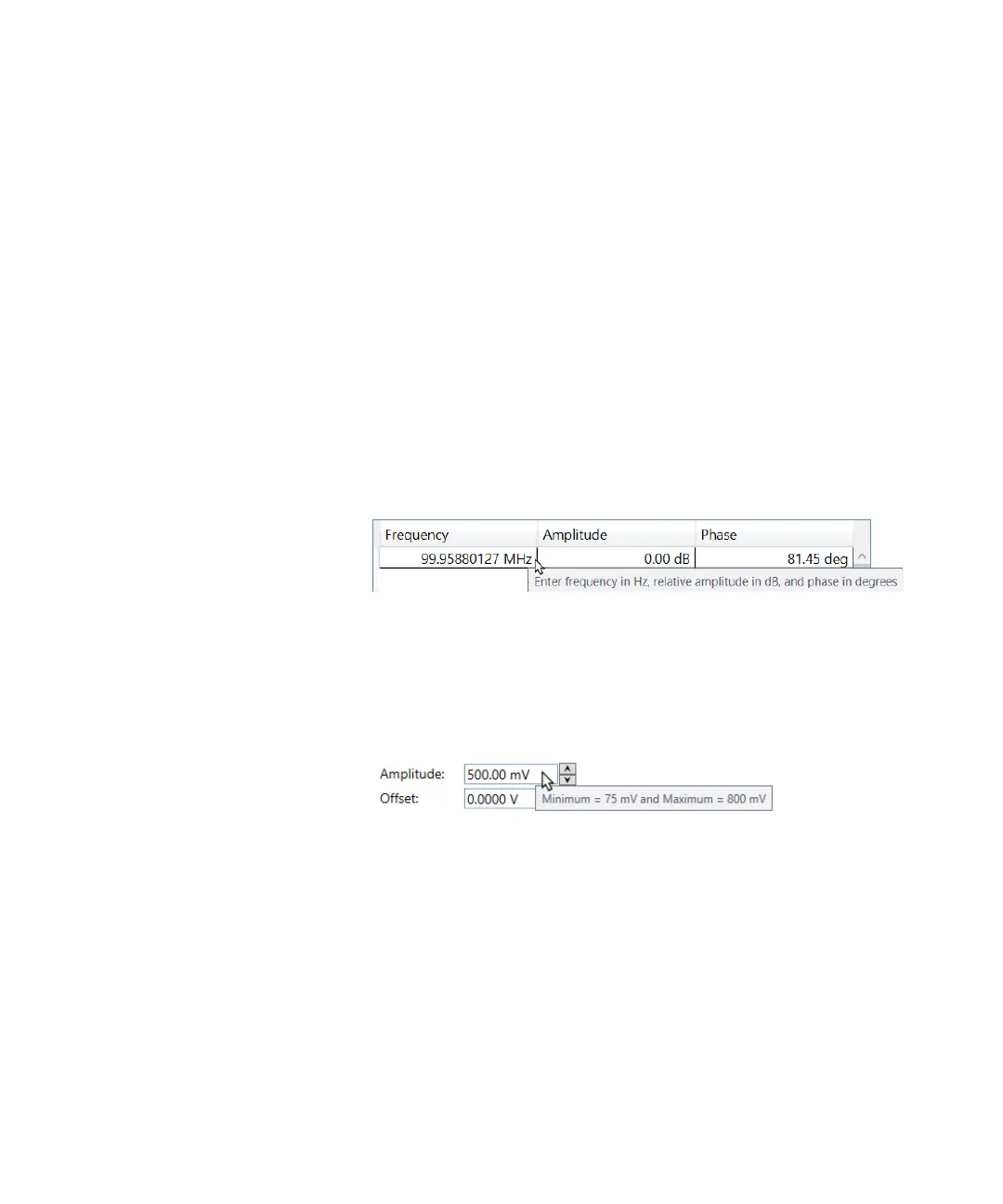
Tooltip
The tooltip is a small pop-up window that concisely describes the object
being pointed to, such as descriptions of toolbar controls, icons, graphics,
links, menu items and taskbar buttons.
The following example shows the tooltip providing a description of toolbar
buttons.
Figure 10 Tooltip example
Here is another example where the tooltip provides information to the user
on the minimum and maximum values the parameter can hold.
Figure 11 Tooltip example



 To Next Page