Keysight M8194A 120 GSa/s Arbitrary Waveform Generator User Guide 85
M8194A Soft Front Panel 3
Import Waveform Tab
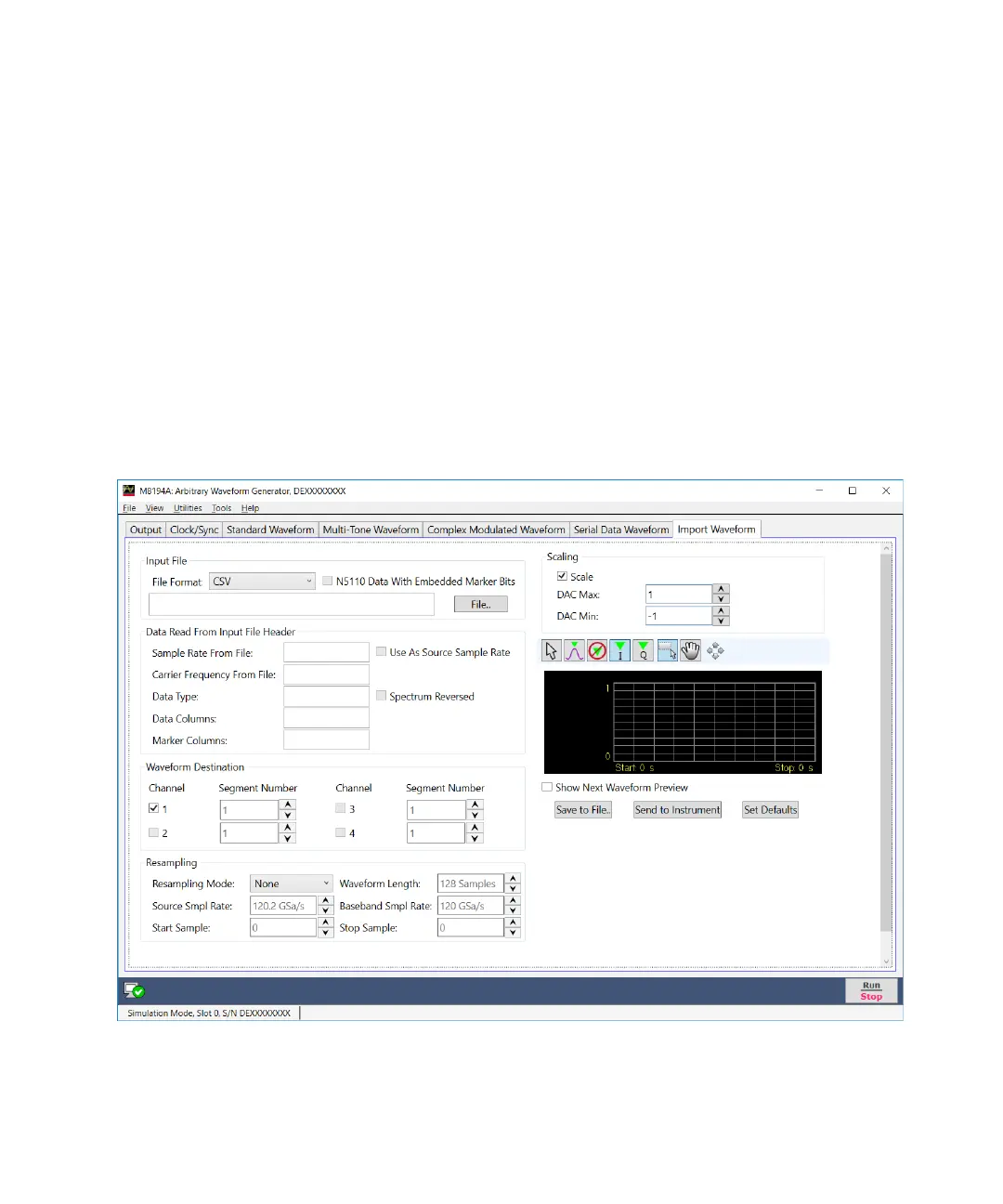
The Import Waveform tab is used to perform the functions such as
importing, scaling, and re-sampling waveform files in a variety of formats
for their generation by the M8194A Arbitrary Waveform Generator. It
provides the controls which allow the complete definition of signal
processing parameters for the waveform file format (see File Format).
Depending on the file format and contents, information regarding the
original sampling rate of the input waveforms can be extracted and
re-used within the import tool. Re-sampling is performed so no images or
aliases show up in the re-sampled waveform.
Figure 19 on page 85 display the Import Waveform tab and its controls.
Figure 19 Import Waveform tab



 To Next Page