44 Keysight M8194A 120 GSa/s Arbitrary Waveform Generator User Guide
3 M8194A Soft Front Panel
Output Tab
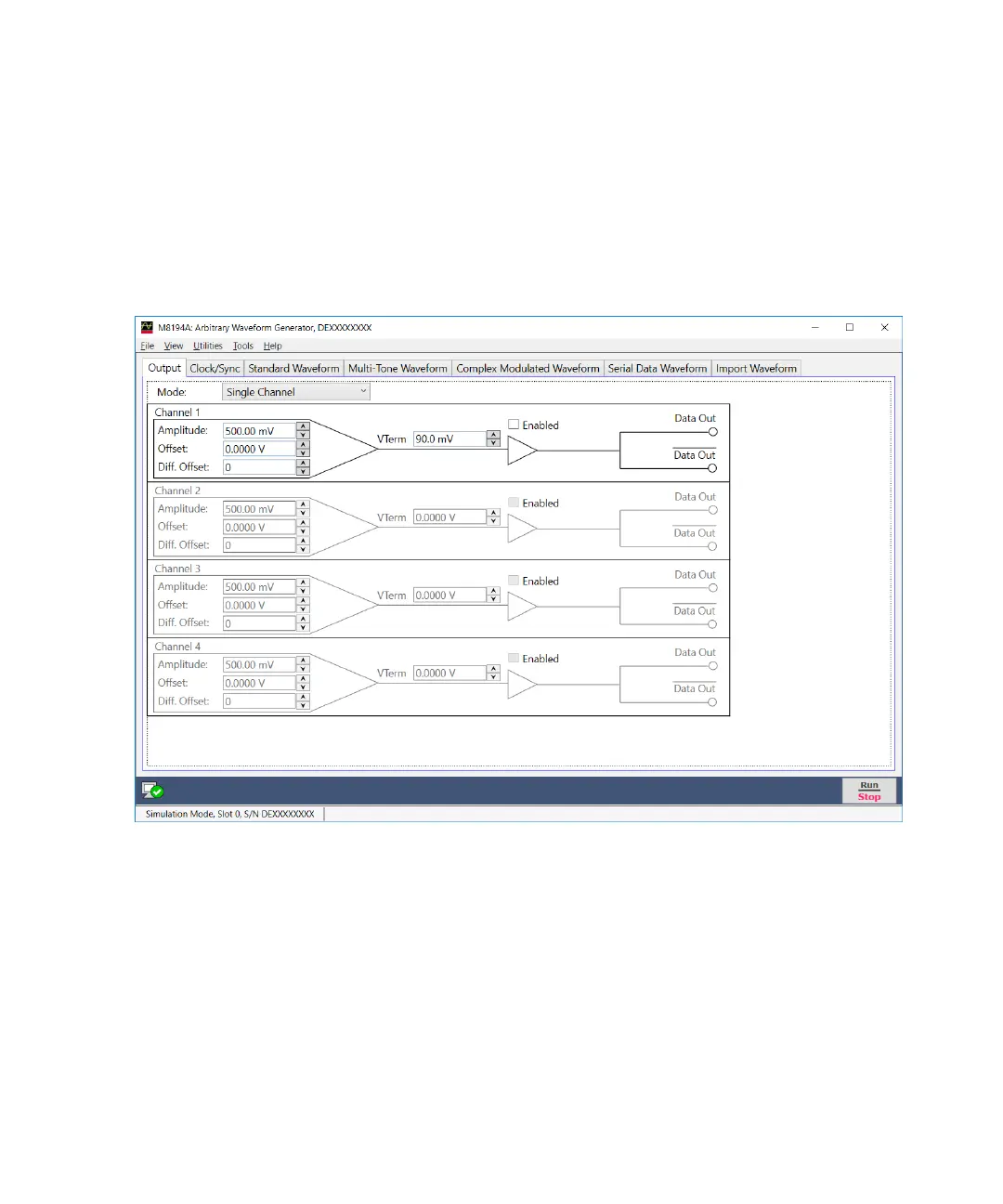
The Output tab is used to configure the data outputs of the different
channels (Channel 1, Channel 2, Channel 3, and Channel 4) of the M8194A
AWG module. Figure 12 on page 44 display the Output tab and its options.
Figure 12 Output tab
• Mode
Use this drop-down list to select the mode. The M8194A AWG has five
different modes of operation:
• Single Channel
If this mode is selected, Channel 1 is used to generate data; Channel
2, Channel 3, and Channel 4 are disabled. This mode is available
with all options.



 To Next Page