32 Keysight M8194A 120 GSa/s Arbitrary Waveform Generator User Guide
3 M8194A Soft Front Panel
Launching the M8194A Soft Front Panel
There are two ways to launch the M8194A Soft Front Panel:
1 Select Start > All Programs > Keysight M8194 > Keysight M8194
from the Start menu.
2From the Keysight Connection Expert select the discovered M8194A
module, select the “Installed Software” tab and press the “Soft Front
Panel” icon.
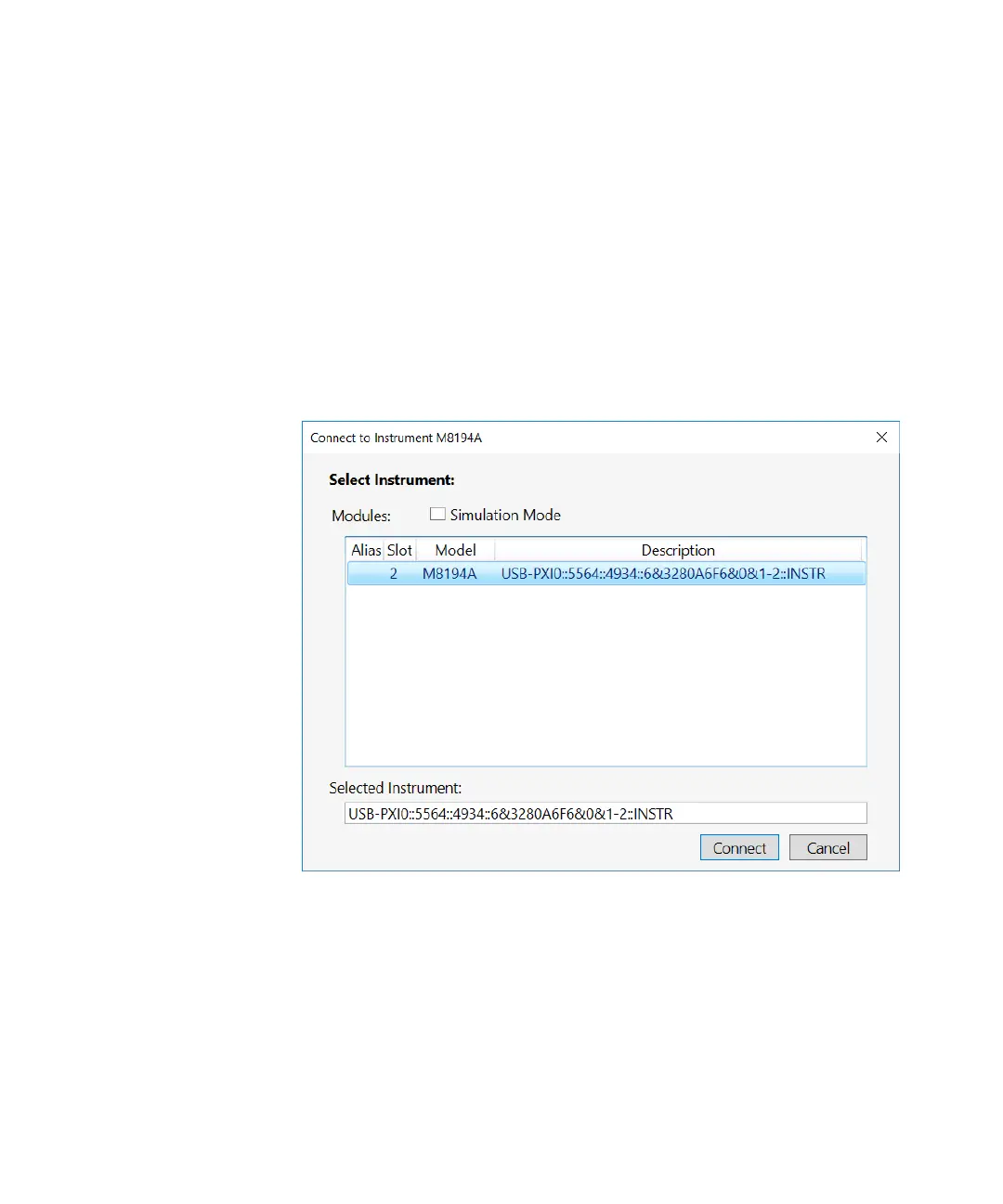
The following Connect to Instrument dialog box will appear:
Figure 2 M8194A connected to PC
This dialog box displays the address of the discovered M8194A modules.
Select a module from the list and click Connect.
If no M8194A module is connected to your PC, you can select Simulation
Mode check box and then click on the Simulate button to simulate
M8194A module.



 To Next Page