66 Keysight M8194A 120 GSa/s Arbitrary Waveform Generator User Guide
3 M8194A Soft Front Panel
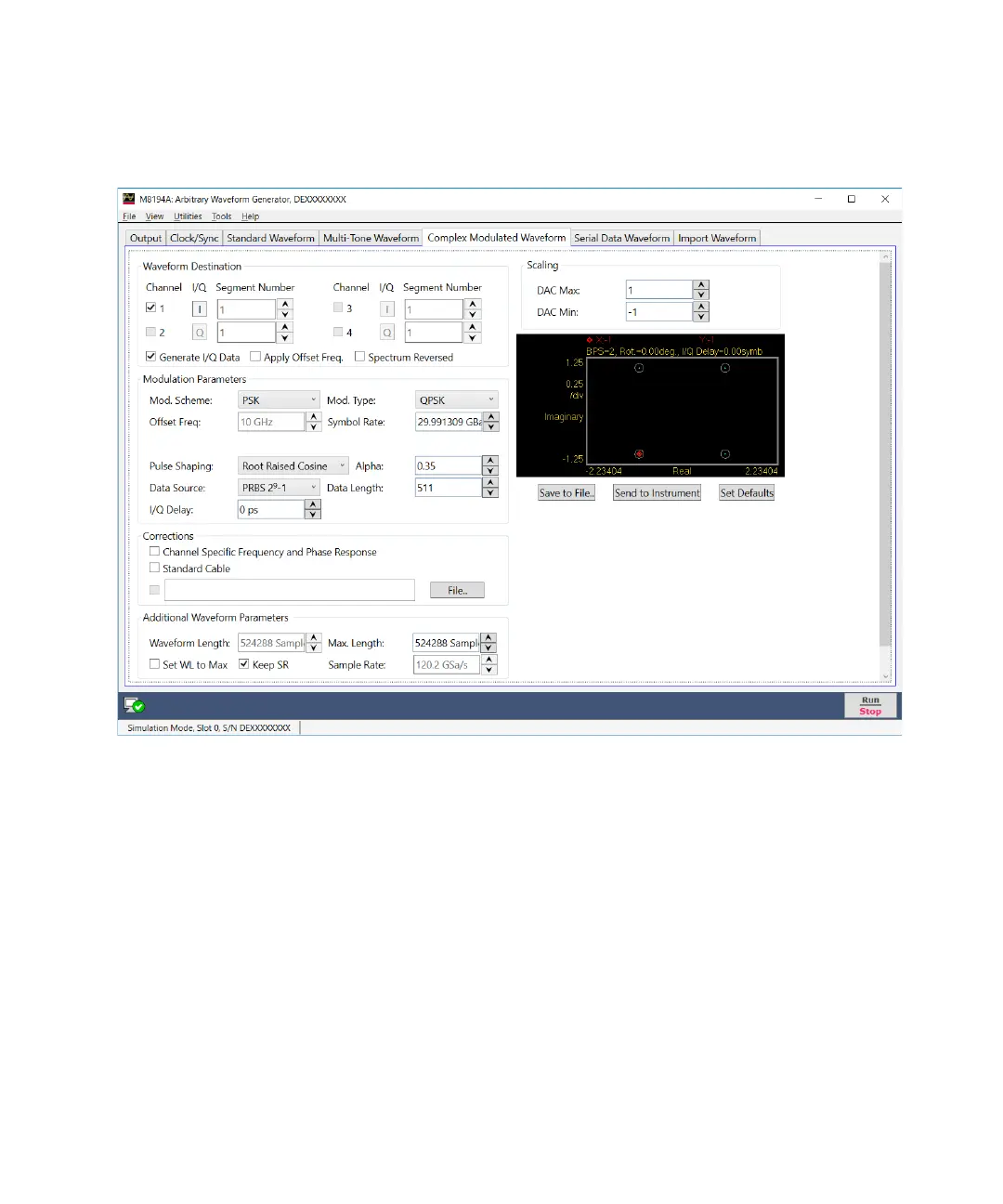
Figure 17 Complex modulated waveform tab
Only relevant parameters and edition fields are shown in the GUI at any
time depending on the selected generation mode (RF or I/Q) and
modulation scheme.
Waveform Destination Section
• Generate I/Q Data
If selected baseband (I/Q) signals will be generated.
• I/Q Toggle buttons
I/Q selection toggle buttons for each channel will be shown when the
Generate I/Q Data check box is selected. In-Phase (I) and Quadrature
(Q) components can be independently assigned to each channel.



 To Next Page