Keysight M8194A 120 GSa/s Arbitrary Waveform Generator User Guide 77
M8194A Soft Front Panel 3
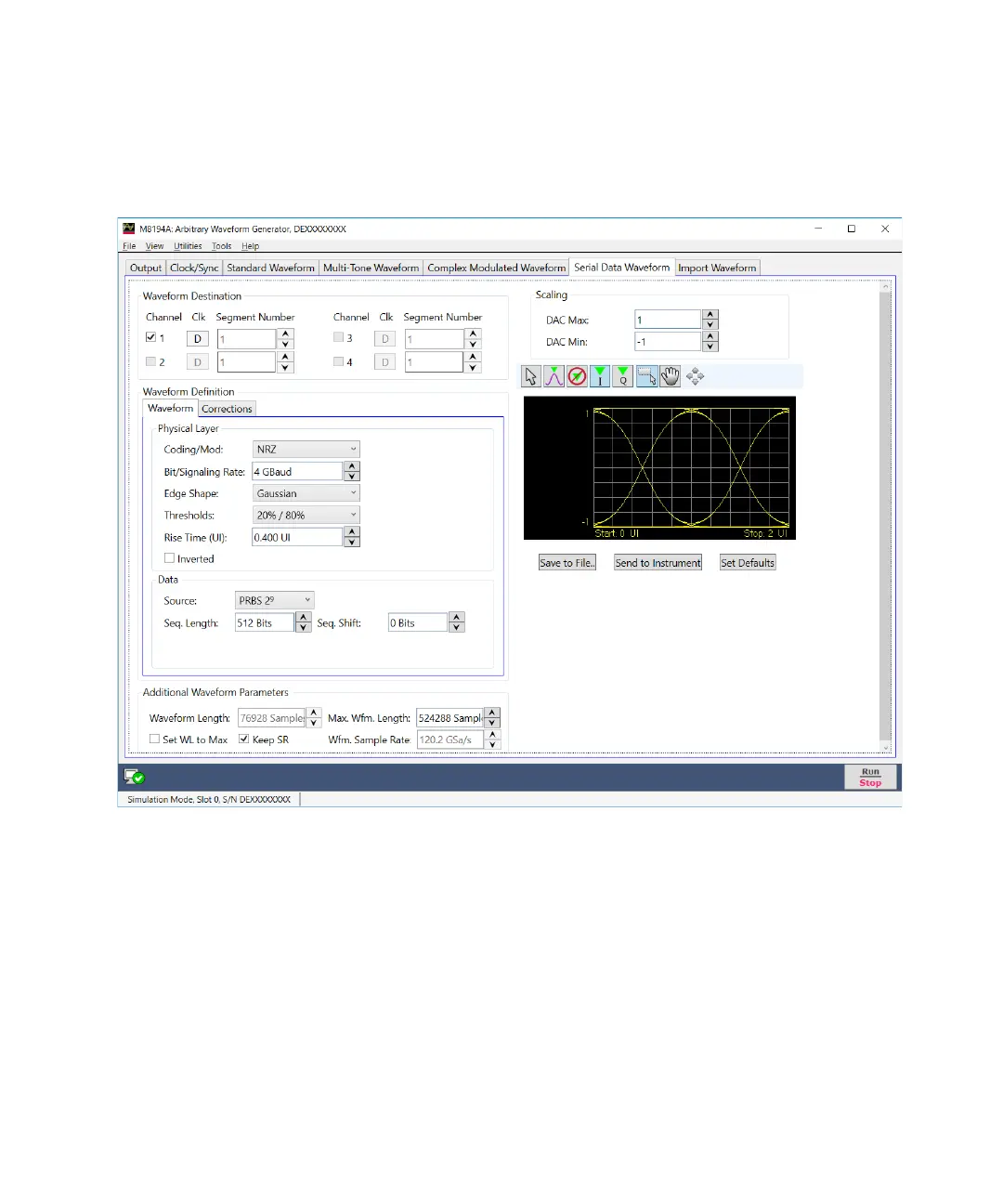
Figure 18 Serial data waveform tab
Only relevant parameters and edition fields are shown in the GUI at any
time depending on the selected channel coding scheme.
Waveform Destination Section
• Clock Toggle buttons
Data/clock selection toggle buttons for each channel. The Data(D),
Clock:2 (C/2), and Clock:4 (C/4) can be independently assigned to each
channel. The nominal timing for the 50% level in the raising edge for
the clock signals is located in the center of the eye for the current
symbol.



 To Next Page