4109
Features of your vehicle
If the system already recognized
parking space before activating the
Parking Assist, you can proceed
from 4stage (Search complete)
NOTICE
• Before activating the system check
if the conditions are possible to use
the system.
• For your safety, always apply the
brake pedal except for when driving.
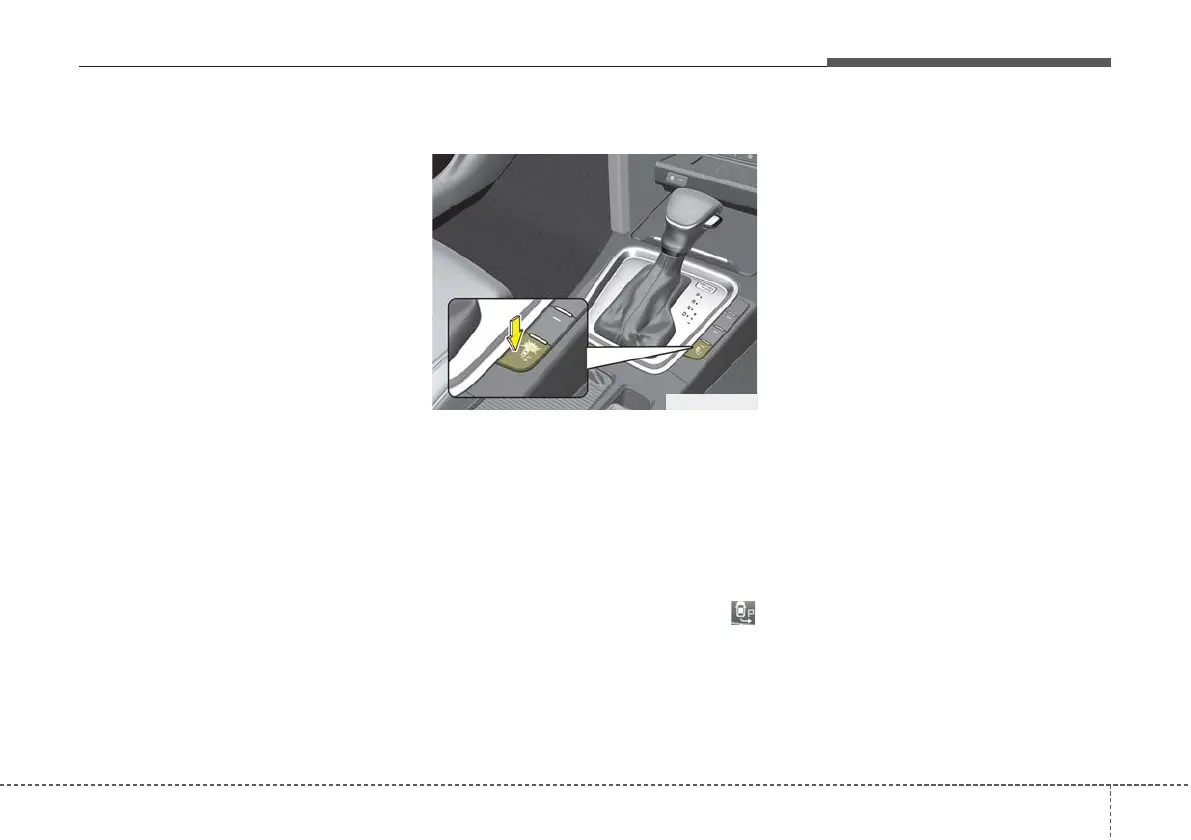
1. Activate Parking Assist
• Press the Parking Assist button
(the button indicator will illumi-
nate).
• The Parking Assist System will be
activated (the button indicator will
illuminate).
A warning sound will be heard if an
obstacle is detected.
• Press the Parking Assist button
again for more than 1.5 seconds to
turn off the system.
• The Parking Assist defaults to the
OFF position whenever the ignition
switch is turned on.
2. Select Parking Mode
• Select parallel mode or reverse
mode by pressing the Parking
Assist button with the shift lever in
D (Drive).
• If the system already recognized
parking space before activating the
Parking Assist, you can see
“Parking search” or “Space found”.
• The right side parallel mode is
selected automatically when the
Parking Assist is activated.
• The mode changes from parallel
mode (right → left) to reverse mode
(right → left) whenever the Parking
Assist button is pressed. (for LHD)
• The mode changes from parallel
mode (left → right) to reverse mode
(left → right) whenever the Parking
Assist button is pressed. (for RHD)
• If the button is pressed again, the
system will turn off.
OCD048015R



 To Next Page