Features of your vehicle
1084
How the system works
(Parking Mode)
1. Activate the Parking Assist
The shift lever should be placed in
D (Drive).
2. Select parking mode
- If the parking mode is selected
with the shift lever in N (Neutral)
after starting the engine, the exit
mode will be selected automati-
cally and after driving, the park-
ing mode will be selected.
3. (Optional) Search for parking
space (slowly move forward.)
4. (Optional) Search complete (auto-
matic search by sensor.)
5. Steering wheel control
(1) Shift according to the instruc-
tion on the LCD display.
(2) Drive slowly with the brake
pedal applied.
6. Parking complete
7. If necessary, manually adjust posi-
tion of vehicle.
(Continued)
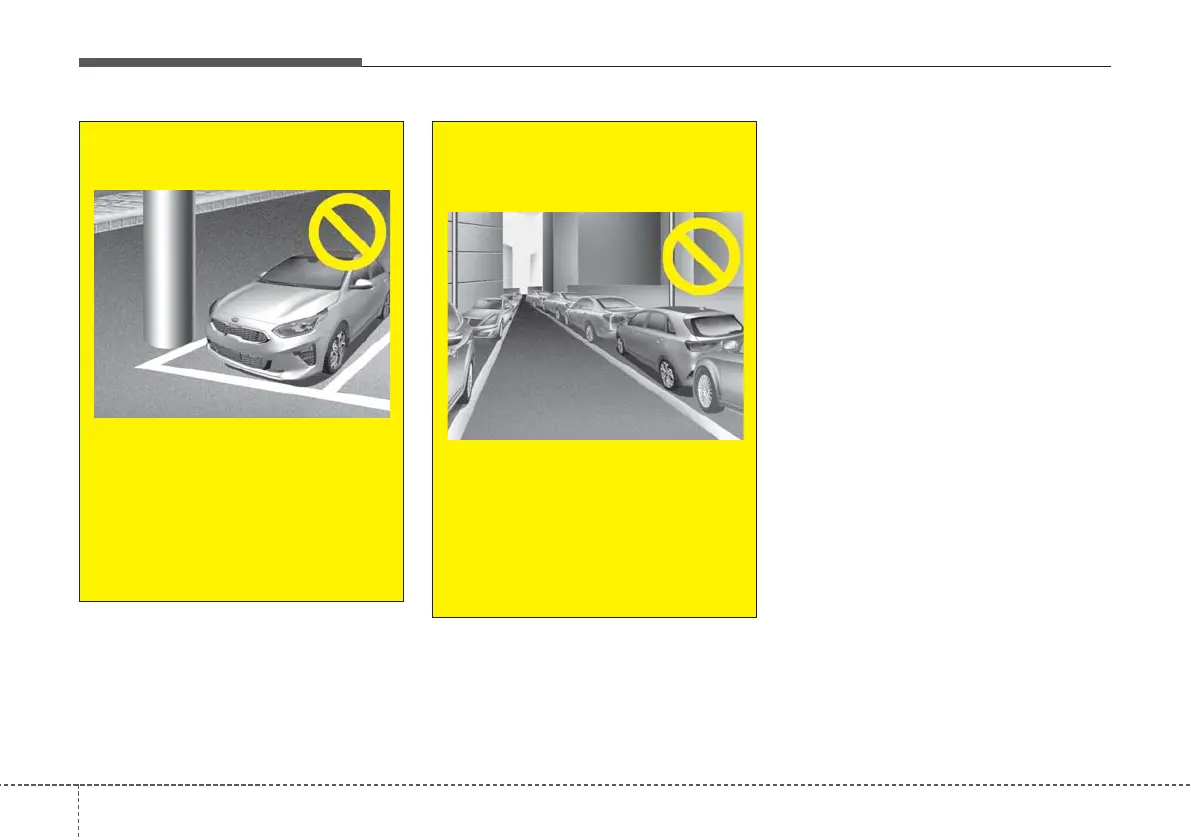
7. Obstacle in parking space
Obstacle such as a pillar may
interfere with the system when
looking for a parking space.
Even though, a parking space is
available the system may not
detect a parking space.
(Continued)
OCD048014
(Continued)
8. Leaving a parking space near
a wall
When leaving a parking space
that is narrow and near a wall,
the system may not work prop-
erly. When leaving a parking
space similar to the above pic-
ture, the driver must watch out
for obstacles whilst leaving.
OCD048011



 To Next Page