4117
Features of your vehicle
1. Activate Parking Assist
• Press the Parking Assist button
(the button indicator will illumi-
nate).
• The Parking Assist System will be
activated (the button indicator will
illuminate).
A warning sound will be heard if an
obstacle is detected.
• Press the Parking Assist button
again for more than 1.5 seconds to
turn off the system.
• The Parking Assist defaults to the
OFF position whenever the ignition
switch is turned on.
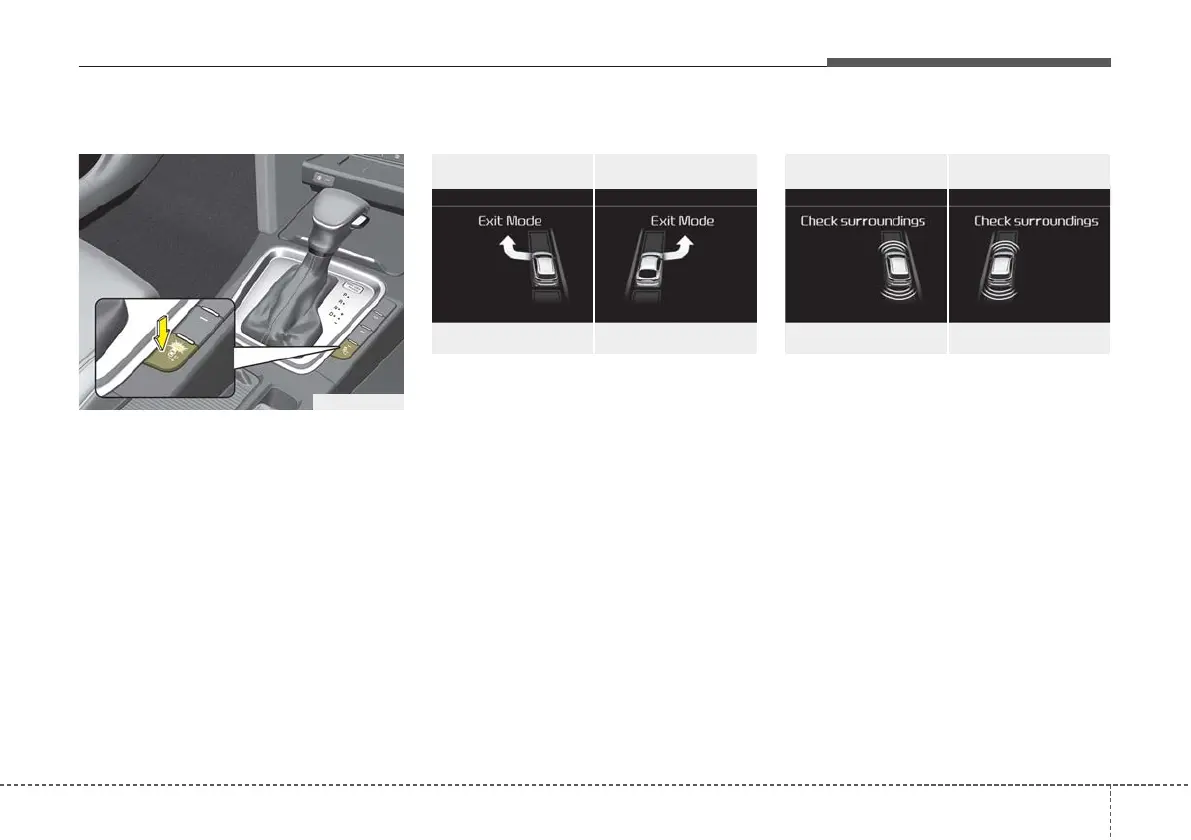
2. Select Exit Mode
• Select the mode by pressing the
Parking Assist button with the shift
lever in P (Park) and the brake
pedal depressed.
• The left side parallel mode is select-
ed automatically when the Parking
Assist is activated.
• To select the right side parallel
mode press the Parking Assist but-
ton once more.
• If the button is pressed again, the
system will turn off.
3. Check surroundings
The Parking Assist checks the front
and rear space to exit the vehicle
from the parking space.
OCD058060OCD058059
■ Left side
- Parallel exit
■ Right side
- Parallel exit
OCD058058OCD058057
■ Left side
- Parallel exit
■ Right side
- Parallel exit
OCD048015R



 To Next Page