4159
Features of your vehicle
Adjusting the driver and passenger
side temperature equally
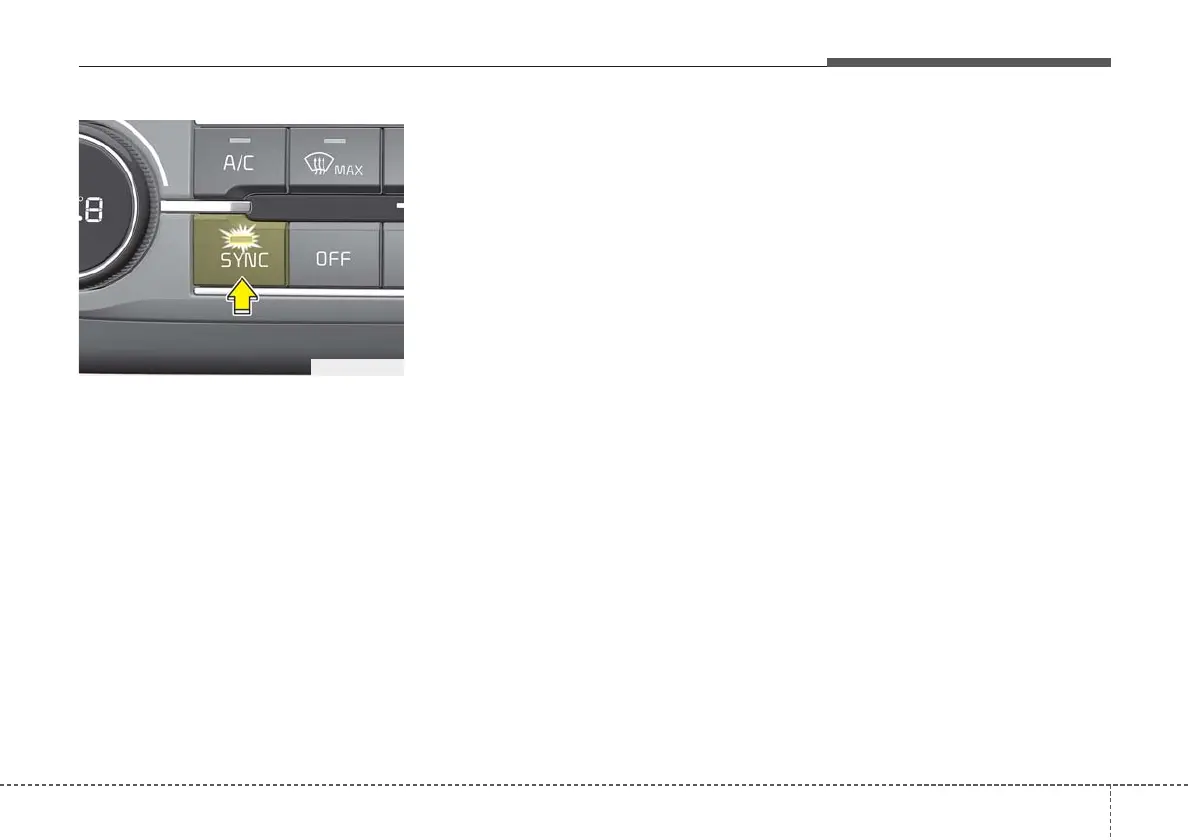
• Press the “SYNC” button to adjust
the driver and passenger side tem-
perature equally.
The passenger side temperature
will be set to the same temperature
as the driver side temperature.
• Turn the driver side temperature
control knob. The driver and pas-
senger side temperature will be
adjusted equally.
• When the third row’s seat heater
button is turned ON, the third row’s
climate and fan speed setting will
automatically follow the first row
settings.
Adjusting the driver and passenger
side temperature individually
• Press the “SYNC” button again to
adjust the driver and passenger
side temperature individually. The
illumination of button turns off.
• Operate the driver side tempera-
ture control knob to adjust the driv-
er side temperature.
• Operate the passenger side tem-
perature control knob to adjust the
passenger side temperature.
Temperature conversion
You can switch the temperature
mode between Centigrade to
Fahrenheit as follows:
Whilst pressing the OFF button,
press the AUTO button for 4 seconds
or more.
The display will change from
Centigrade to Fahrenheit, or from
Fahrenheit to Centigrade.
If the battery has been discharged or
disconnected, the temperature mode
display will reset to Centigrade.
OCD048309R



 To Next Page