635
Driving your vehicle
• Select trip computer mode on the
LCD display and move to the trans-
mission temperature screen to see
the temperature of the dual clutch
transmission.
• Try to drive so that the temperature
gauge do not show high/overheat.
When the transmission is over-
heated, the warning message will
display on the LCD. Follow the dis-
played message.
• The transmission temperature is
displayed in three colours (white,
orange and red) as it increases.
• Orange temperature gauge is dis-
played right before the warning
message appears on the LCD dis-
play. (if equipped)
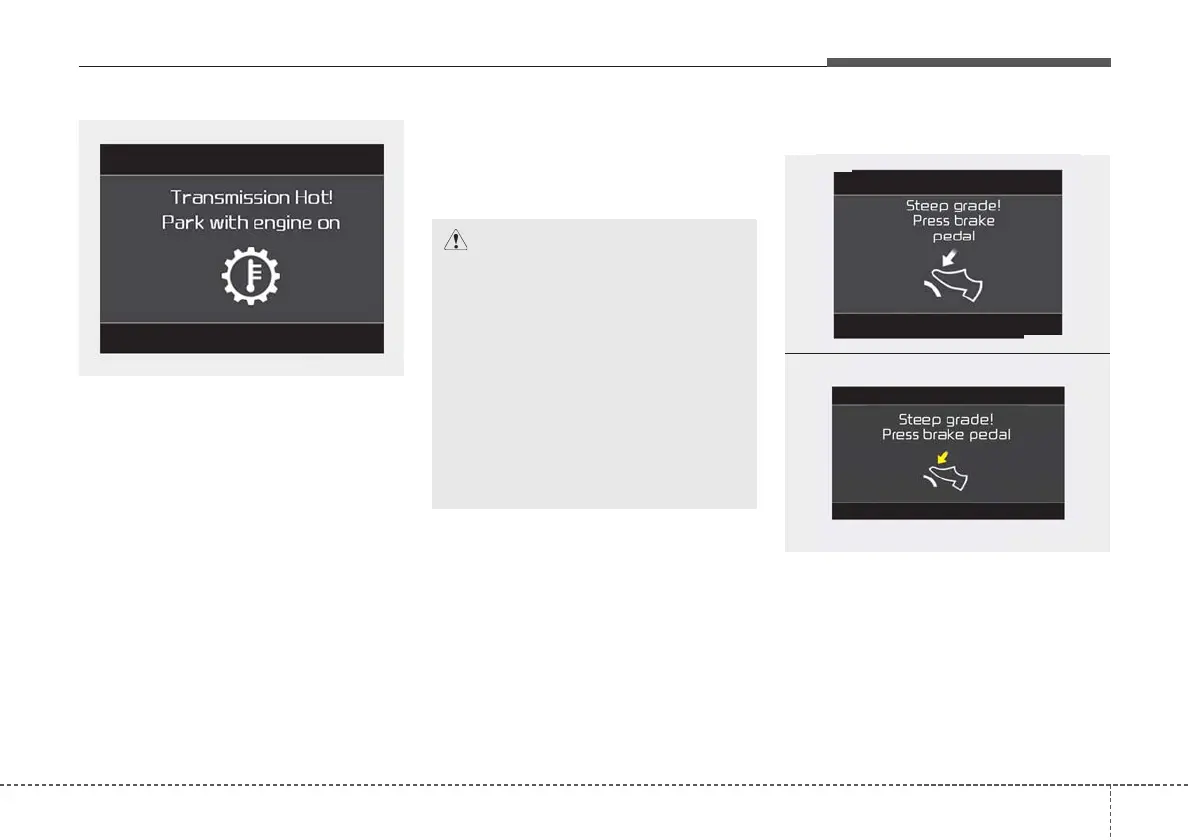
DCT warning messages
This warning message is displayed
when vehicle is driven slowly on a
grade and the vehicle detects that
the brake pedal is not applied.
CAUTION
• Increase (high temperature) of
the transmission temperature
gauge usually appears on an
incline when the vehicle is
stopped for a long time using
accelerator pedal, without
depressing the brake pedal.
• To maintain the optimal trans-
mission performance, drive so
that the white gauge is not
exceeded. (if equipped)
OJF058368L
OJF058362L
OJF058363L
■ Type A
■ Type B



 To Next Page