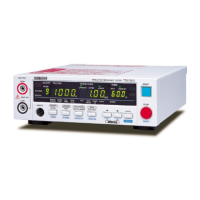
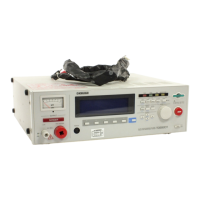
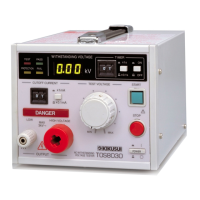
10 TOS5200
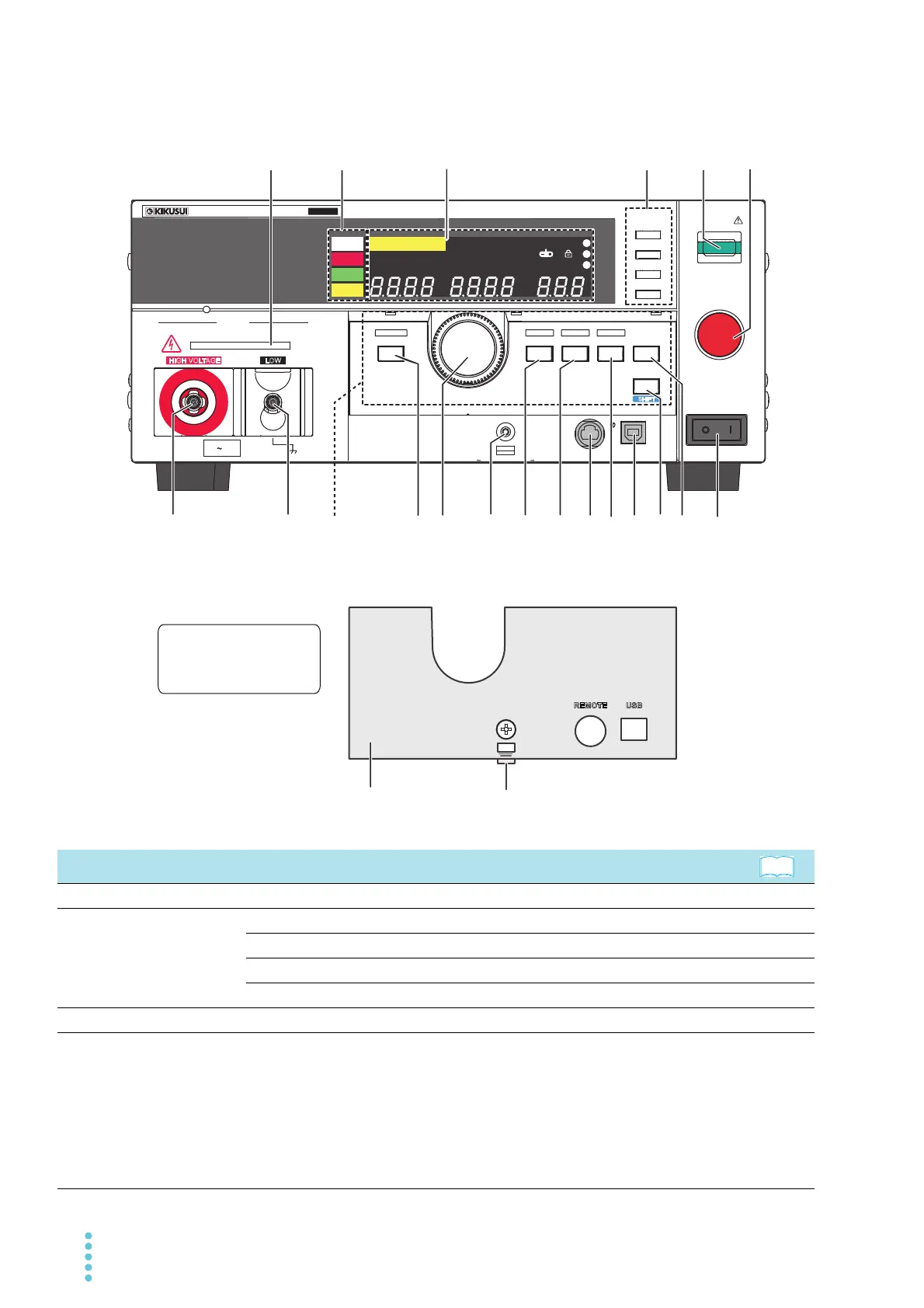
Front Panel
No. Name Function
1 DANGER LED Lights in red when a test is being performed. p.48
2 Status indicators
READY: Lights in white when the TOS5200 is ready to perform a test. p.48
TEST: Lights in red when a test is being performed. p.48
PASS: Lights in green when a test passes. p.51
FAIL: Lights in yellow when a test fails. p.51
3 Display Displays the settings, measured values, and other information. p.32
4 MEMORY keys
Press these keys to display the settings that are saved to memory.
When test conditions or configuration items are being set, these keys corre-
spond to the menus displayed on the screen.
p.37 , p.44
MEMORY 1 key: Displays the settings saved to MEMORY 1.
MEMORY 2 key: Displays the settings saved to MEMORY 2.
MEMORY 3 key: Displays the settings saved to MEMORY 3.
RECALL key: Recalls settings from panel memory.
+SHIFT key:
1
Saves the current settings to panel memory.
START
STOP
1
MEMORY
2
3
RECALL
RESET
POWER
OUTPUT
DANGER
HIGH VOLTAGE LOW
CONFIG LIMIT ON/ OFF ON/ OFF KEY LOCK
FUNCTION
SET
VOLTAGE
UPR/LWR
CURRENT
TEST/RISE
TIMER
MORE
REMOTE USB
LOCAL
S
HIFT
ACW
MAX5kV
READY
TEST
PASS
FAIL
Loosen the screw and pull this part towards you
READY
CONFIG
s
RISE TEST
RMS AVE MORE CAL RMT
MT
1
2
TEST
PAS S
FAIL
3
PROTECTION
A
LIMIT
50Hz 60Hz
kV
Mȍ
mA
UPPER
LOWER W COMP
T
OS5
200
ACW
AC WITHSTANDING
VOLTAGE TESTER
The protection cover is
attached to the TOS5200
when the product is
shipped from the factory.
19
20
1816
17
2
3
1
14
15
8
9
10
11
7
4
12
5
13
6
Test conditions
operating unit
See


 To Next Page