TOS5200 23
Turning the Power On
2
Installation and Preparation
Turning the POWER switch on
1
Connect the included SIGNAL I/O plug to the SIGNAL I/O connector.
Connecting the SIGNAL I/O plug will release the interlock feature.
2
Press the ( ) side of the POWER switch to turn the TOS5200 on.
3
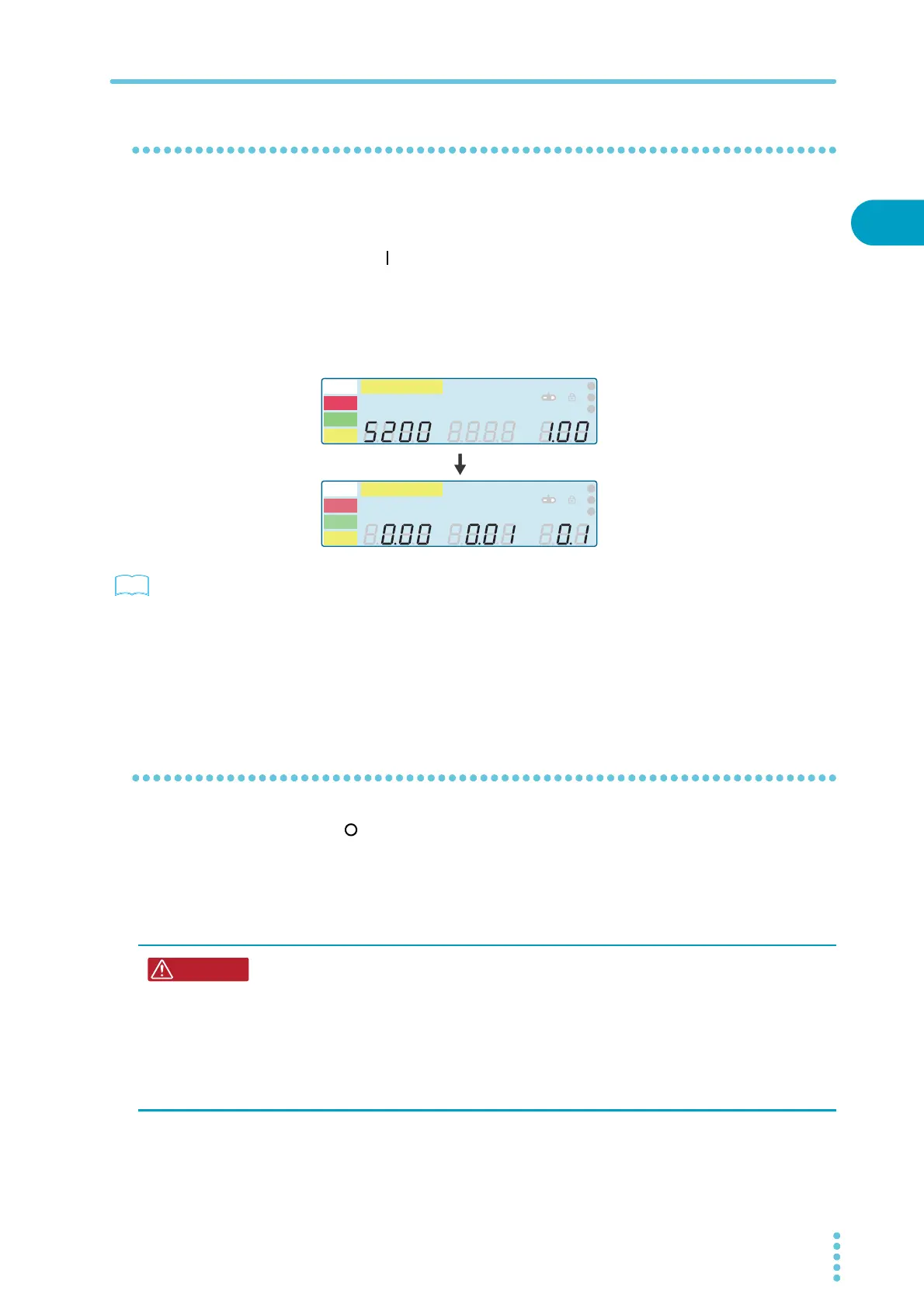
Check the firmware version (Ver x.xx) that is displayed on the screen.
Check that the firmware version screen is displayed for a few seconds, that the setup
screen for setting the withstanding voltage test conditions is displayed thereafter, and
that the tester is then in READY mode (that the READY LED lights).
p. 72
The first time that the POWER switch is turned on, the firmware version is displayed, and
then the setup screen for setting the withstanding voltage test conditions is displayed (with
the factory default settings).
The product stores the settings that are in use before it is turned off, so the next time that the
POWER switch is turned on, the TOS5200 starts with these settings.
Turning the POWER switch off
Press the ( ) side of the POWER switch to turn the TOS5200 off.
The panel settings that were in use immediately before the POWER switch was turned off are
saved. If the POWER switch is turned off immediately after the settings have been changed,
the last settings may not be stored.
A
kV
Mȍ
mA
CONFIG
RISE TEST
RMS AVE MORE CAL RMT
MT
LIMIT
50Hz 60Hz
UPPER
LOWER W COMP
s
1
2
3
READY
TEST
PAS S
FAIL
PROTECTION
A
kV
Mȍ
mA
CONFIG
RISE TEST
RMS AV E MORE CAL RMT
MT
LIMIT
50Hz 60Hz
UPPER
LOWER W COMP
s
1
2
3
READY
TEST
PAS S
FAIL
PROTECTION
Firmware version 1.00 display example
Risk of electric shock.
• After you turn the POWER switch off, wait at least 10 seconds before you turn the
POWER switch back on. It is dangerous to do otherwise, because the protective fea-
tures of the product may not work effectively.
This may cause the product to malfunction, and it may reduce the life of the POWER
switch and internal parts such as the fuses.
• Except in an emergency, do not turn the POWER switch off while output is being
generated.



 To Next Page