TOS5200 57
Starting a Test
6
External Control
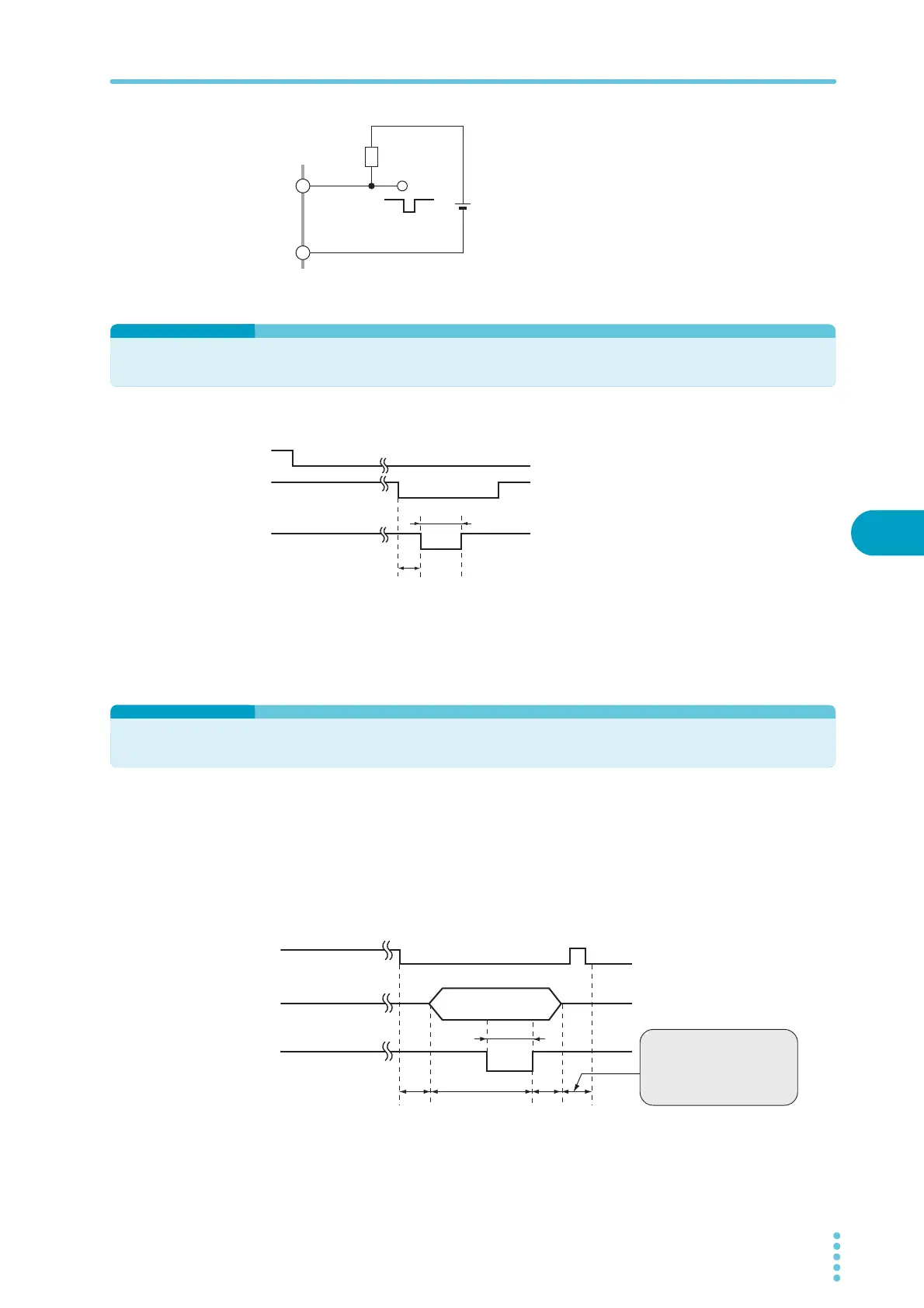
Obtaining a low-level digital signal
Use the output signal to obtain a low-level digital
signal.
Starting a Test
To use the SIGNAL I/O connector to start a
test, set the ENABLE signal to low level. When
at least 1 ms has elapsed after the READY sig-
nal was set to low level, set the START signal
to low level for at least 5 ms. After a valid
START signal has been detected, the READY
signal is set to high level.
When the ENABLE signal is low, the START
signal of the SIGNAL I/O connector is enabled,
and the panel’s START switch and the START
input of the REMOTE terminal are disabled.
Recalling Panel Memory and Test Modes
Selecting the panel memory
The PM and STB signals are processed with the timing shown below. Check that the READY
signal is low level.
The relationship between the PM0 and PM1 signals and the panel memory number that is
recalled is shown in the table below.
COM
30 V or
less
R
A
Low level during signal
generation
READY (OUT)
ENABLE (IN)
START (IN)
1 ms or more
5 ms or more
READY (OUT)
PM0 / PM1 (IN)
STB (IN)
10 ms or more
1 ms
or
more
1 ms
or
more
5 ms or
more
An interval of 1 ms or more
is required before the next
input signal is received.
Apply the START signal for
at least 50 ms.


 To Next Page