38 TOS5200
Panel Memory
Recalling test conditions
1
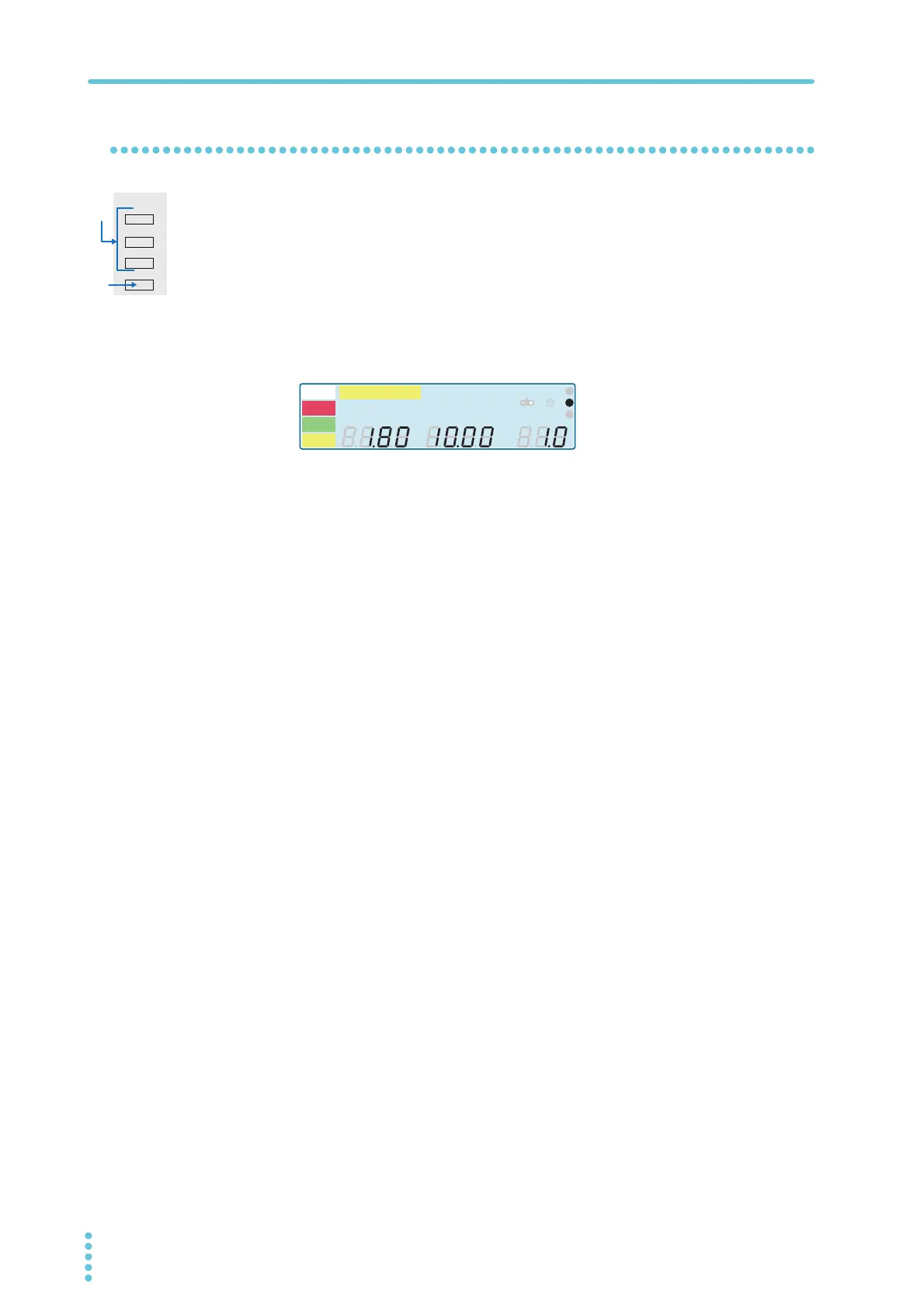
Press MEMORY 1, MEMORY 2, or MEMORY 3 to specify the memory
number (1 to 3) from which you want to recall test conditions.
The test conditions that are saved in the memory number (1 to 3) that you specified
are displayed.
2
Press RECALL to recall the test conditions that are saved in the speci-
fied memory number.
The basic setup screen is displayed, and the icon corresponding to the memory num-
ber is displayed in the icon area. The TOS5200 is now set to the recalled test condi-
tions.
If you change the recalled test conditions, the memory number disappears. Even if you set
the test conditions back to the values that are stored in memory, the memory number will not
reappear.
Example: The test conditions
that were saved in MEMORY
2 have been recalled.
A
kV
Mȍ
mA
CONFIG
RISE TEST
RMS AV E MO RE CA L R M T
MT
LIMIT
50Hz 60Hz
UPPER
LOWER W COMP
s
1
2
3
READY
TEST
PAS S
FAIL
PROTECTION



 To Next Page