36 TOS5200
Panel Operations
Locking panel operations (key lock)
The key lock feature can be used to prevent changes to the test conditions due to incorrect
operations.
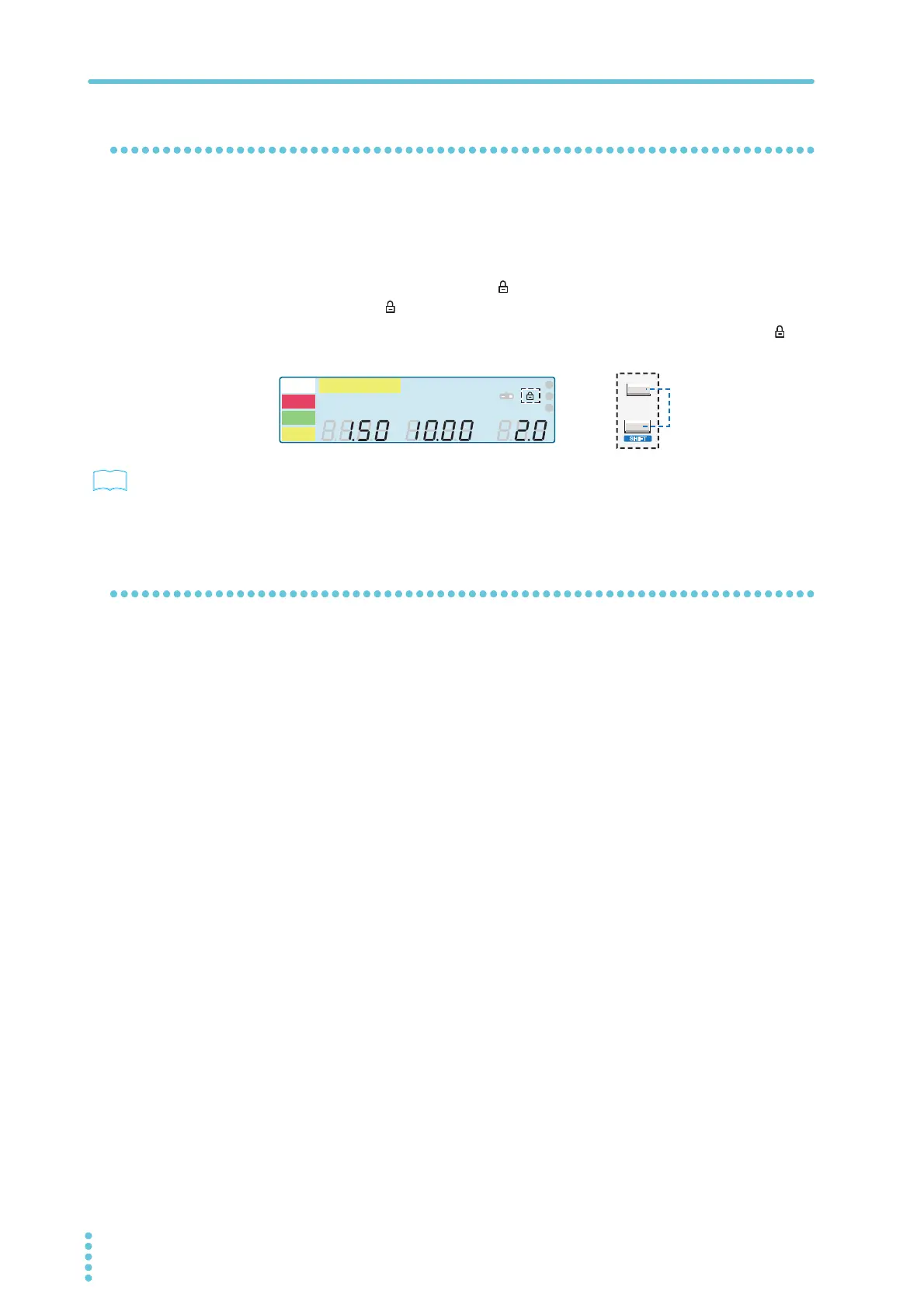
To lock the panel operations, press KEY LOCK (SHIFT+MORE).
In this state, only the START and STOP switches are enabled.
When keys are locked, the key lock icon appears on the screen. If you try to use a locked
key, the key lock icon ( ) blinks for approximately 2 seconds.
To release the key lock, hold down KEY LOCK (SHIFT+MORE) until the key lock icon dis-
appears.
p. 21
If you will run tests using conditions that you have recalled from memory, we recommend that
you use the protection cover.
Talk mode
This feature enables you to control the product in the same manner as remote control without
using commands from a PC. It can reduce processing on the PC.
If you turn talk mode on, you cannot control the product from a PC. To control the product
from a PC, turn talk mode off.
For details on talk mode, see the communication interface manual.
A
kV
Mȍ
mA
CONFIG
RISE TEST
RMS AVE MORE CAL RMT
MT
LIMIT
50Hz 60Hz
UPPER
LOWER W COMP
s
1
2
3
READY
TEST
PAS S
FAIL
PROTECTION
MORE
KEY LOCK
LOCAL
S
HIFT



 To Next Page