TOS5200 41
5
Withstanding Voltage Test
Setting Test Conditions
p. 31
For details on how to select settings and enter values, see “Panel Operation Basics”.
p. 24
For details on how to connect the TOS5200 to the DUT, see “Connecting to the Device under
Test (DUT)”.
p. 40
For details on the LOWER and UPPER settings, see also “About Judgment”.
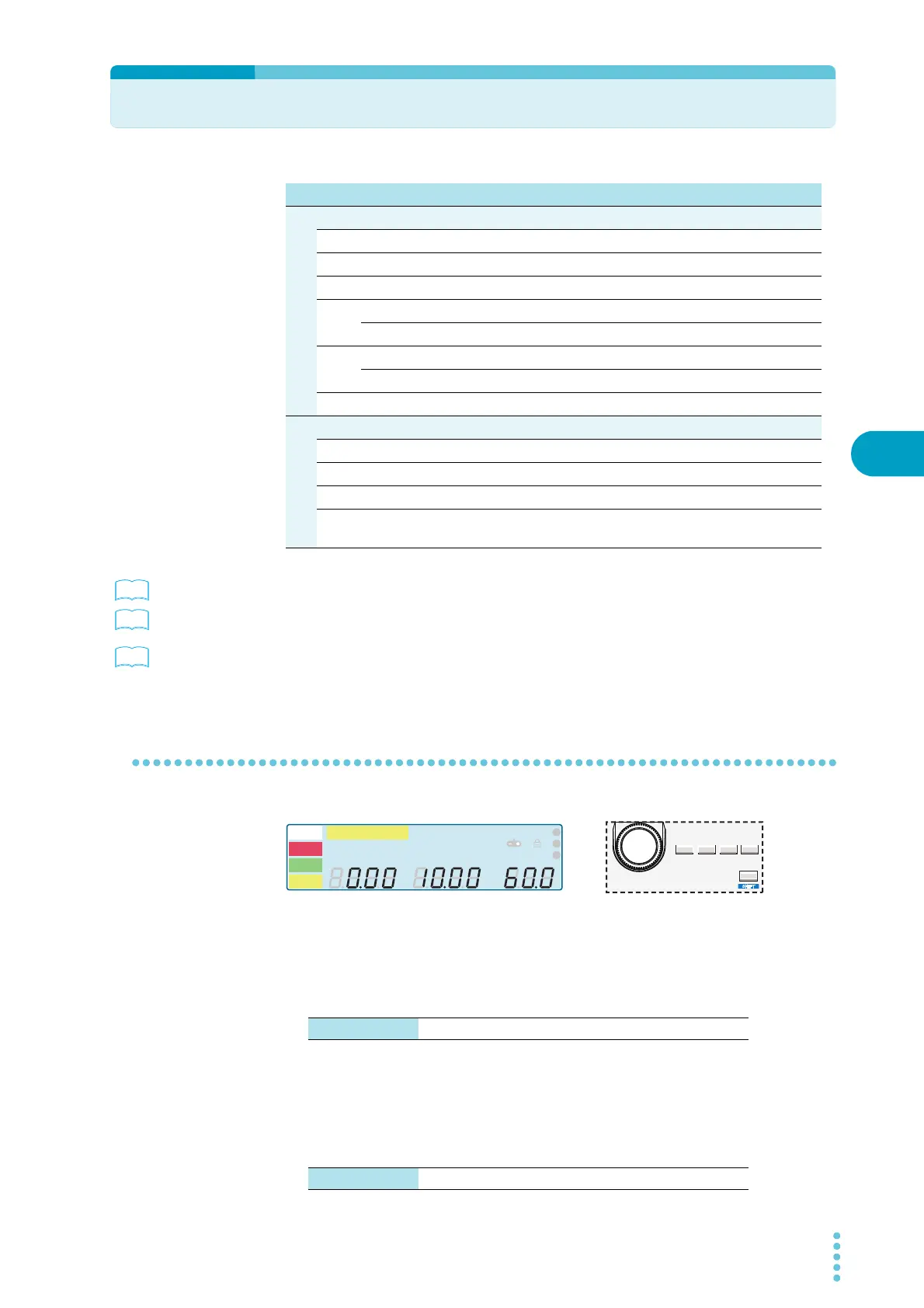
Test conditions (basic items)
Test voltage (Voltage)
Sets the test voltage. You cannot specify a voltage that is greater than or equal to the limit
voltage.
Limit voltage (LIMIT)
Sets the limit voltage. This prevents an unnecessarily high voltage from being applied to the
DUT because of incorrect operations of the TOS5200.
Test condition Panel operation
Basic item
Test voltage (Voltage) SET key, rotary knob
Limit voltage (LIMIT) LIMIT (SHIFT+SET) key, rotary knob
Upper limit (UPPER) UPR/ LWR key, rotary knob
Lower limit (LOWER) UPR/ LWR key, rotary knob
on/ off ON/ OFF (SHIFT+UPR/ LWR) key
Test time (TEST) TEST key, rotary knob
on/ off ON/ OFF (SHIFT+ TEST) key
Voltage rise time (RISE) TEST key, rotary knob
Additional items
Test voltage frequency (Frequency) MORE key, rotary knob
Start voltage (Start Voltage) MORE key, rotary knob
Voltage fall time (Fall Time) MORE key, rotary knob
Voltage/current measurement mode
(Measurement)
MORE key, rotary knob
A
kV
Mȍ
mA
CONFIG
RISE TEST
RMS AVE MORE CAL RMT
MT
LIMIT
50Hz 60Hz
UPPER
LOWER W COMP
s
1
2
3
READY
TEST
PAS S
FAIL
PROTECTION
SET UPR/LWR TEST MORE
LIMIT ON/OFF ON/OFF KEY LOCK
LOCAL
SHIFT
Test voltage 0.00 kV to 5.50 kV
Limit voltage 0.00 kV to 5.50 kV



 To Next Page