45
EN
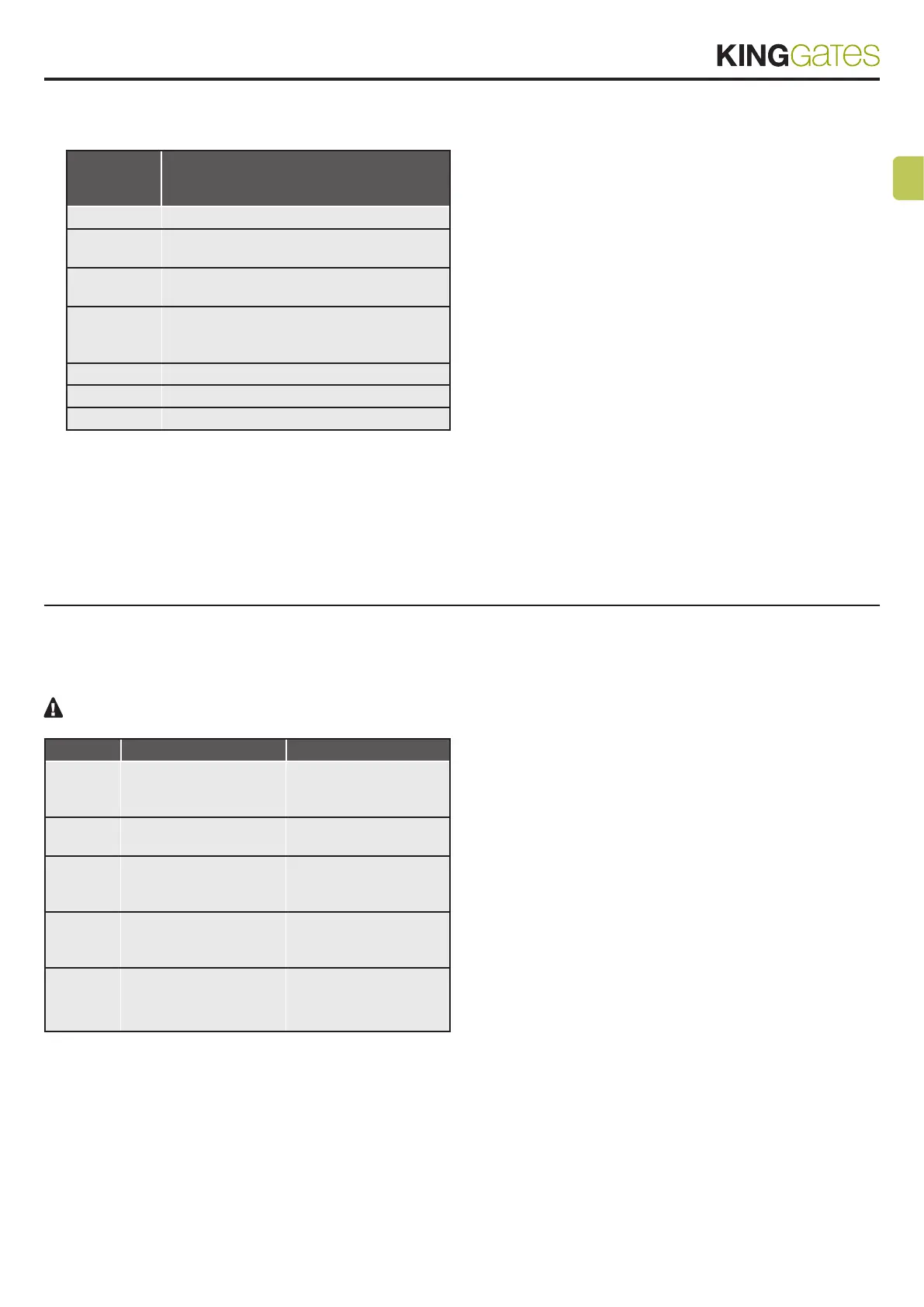
- In standby mode, the LEDs shows the current error type with a
series of regular ashes according to the following scheme:
Number of
ashes per
series
Error description
1 On-board memory fault
2
Photo-test of safety devices failed. See Para-
graph 4.1 for solving the problem.
3
Automation’s movement programming re-
quired. See Paragraph 6.
4
Input “S1 Edge” set as a resistive edge and
check failed. See Paragraph 13.4 for solving
the problem.
5 Power limit threshold
6 Obstacle detection due to encoder
7 Obstacle detection due to current
9. RESET procedure
Reset procedure deletes door travel parameters (par. 6) and all ad-
vanced functions (par. 11). It can be performed in case of program-
ming mistakes and it brings the STAR GDO control board back to
factory settings.
This reset doesn’t affect memorized radio transmitters (see par. 5
for radio trasmitters management).
STEP
ACTION RESULT
1
PRESS THE START
BUTTON FOR 8
SECONDS
All LED ash
2
RELEASE THE START
BUTTON
All LED continue to ash
3
PRESS THE START
BUTTON FOR 3
SECONDS
All LED light up in series
4
RESET IS NOW
COMPLETED
The red “ERROR” LED
lights ashes 3 times
continuosly
5
A NEW PROGRAMMING
OF THE AUTOMATION’S
MOVEMENTS IS REQUIRED



 To Next Page