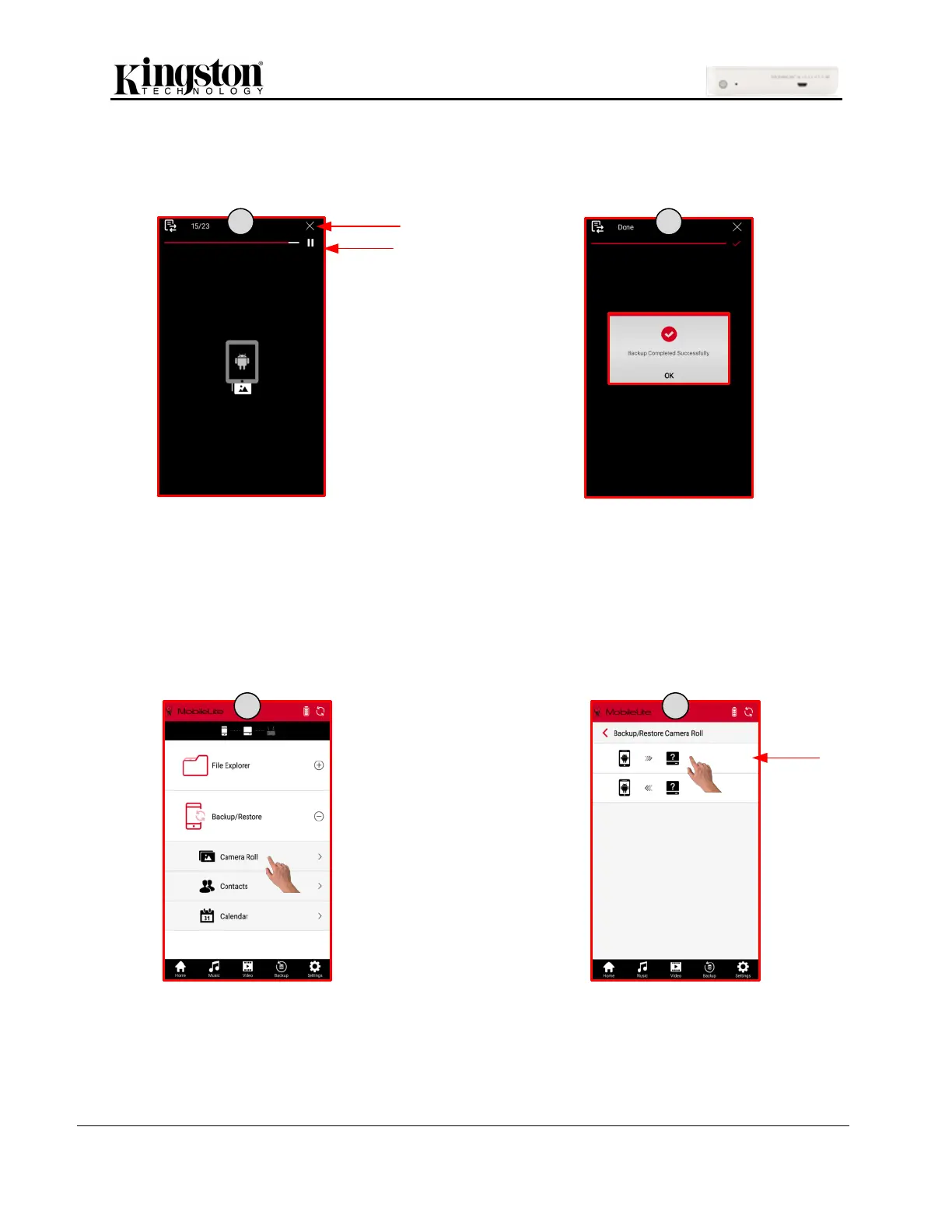
5. Once finished a pop-up will confirm backup was completed-successfully and confirmed with
another screen with a red check mark. You can exit by clicking the home icon or the ‘X’ at the top
of the screen.
Note: In order to continue to back up from the previous successful location in camera roll, the same storage device
and folder needs to be used. Also, the database (db) folder created by the ‘One Key Backup’ cannot be deleted.
Using Backup/Restore
1. On the home page, expand ‘Backup/Restore’ and click ‘Camera Roll’.
2. Click the backup option.



 To Next Page
 Loading...
