Music Player
The MLW app has a built in music player that enables you to listen to music. The music player will
continue to run in the background in the case that you decide to view a slide show, browse the web, or
work on another project.
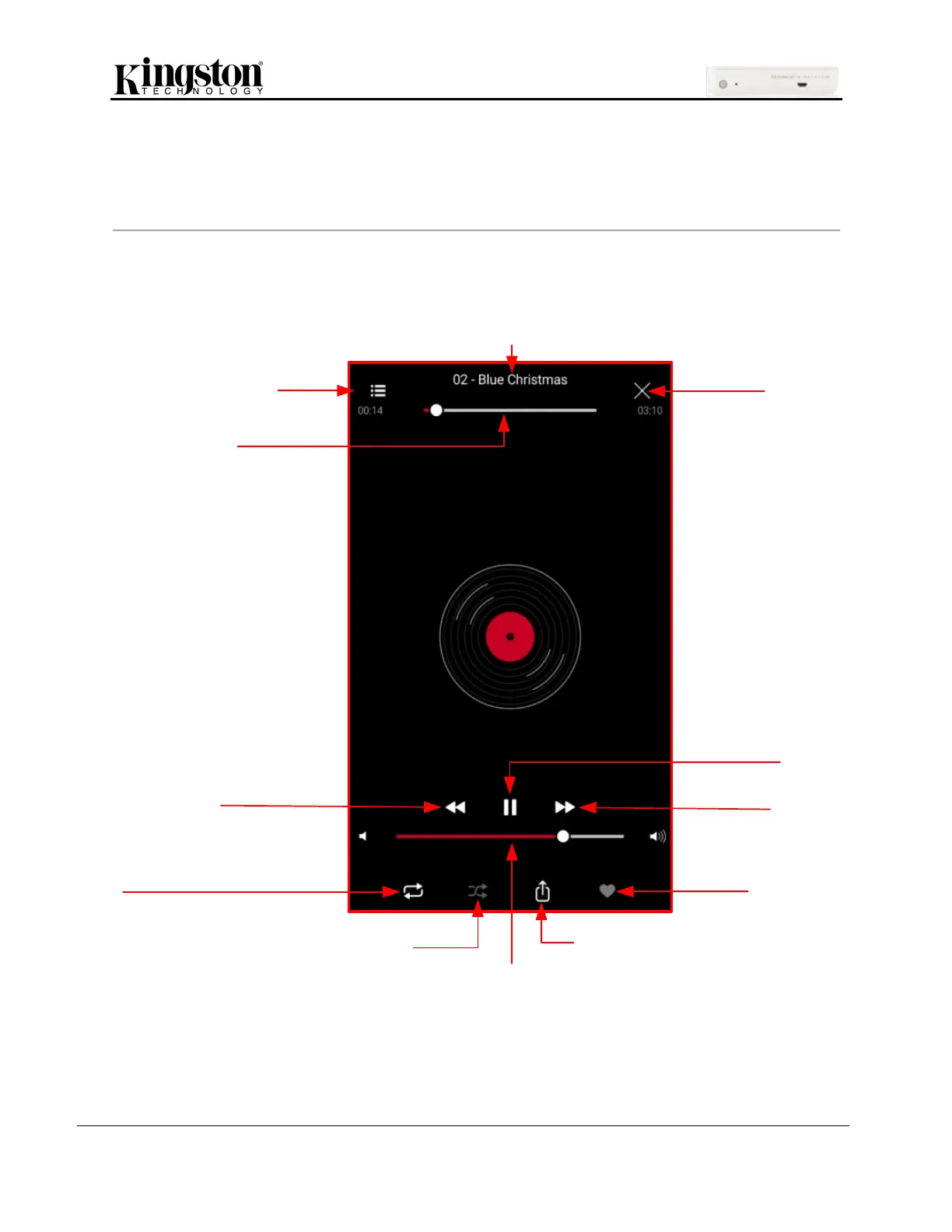
Below are the available commands for the music player. If you navigate to a different location within the
app during audio playback, a mini music player will appear at the bottom of the screen. Clicking the mini
music player will return to the music player regardless of your current location in the app.


 To Next Page
 Loading...

