A75UM1E1 (Ver. E.2)
1-3
1.3 Features
An image scanner for a large original
K-75 series is available to scan 36 inches wide original in maximum.
The scanning speed is any of 50.95mm (per a second), 80mm, 120mm and 160mm.
When you connect the K-75 series with such digital printers as KIP1230E, KIP2720E, KIP3620E,
and KIP9010, they will work as a digital copier.
The following are combination of scanner and printer in same speed.
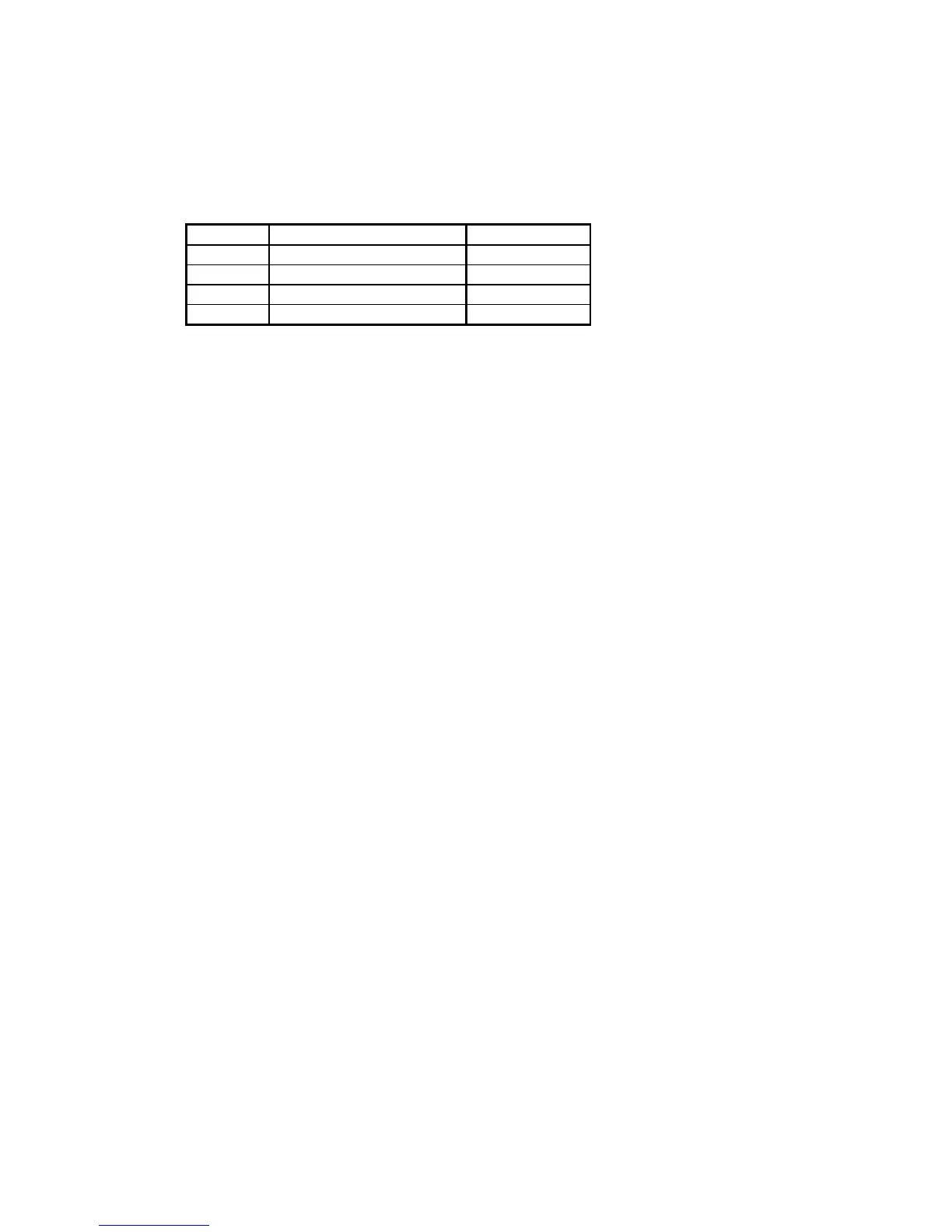
Scanner Printer Speed
KIP2050 - 50.95mm/sec.
KIP2080 KIP2720E 80mm/sec.
KIP2120 KIP3620E and KIP1230E 120mm/sec.
KIP2160 KIP9010 160mm/sec.
Fine quality of image scanning
400 dpi scanner head is used.
Scanned images such as letters and diagrams are copied clearly with fine quality.
Level of reading density (Threshold Level) is adjustable.
Since K-75 series has 17 Threshold Levels, it is possible to select the best level for reading
original’s image.
It is also possible to select the Threshold Level by automatic selection.
Scanned image is compensated by the loaded software.
Halftone images are expressed in the pseudo gray scale by this software.
Reduction, enlargement and multiple sheets of copying
Since the memory is installed, it is possible to adjust the zoom ratio from 25.0% to 400.0% in 0.1%
increment.
Also it is possible to do a multiple sheets of copying up to 999 sheets for one original at one time.
Abundant interface function
Parallel Terminals are provided for printer’s output and computer’s input and output.
Space and energy saving design
K-75 series is formed as a compact desktop type with a rationalized design.
Therefore, it is possible to install it in a small space in the office.
K-75 series has Power Save Modes so as not to consume so much power when no operation is
done.
Storing multiple Copy Jobs to the memory (Pre-scan)
Even if the connected printer is not ready, it is possible to scan originals and store the scanned
image data in the memory as Copy Jobs if memory capacity allows.
Other functions
(1) Image shift (Horizontal shift : Shift and Centering)
(Vertical shift : Leading Edge and Trailing Edge)
(2) Automatic original size detection
(3) Set Copy Mode
(4) Date Stamp Mode
(5) Mirror Image Mode
(6) Negative Image Mode
(7) Auto Zoom Mode
(8) Auto Paper Mode



 To Next Page