A75UM3EK (Ver. E.2)
3-145
B. Register Zoom Ratio
[Function]
The following zoom ratios are called Standard Zoom Ratios that have been registered to the Standard
Zoom Frame as the default setting at factory forwarding.
It is possible to select them easily pressing “Reduce” or “Enlarge” in the Zoom Setting Screen
since they are used often for reduction and enlargement of standard size as “24 inches to 36 inches”
and “18 inches to 12 inches”.
Reduction standard zoom ratios : 25.0%, 45.0%, 50.0%, and 66.7%
Enlargement standard zoom ratios : 133.3%, 150.0%, 200.0%, 300.0% and 400.0%
If you have another zoom ratio you often use, it is possible to add it to the Standard Zoom Frame in
order to make it possible to select it easily pressing “Reduce” or “Enlarge” in the Zoom Setting
Screen.
This added zoom ratio is called “Register Zoom Ratio”.
The scanner has 2 kinds of Standard Zoom Frame such as Reduction Frame and Enlargement
Frame.
Each frame can have 10 zoom ratios in maximum including the above Standard Zoom Ratios.
It is possible to add 6 Register Zoom Ratios to the Reduction Frame for example.
It is possible to delete not only Register Zoom Ratio but also the above default Standard Zoom Ratios
from the Standard Zoom Frame if it is not required.
It is also possible to delete all Register Zoom Ratios from the Standard Zoom Frame by “Reset”.
[How to register the zoom ratio]
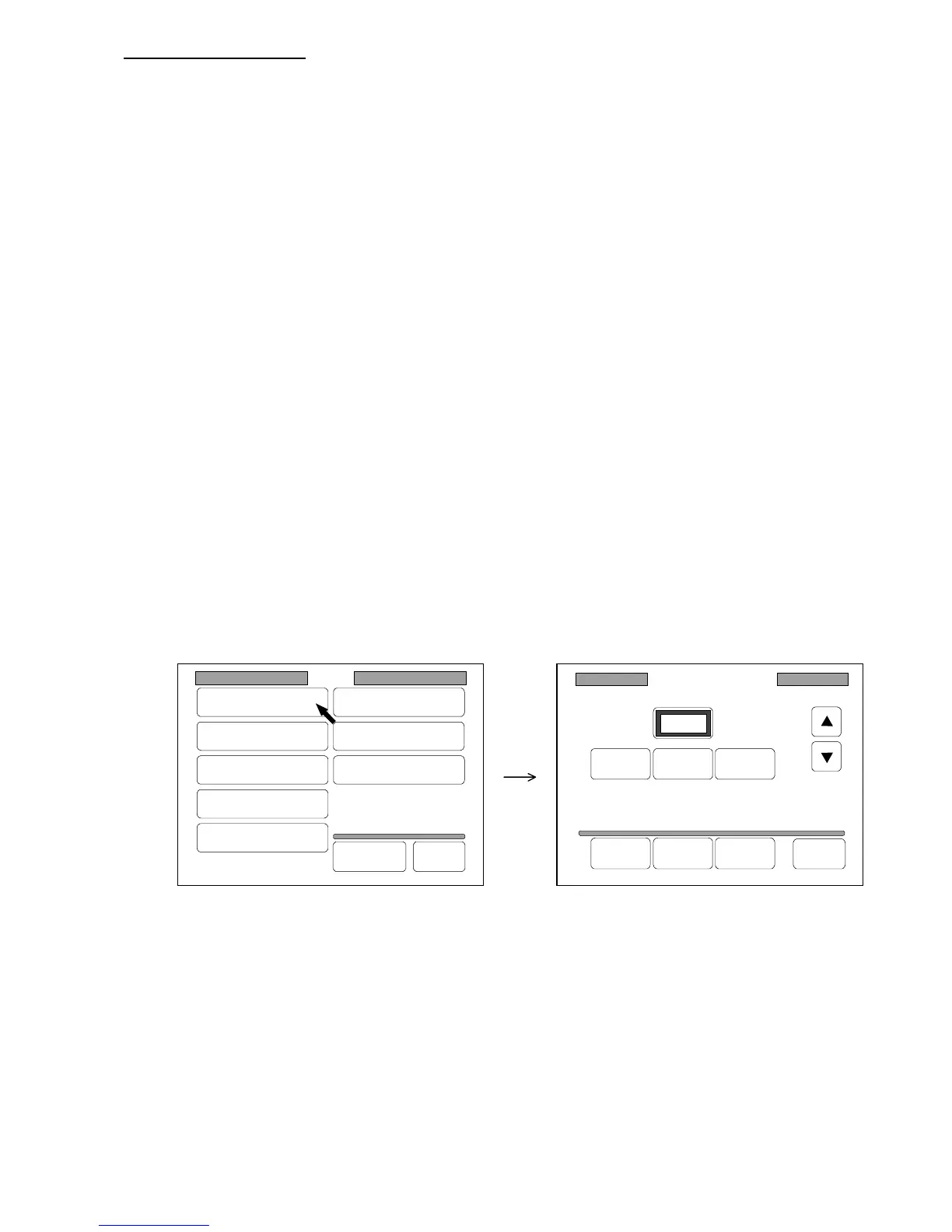
1) Press “Register Zoom Ratio” in the Setting Screen to indicate the Register Zoom Ratio Setting
Screen on the LCD.
(Register Zoom Ratio Setting Screen)
Register Zoom Ratio
Reduce 100% Enlarge
100.0%
Delete Add Reset Back
Setting
Register
Zoom Ratio
Auto Start
Standard Mode
Mode Memory
Memory
Date/Time
SCSI
Set Back
Original
Format



 To Next Page