A75UM3EI (Ver. E.2)
3-125
3.10.1 Original
[Function]
When you set the original to the scanner, the scanner automatically detects its width and indicates
the detected size on the LCD.
If you select another original size than the detected one here, it is possible to place the copy image at
another place on the copying media, and it is also possible to copy only some part of original’s image.
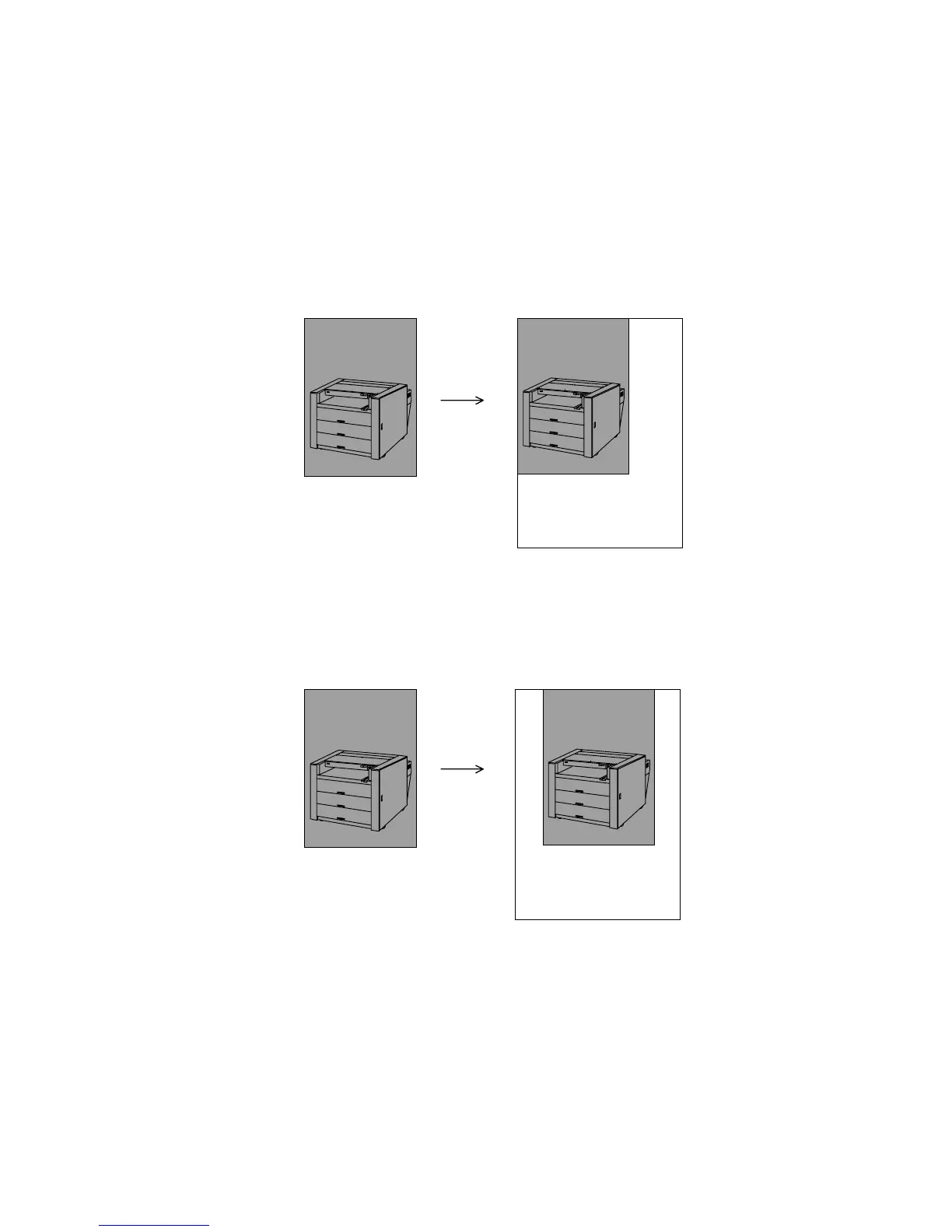
(Example 1)
If you have only 24 inches wide copying media and you will copy an 18 inches wide original by
100% zoom, the result of copy is as follows normally.
Original (18 inches) Copy (24 inches)
If you wish to place the image at the horizontal center of the copying media, select “24 inches” as
the original size.
Original (18 inches) Copy (24 inches)
KIP
KIP
KIP
KIP



 To Next Page