A75UM3EN (Ver. E.2)
3-165
I. SCSI
[Function]
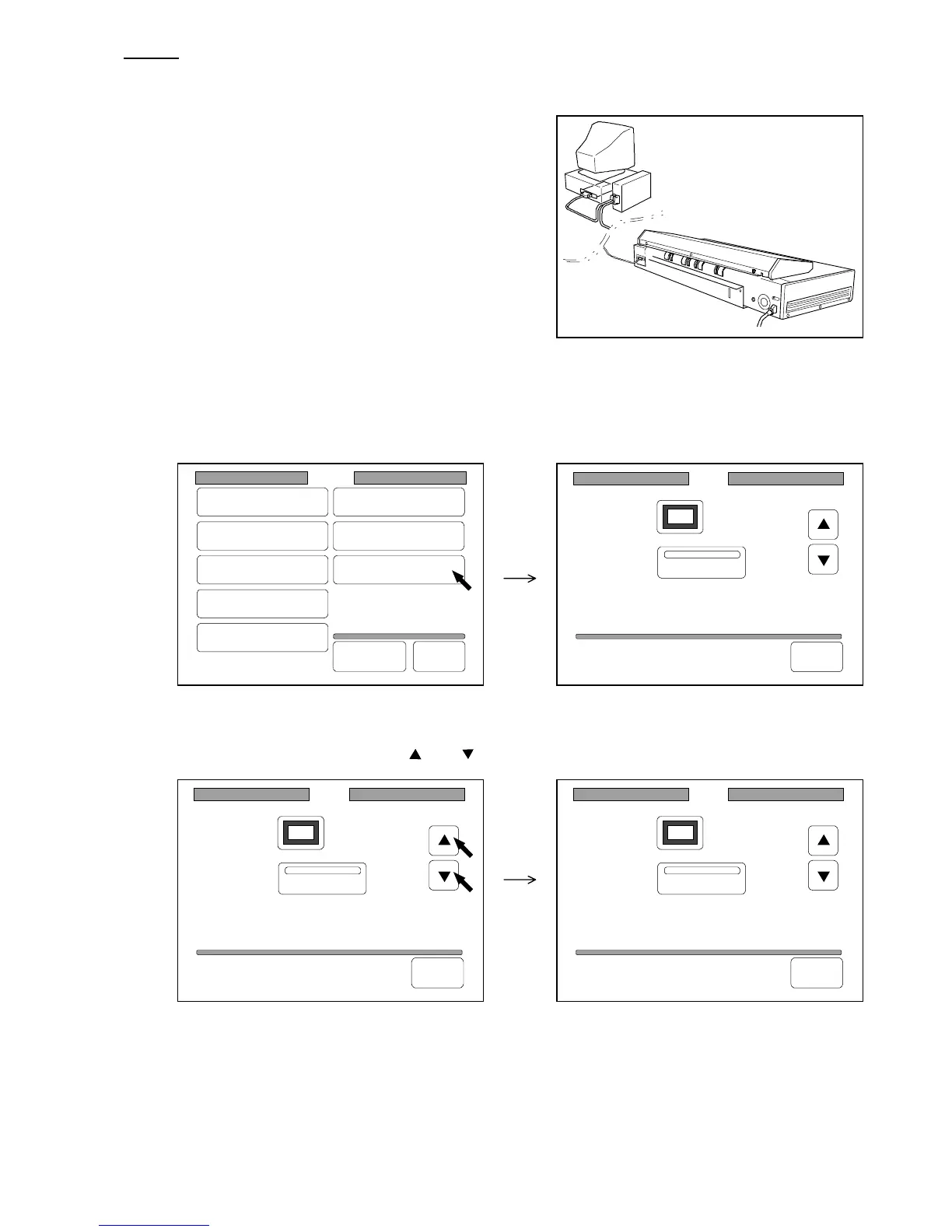
It is possible to do SCSI setting.
When you use the Scan Mode, it is required to connect
the scanner to the computer with the SCSI Cable.
In order that the computer recognizes each SCSI device,
each SCSI device should have its own ID Number.
And it is required to settle “Terminator” for the terminal
one of SCSI devices.
[Operation]
1) Press “SCSI” in the Setting Screen to indicate the SCSI Setting Screen on the LCD.
(Setting Screen) (SCSI Setting Screen)
2) Change the ID Number pressing and .
SCSI
ID: 6
Terminator
Back
SCSI
ID: 6
Terminator
Back
SCSI
ID: 5
Terminator
Back
Setting
Register
Zoom Ratio
Auto Start
Standard Mode
Mode Memory
Memory
Date/Time
SCSI
Set Back
Original
Format



 To Next Page