A75UM3EE (Ver. E.2)
3-94
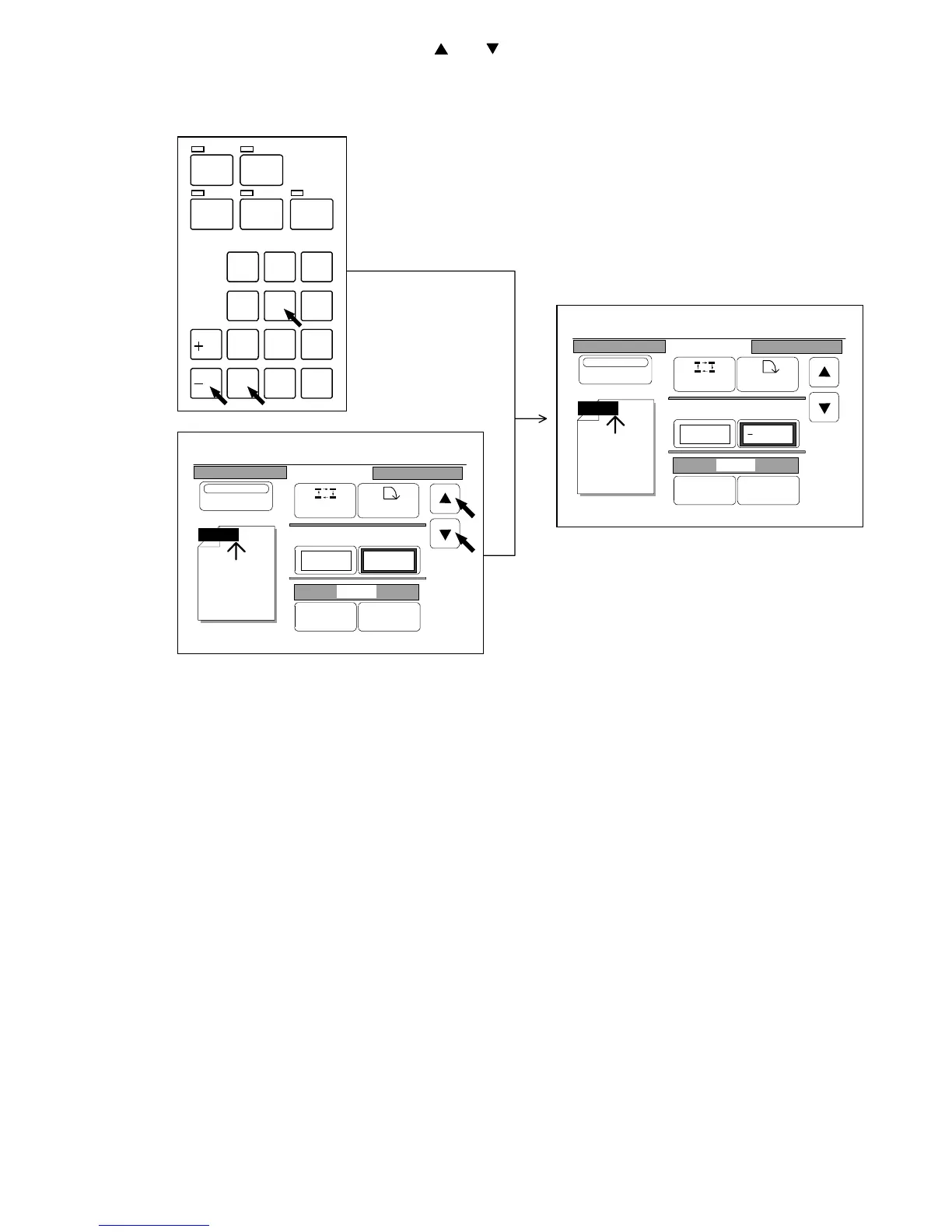
2) Change the amount of shift pressing and .
It is also possible to input your required amount of shift directly pushing Ten Keys.
If you wish to input some “minus” value, please push the “-/L” Key before inputting the value.
Note : If you inputted a wrong amount of shift with Ten Keys, clear it pushing the Clear Key.
If you do so, 0.00” is indicated again.
Then, input the correct amount.
/
L
/
R
SET COPY
ROTATE
AUTO ZOOM AUTO PAPER
CON CURRENT
PRINT
0
1
4
7
.
2
5
8
C
3
6
9
0%
001
Date Stamp
Print
Y/M/D
Position Rotate
X Shift Y Shift
0.00" 0.00"
Y/M/D
Change Detail
0%
001
Date Stamp
Print
Y/M/D
Position Rotate
X Shift Y Shift
0.00" 0.50"
Y/M/D
Change Detail



 To Next Page