A75UM2E1 (Ver. E.2)
2-2
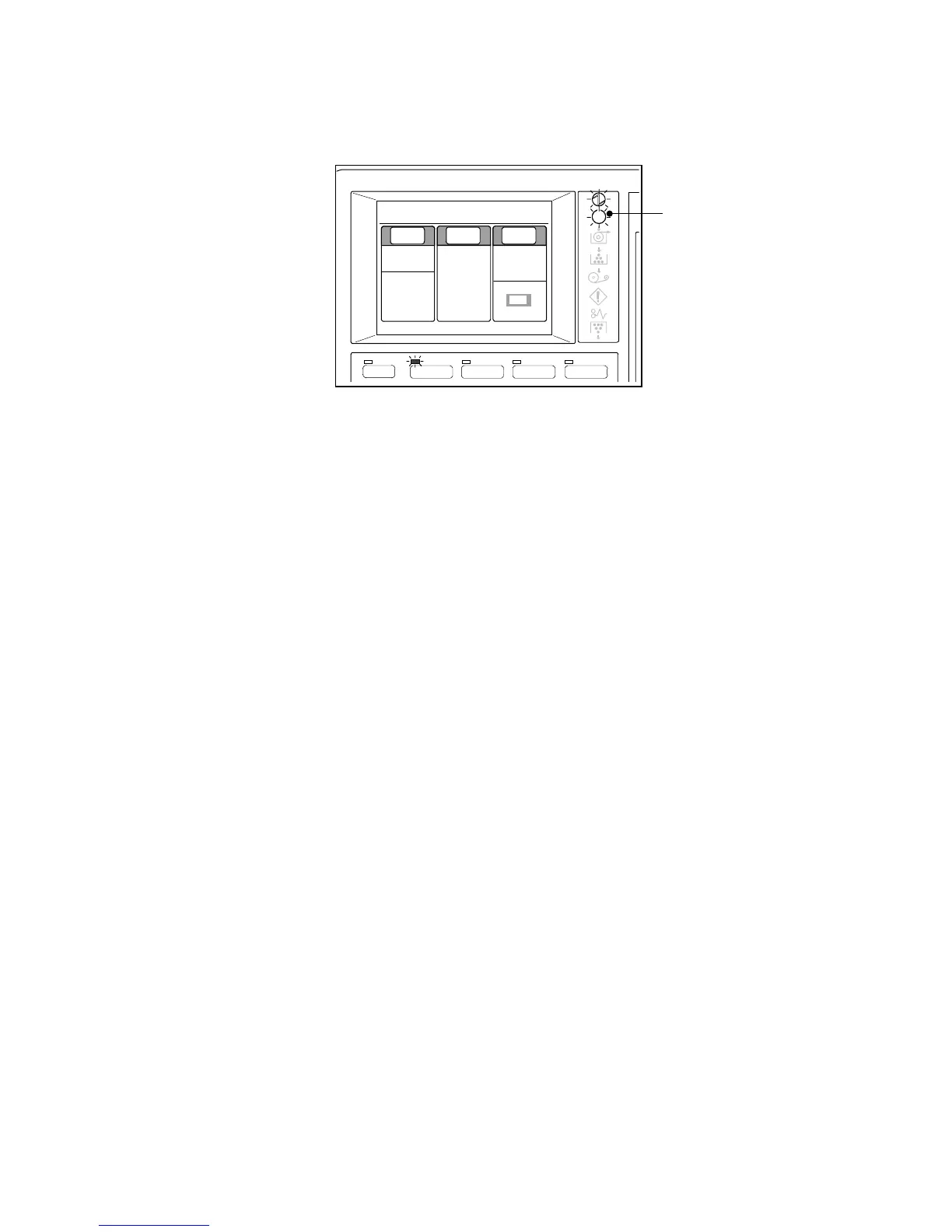
4) When the scanner gets ready, the LCD indicates the Basic Screen as the following figure.
All settings are in default conditions at this time.
If the printer is not ready for copying although the scanner has been ready, the Ready indicator
blinks.
When the connected printer gets ready, the Ready Indicator stops blinking but lights up.
Ready Indicator
MENU
BASIC SCREEN PAPER ZOOM
IMAGE QUALITY
0%
001
Paper Zoom
Image
Quality
1:36"
100.0%
Synchro
Line
Background
[Threshold]
Auto
Plain Paper



 To Next Page