EasyManua.ls Logo

KIP 2050 - Page 49

KIP 2050
252 pages
Print Icon
To Next Page IconTo Next Page
To Previous Page IconTo Previous Page
Loading...
A75UM3E2 (Ver. E.2)
3-4
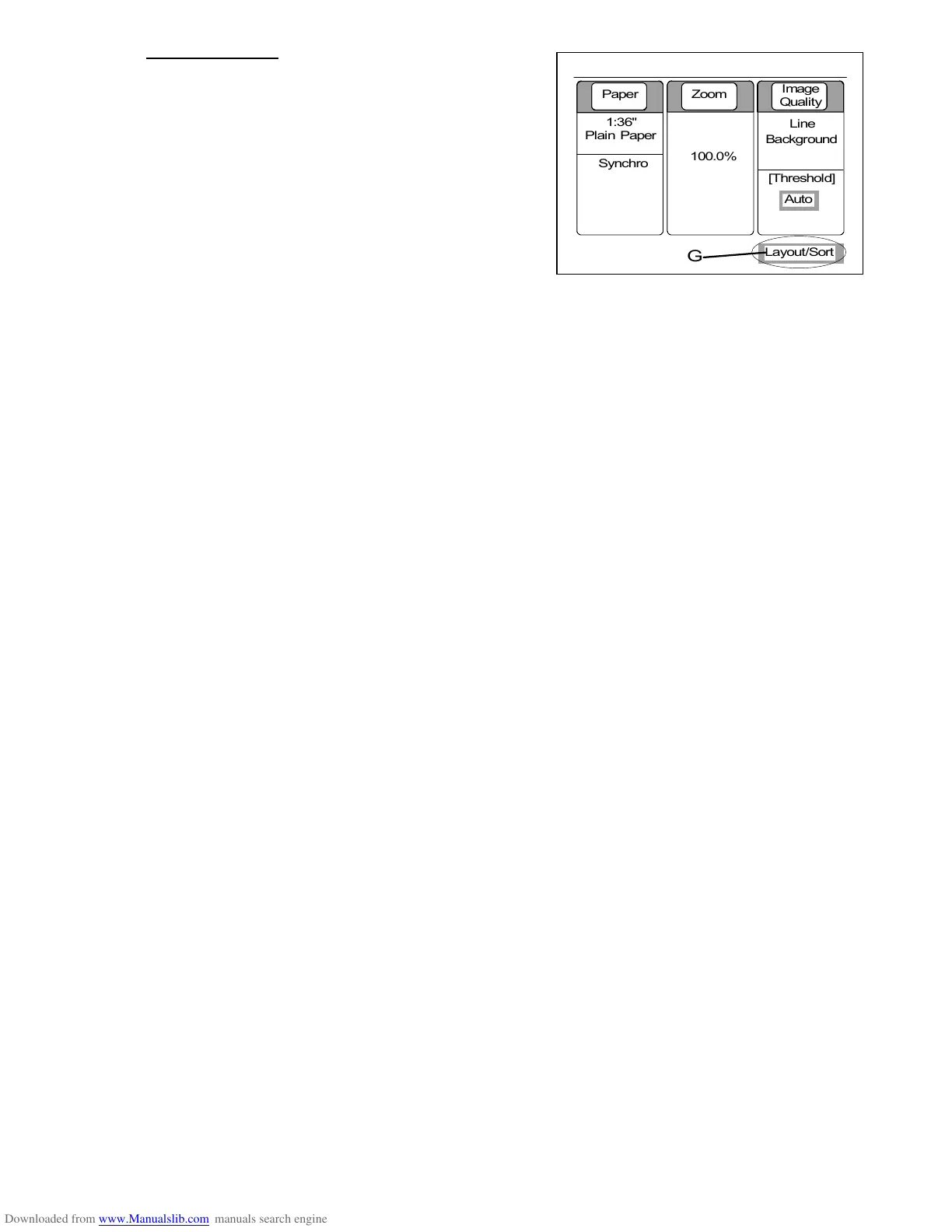
7. Layout/Sort (G)
When either Layout or Sort is done, “Layout/Sort” is
indicated in the Basic Screen.
(Note)
If you select “Layout a” or “Sort a”, however,
“Layout/Sort” is not indicated in the Basic Screen.
As for the detail, refer to “Set Copy Mode” on the
page 3-98.
0%
001










Paper Zoom
Image
Quality
1:36"
Plain Paper
100.0%
Line
Background
[Threshold]


Auto
Synchro
G
Layout/Sort

Table of Contents

Related product manuals