14
STEP-BY-STEP COOKING MODES STEP-BY-STEP COOKING MODES
Step-by-step cooking modes use multiple cooking methods to cook different kinds of
foods. Use the
key to advance from step to step. If it is necessary to back up a step,
press the
key.
Rice allows you to cook a variety of rice
types, from white rice, brown rice, wild rice
to sushi rice. Rice modes offers white and
brown rice programs for optimal results
(see table).
1. Add the measured rice and water to
the cooking pot.
NOTE: To reduce the possibility of
boilovers, rinse dry rice before adding
to pot.
2. Press
to scroll to Rice mode. Press
to select.
3. The Multi-Cooker will display For
white, press < and For brown,
press >. Use or to select the
desired type of rice, then press
.
4. Once cooking is complete, Rice
mode done, keeping warm will be
displayed and the Multi-Cooker will go
into Keep Warm mode. When in keep
warm mode without setting timer, the
Multi-Cooker will automatically turn off
after 24 hours.
NOTE: Default cook time is for 1 cup
(190 g) of dry rice. You can adjust the
time based on the quantity of rice.
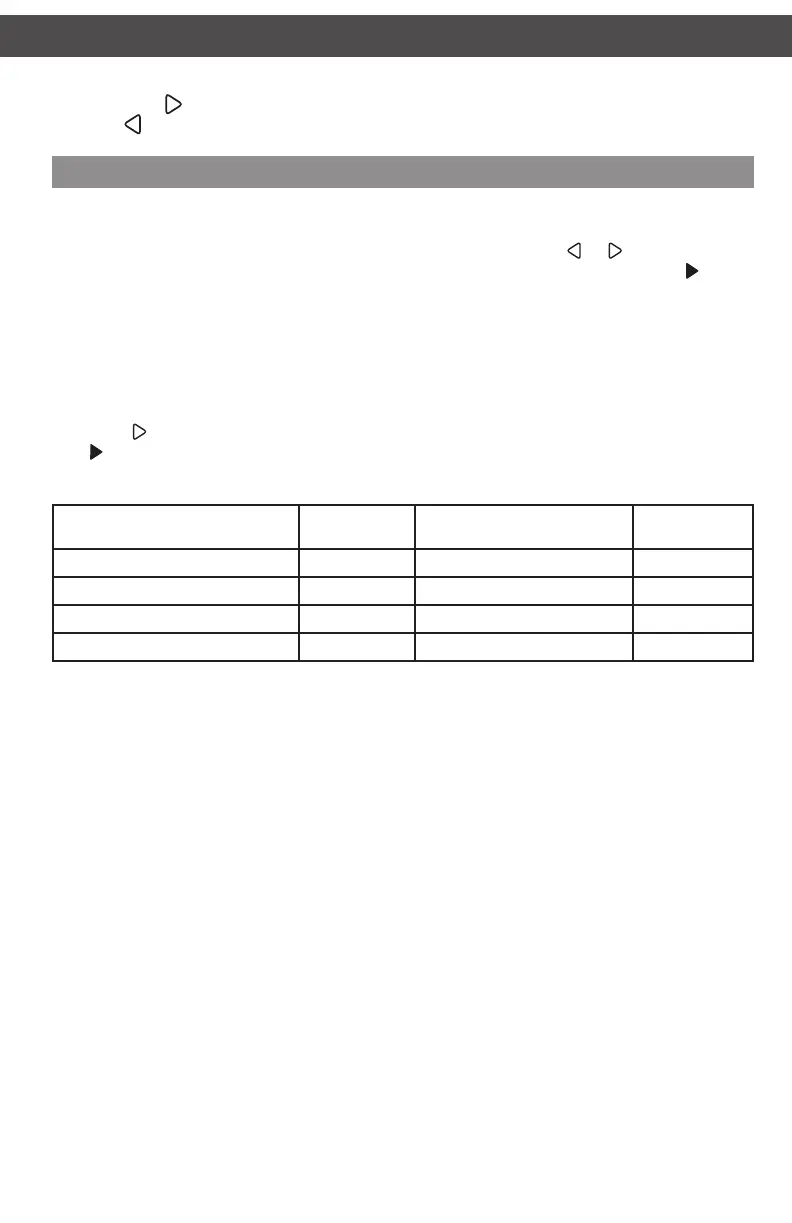
Rice Type
Dry Rice
cups (g)
Water
cups (ml)
Time
(min.)
White (long grain) 1 (190g) 1
3
/4–2
1
/4 (415–475 ml) 35*
White (medium grain) 1 (190g) 1
3
/4–2 (415–475 ml) 35*
Brown 1 (190g) 1
3
/4–2
1
/4 (415–475 ml) 55*
Sushi/White (short/grain) 1 (190g) 1
1
/4–1
3
/4 (415–475 ml) 35*
* Default time
Rice (White/Brown)
W10663380C_01_EN_v02.indd 14 2/17/15 2:37 PM



 To Next Page