23
English
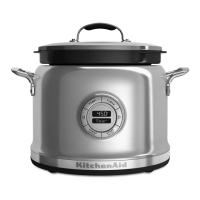
OPERATING THE MULTI-COOKEROPERATING THE MULTI-COOKER
F
Sear
Keep W
F
h
C
8
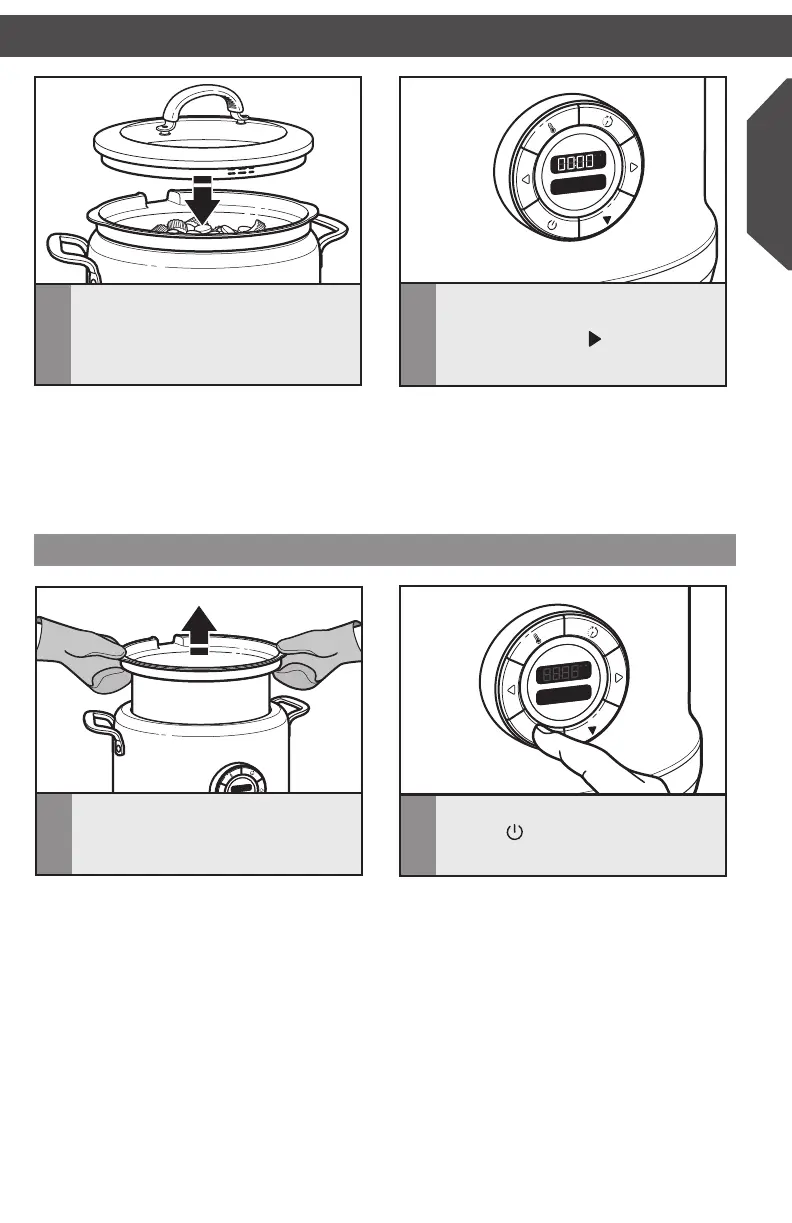
If using a Step Cooking mode, a tone
will sound when the timer (if set)
reaches 00:00. Press
and the timer
will begin counting down for the next
Step.
The Multi-Cooker will shut off automatically
after the set time period. For Slow Cook
High, Slow Cook Low, and Rice, if Auto Keep
Warm is set to ON, the Multi-Cooker will
automatically change to Keep Warm mode for
up to 24 hours.
7
Cover with lid. Rotate lid so pouring
opening is covered to help keep foods
moist.
F
Sear
Set Tim
F
h
C
2
To turn the Multi-Cooker off, press and
hold the
button for three seconds.
F
F
1
Use pot holders or oven mitts when
removing the cooking pot from the base
and when pouring contents.
When cooking is complete
W10663380C_01_EN_v02.indd 23 2/17/15 2:37 PM



 To Next Page