59
4. CONTROLLER OPERATION
4.1 Main menu
In the Main menu and Settings menu there are shown
elements which cooperate only with the AHU type selected in
the Service menu.
Table No. 11 Main menu
Name Default Description
System
con-
dition
Service
mode
Service mode – the system is being set up, it is not possible to
start the system, activated protection functions of selected heat/
cool exchangers
Stop – the system is stopped, dampers are closed, fans do not opera-
te, activated protection functions of the system
Stop-failure – the system is stopped, at least one blocking alarm is
triggered; check the alarm list, determine a failure source, once the
failure is eliminated reset the blocking alarm
Preliminary heat up – in case of low external temperature the
systems with water heater needs preliminary heat up
Heat up – in systems with water heater if the anti-frost thermostat
sends an alarm, the water heater heat up is initiated
Cool down – in systems with electrical heater and DX cooler or HPM/
CM module the fans are stopped after cool down time once the elec-
trical heater and/or DX cooler are stopped
Operation at level 1, 2,3 – correct operation in fan 1st, 2nd or
3rd level
Layout
number
1
Layout number for the HMI Multi function, which allows you to
manage multiple EVO_T from a single HMI touch panel
Main
menu
-
Selection of the AHU operation mode, requested temperature of
the master sensor, readout of temperatures and operation con-
ditions of fans and heat/cool exchangers, info about compressors’
operating condition, four-way valve operating condition, soleno-
id valve operating condition, low pressure gauge operating con-
dition and pressure value of pressure transducers, , reading from
CO2, VOC, PM2.5, PM10 sensors input
Timer -
It enables programming of the timer. See point 4.2 Timer for
adetailed description.
Settings -
Parameters of the control system See point 4.3 Settings for ade-
tailed description.
Service
menu
- It enables set up of the fan system.
PL/EN/ РУС
- Selection of menu language (Polish/English).
4.2 Timer
Timer
SET DATE
FR 03- 05-11
SET TIME
21:57:00
WORK MODE MONDAY
MONDAYSET TEMP
FRIDAY
WEDNESDAY
SUNDAY
TUESDAY
SATURDAY
THURSDAY
EXEPTIONS
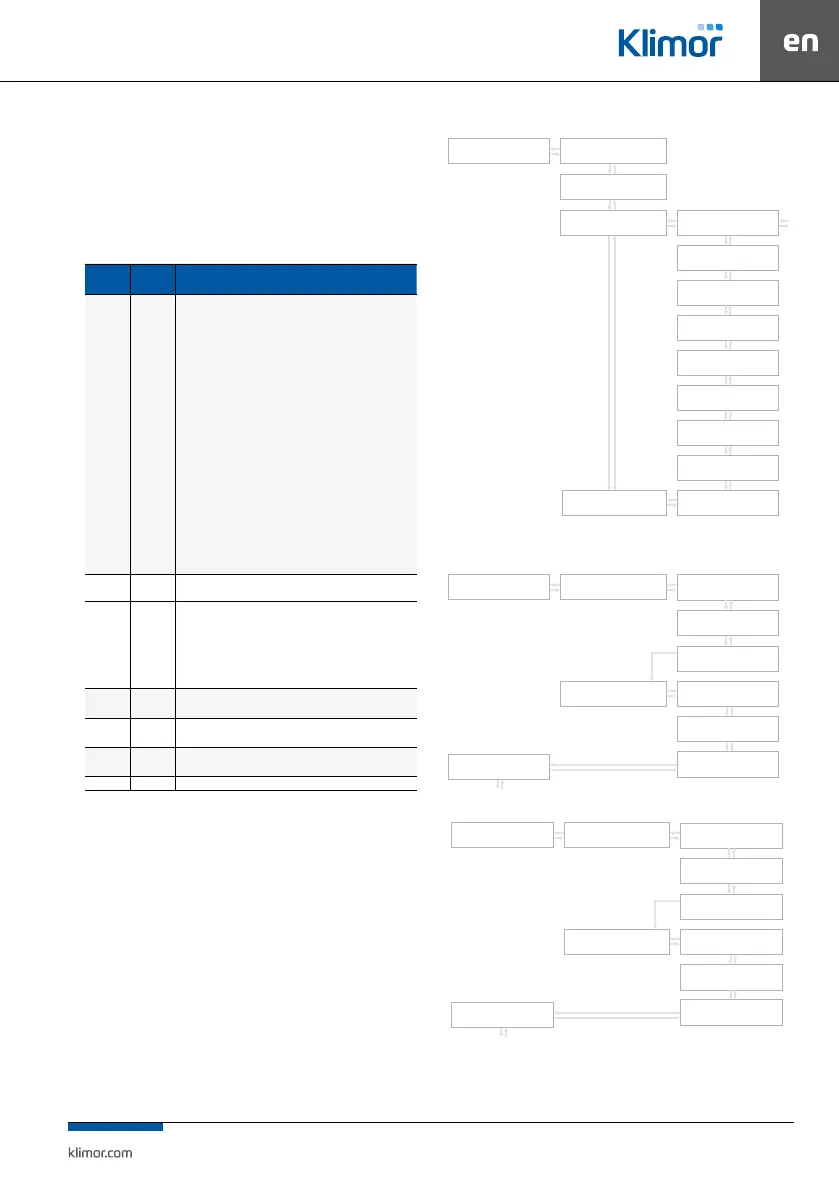
Fig. 6 Timer menu
Fig. 7 Working mode setting
Fig. 8 Temperature setting
MONDAY
MONDAY
NEW
NEW
OK
OK
OK
STRZAŁKA W
PRAWO
C
C
C
C
TIME START
08:00:00
TIME START
16:00:00
SET WORK MODE
3 SPEED
SET WORK MODE
STOP
SAVE
SAVE
MONDAY
MONDAY
NEW
NEW
OK
OK
OK
STRZAŁKA W
PRAWO
C
C
C
C
TIME START
08:00:00
TIME START
16:00:00
SET TEMP.
24.0C
SET TEMP.
STOP
SAVE
SAVE



 To Next Page