FlexStat 19 Operation Guide, Rev. R
(Advanced) Test
TEST
LCD/KEY TEST
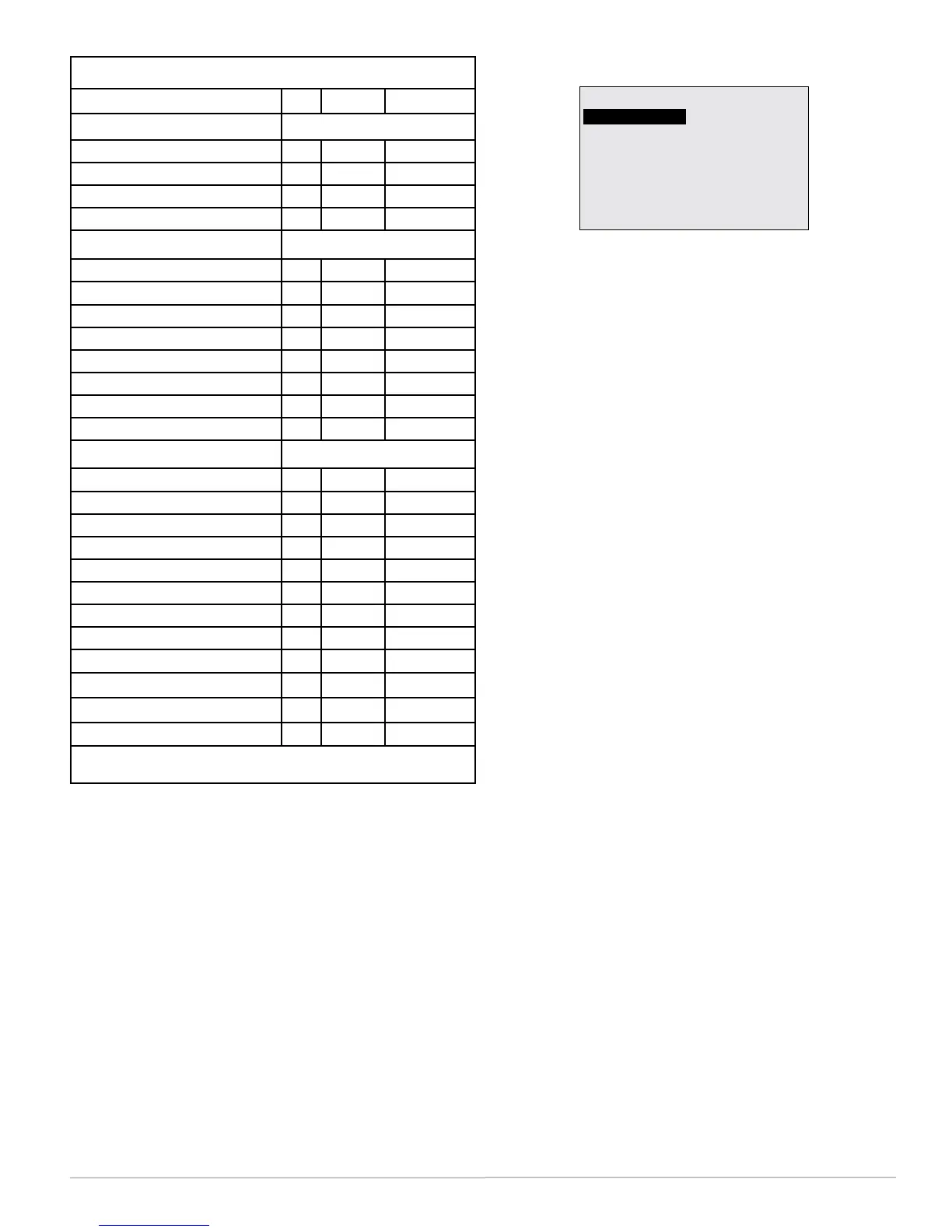
The test menu merely tests the display’s pixels and
key functions (as verication during manufacturing).
NOTE: When seing a password, the Up buon
increases the alphanumeric value (0
through 9 and then A through Z). The
Down buon decreases the value. DONOT
FORGETTHEADMINPASSWORD!
The required password level is specied in the
prompt.
To lockthebuons after conguration is complete
(and disable further changes), select Locked UI
mode. See (Advanced) User Interface (UI) on page 21.
For additionalphysicalsecurityandprotection
fromvandalism, install the FlexStat inside a third-
party locking thermostat guard/cover (but proper
airow must be maintained).
Menu Items Access Levels
Menus User Operator Administrator
Home Screen * = Selectable, Default is User
Setpoint Adjust (Up/Down)
4* 4* 4*
System Mode (Auto/Heat/Cool/Off)
4* 4* 4*
Occupancy Override (On/Off)
4* 4* 4*
Fan Modes (Auto/On/Off)
4* 4* 4*
Main Menu* (Default is User)
About
4 4 4
Advanced
4 4
Alarm
4 4
Date/Time
4 4
Schedule
4 4
Setpoints
4 4
System
4 4
Trend Viewer
4 4 4
Advanced Menu
Application
4
Additional Setup
4
Control Basic Programs
4 4
Communication
4
Date/Time
4 4
Device
4
Inputs
4 4
Limits
4 4
Motion Sensor
4 4
Security
4
Trend Logs
4 4
Test
4 4
This chart shows conditions in which an administrator password is
set (is not 0000) and default password levels are used.


 To Next Page