38
8.1 Manual Functions
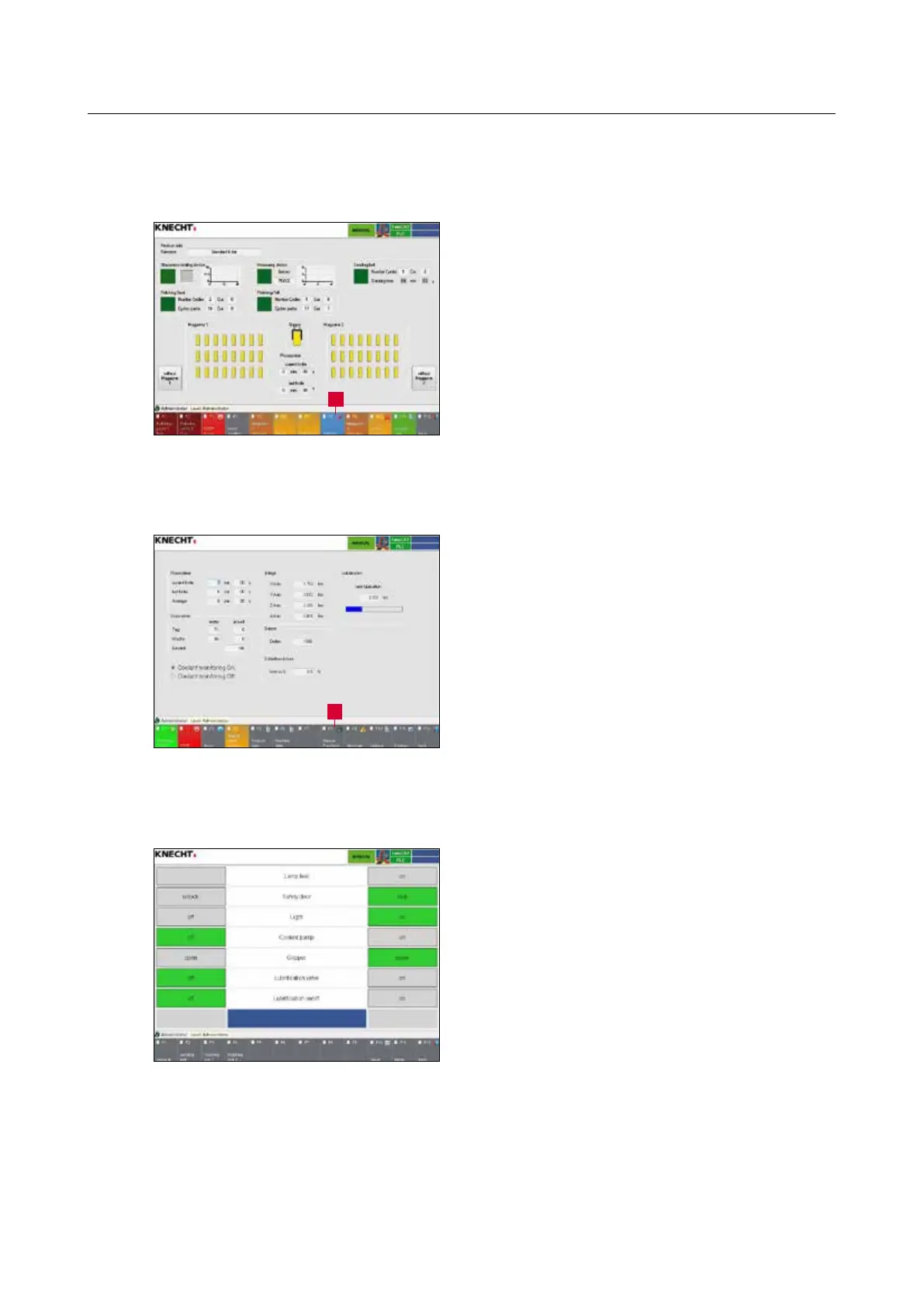
Press the touch panel button “F8 Settings” (8-1/1)
to change to the “Settings” menu (8-2).
Press the touch panel button “F8 Manual Func-
tion” (8-2/1) to change to the “Manual Function”
menu (8-3).
Functions can be activated in manual mode by
pressing the “On” or “Off” buttons.
Press the touch panel buttons “F1” to “F4” to
select the various options.
8. Control system
Figure 8-1 Main screen
Figure 8-2 Settings
Figure 8-3 Manual functions
1
1



 To Next Page