41
8.3 Loading product data
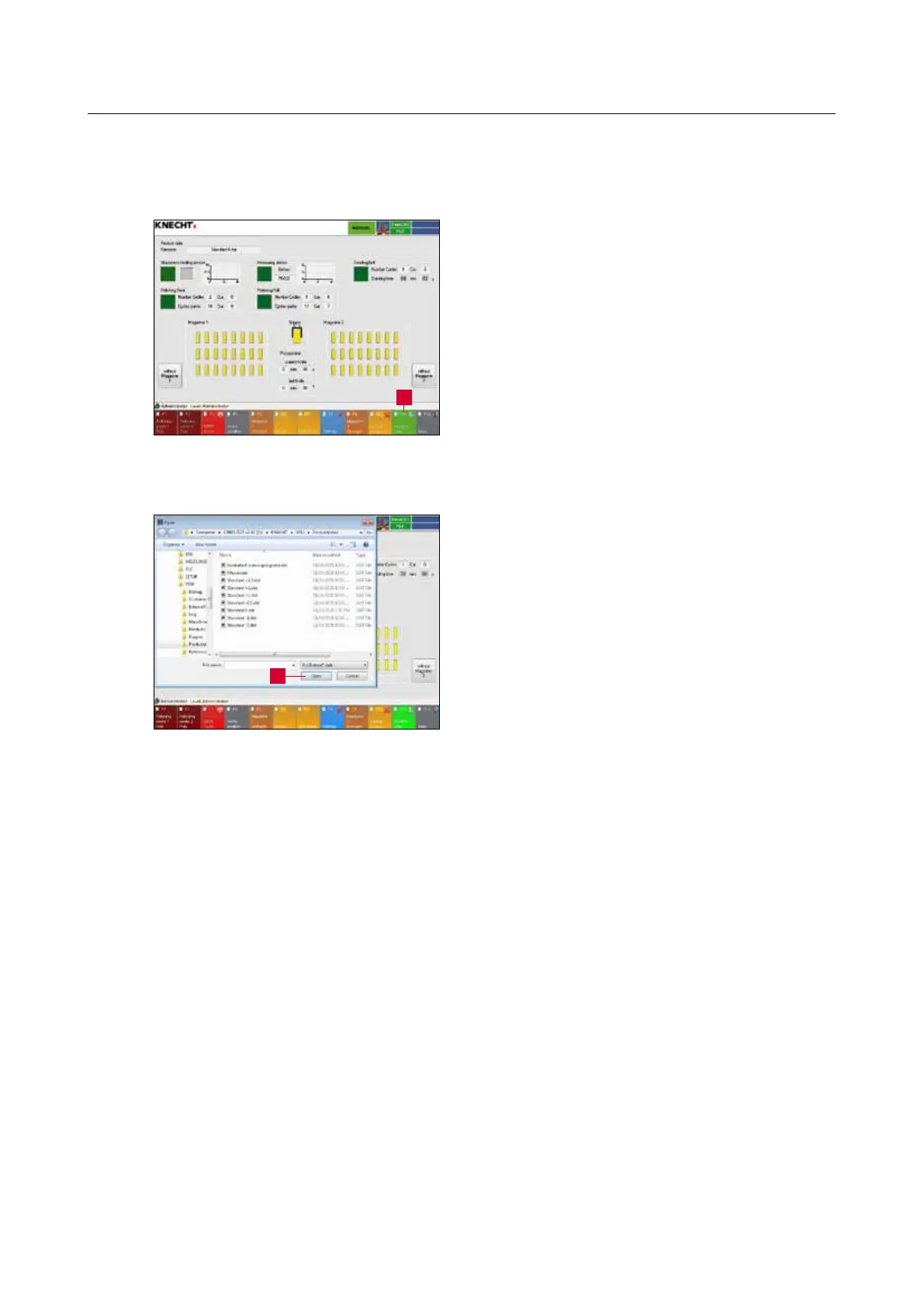
Change to the “Product Data” (8-9) menu with
the touch panel button “F11 Product Data” (8-
8/1).
On start, the product from the last work cycle is
automatically activated.
To load a new product, select the file in question.
Load the new product by double clicking on it or
via the “Open dialog window” (8-9/1) button.
8. Control system
Figure 8-8 Main screen
Figure 8-9 Product data
1
1



 To Next Page