39
8.2 Changing the language
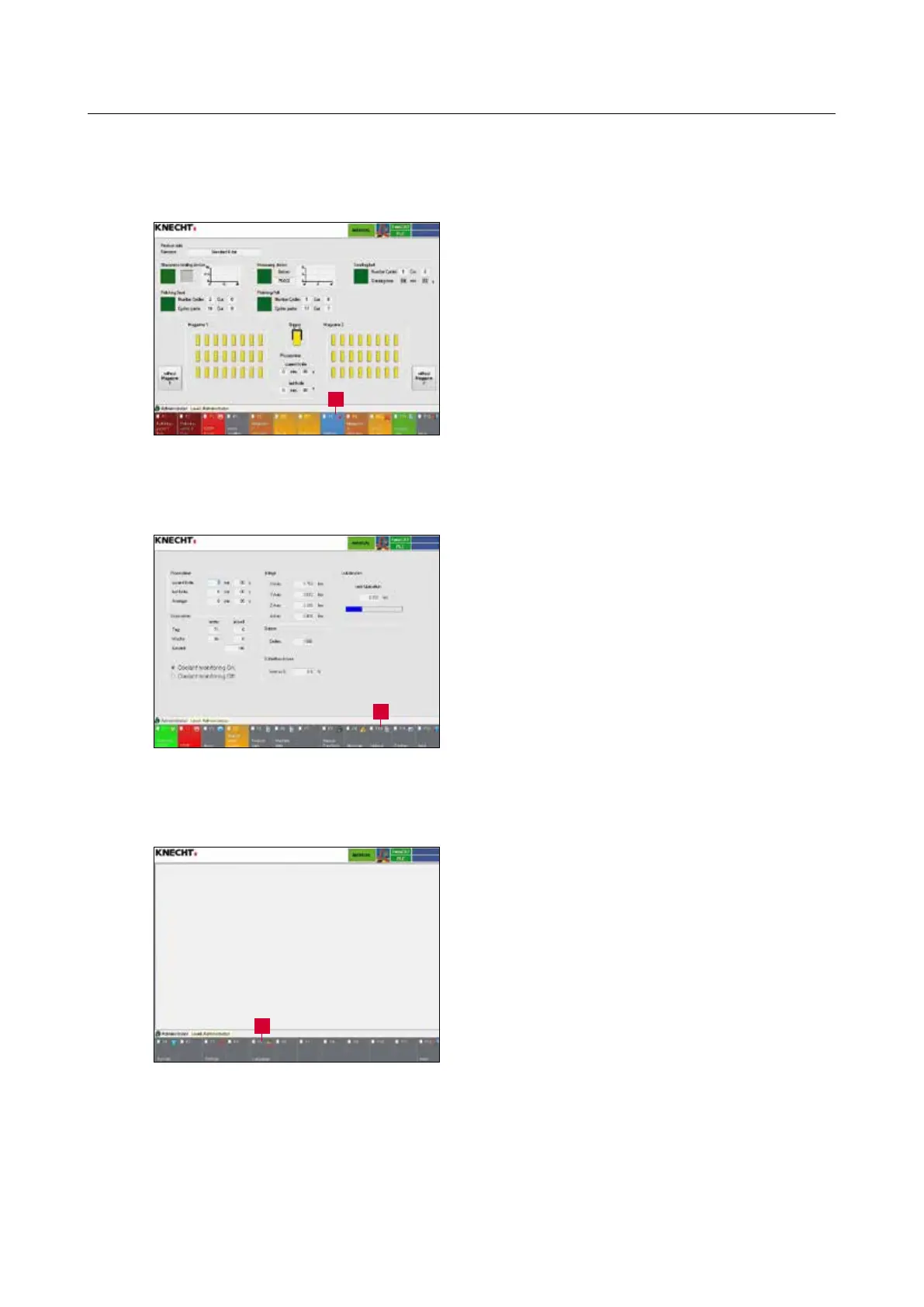
Press the touch panel button “F8 Settings” (8-4/1)
to change to the “Settings” menu (8-5).
Press the touch panel button “F10 Options”
(8-5/1) to change to the “Options” menu (8-6).
Press the touch panel button “F5 Languages”
(8-6/1) to change to the “Languages” menu (8-7).
8. Control system
Figure 8-4 Main screen
Figure 8-5 Settings
Figure 8-6 Options
1
1
1



 To Next Page