Chapter 6 MDC-1840BB/1841BB/1860BB/1810BB/1820BB Series
Using The Menu Operation Manual
6-22 93142122-07
6.4.3.1 ALARM TEST (Alarm System Test)
This function is used to verify that the alarm function is in normal order.
Indication Meaning Selection
ALARM TEST Alarm System Test OFF, ON
Carry out the following operation to perform this function.
(1) Highlight the words ALARM TEST.
(2) Press the ENT key to set the selection ready status.
(3) Press the joystick down to select the ON sign.
(4) Press the ENT key to fix the selection. The alarm test will start.
(5) In approximately 10 seconds, various alarm messages will be shown and an audio
alarm will be activated. (NOTE: NO audio alarm sounds if the BUZZER OFF status
is activated)
(6) To cancel the ALARM TEST function, set the ALARM TEST to OFF, or set the
radar to standby mode once, and then transmit again.
6.4.3.2 ATA TEST (ATA Tracking Test Mode)
This function is used to test the ATA function.
Indication Meaning Selection
ATA TEST ATA Tracking Test Mode OFF, ON
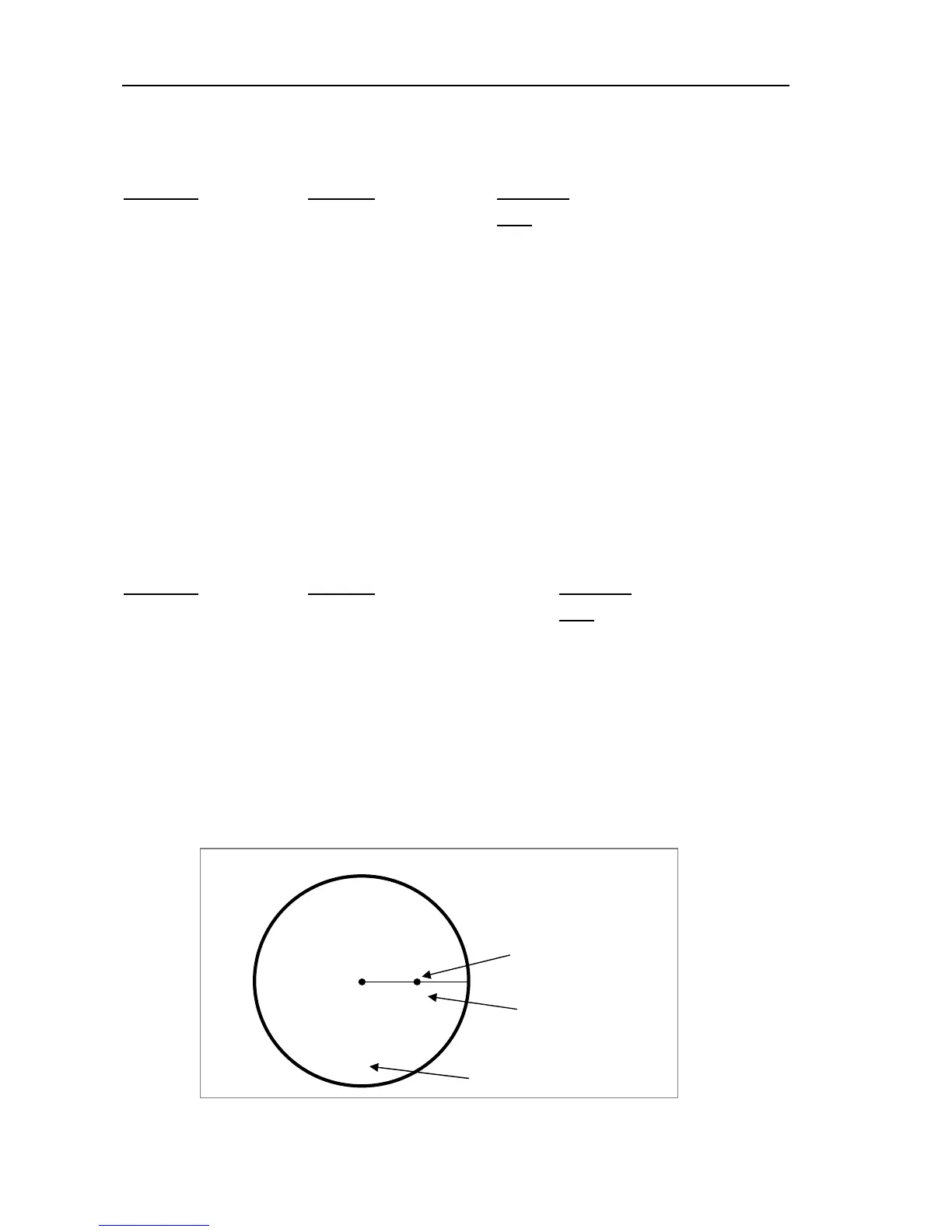
When the ATA Test mode is selected, the following test conditions and display will be
available on the screen.
(1) Range scale: 6 NM
(2) Ship’s heading: 90 degrees
(3) Test target speed: 12 knots
(4) Test target bearing: 90 degrees
(5) A small letter “x” will be shown near the test target as an identifier and a large letter
“X” at the bottom of the screen, showing that the display is in the TEST mode.
Figure 6.2 The ATA test mode display
TEST
HDG 090.0°
TEST
SPD 12.0 KT
X
X
The ATA test mode sign
Test target ID letter
6 NM
Test target



 To Next Page