Chapter 7 MDC-1840BB/1841BB/1860BB/1810BB/1820BB Series
Graphic Displays Operation Manual
7-4 93142122-07
7.3 Registering or modifying the NAVLINE data / NAV LINE DATA INPUT MENU
To use this function, carry out the following procedures:
(1) Select the NAVLINE INPUT MENU. The following list will accordingly be shown on
the screen.
Table 7.2 NAV LINE INPUT MENU
NAVLINE NUMBER 0
POSITION NUMBER LATITUDE N / S LONGITUDE E / W
A0 12
o
34.567 N 123
o
45.678 E
A1
A2
A3
A4
A5
A6
A7
A8
A9
B0
B1
B2
B3
B4
B5
B6
B7
B8
B9
(2) Move the Joystick up or down to highlight the number shown right to the words
NAVELINE NUMBER and press the ENT key. The number will blink.
(3) Move the Joystick left or right to select the desired number out of 0
through to 9.
(4) Press the ENT key to fix the selection. The blinking number will become
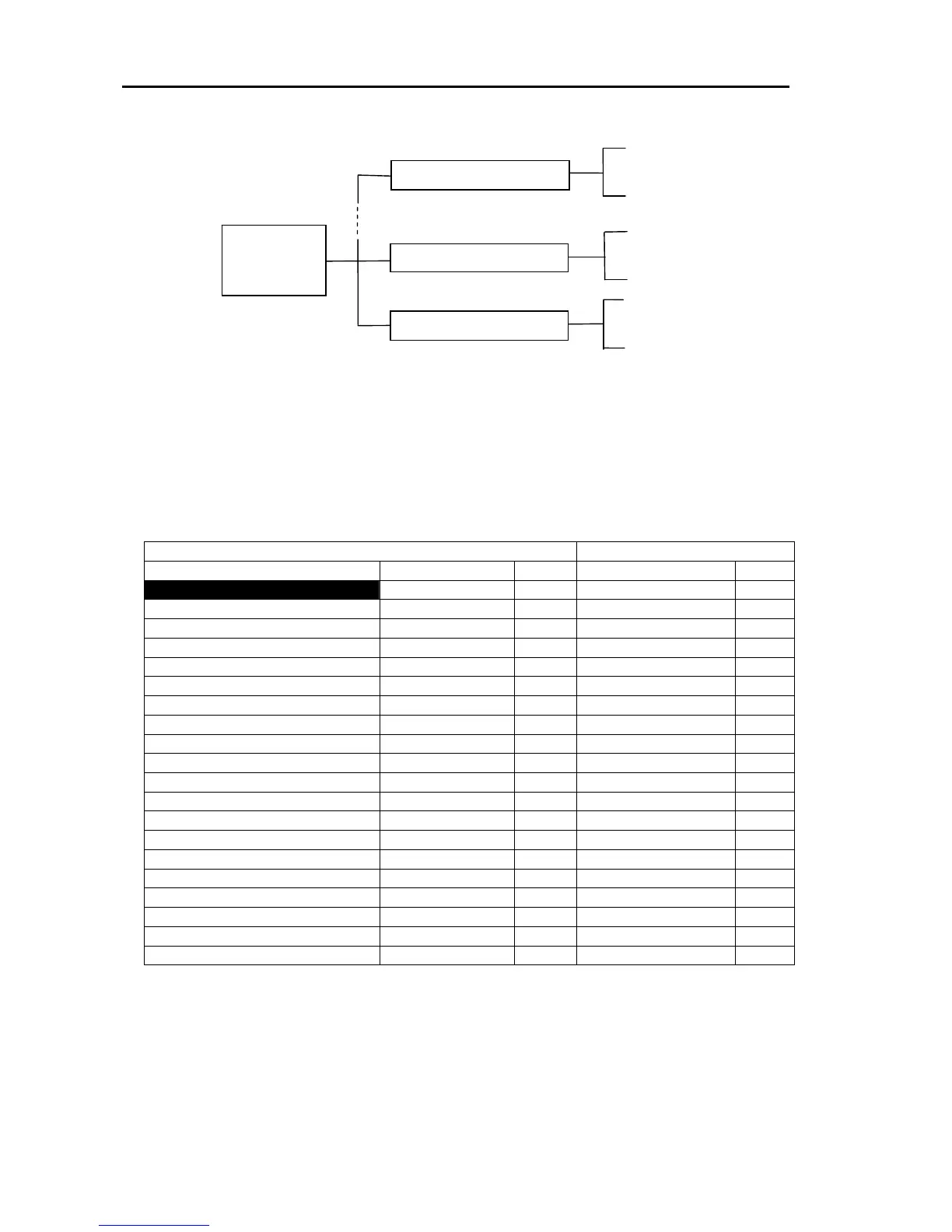
Figure 7.3 Structure of the Map
P



 To Next Page