34 PLAYBACK - BASIC OPERATION
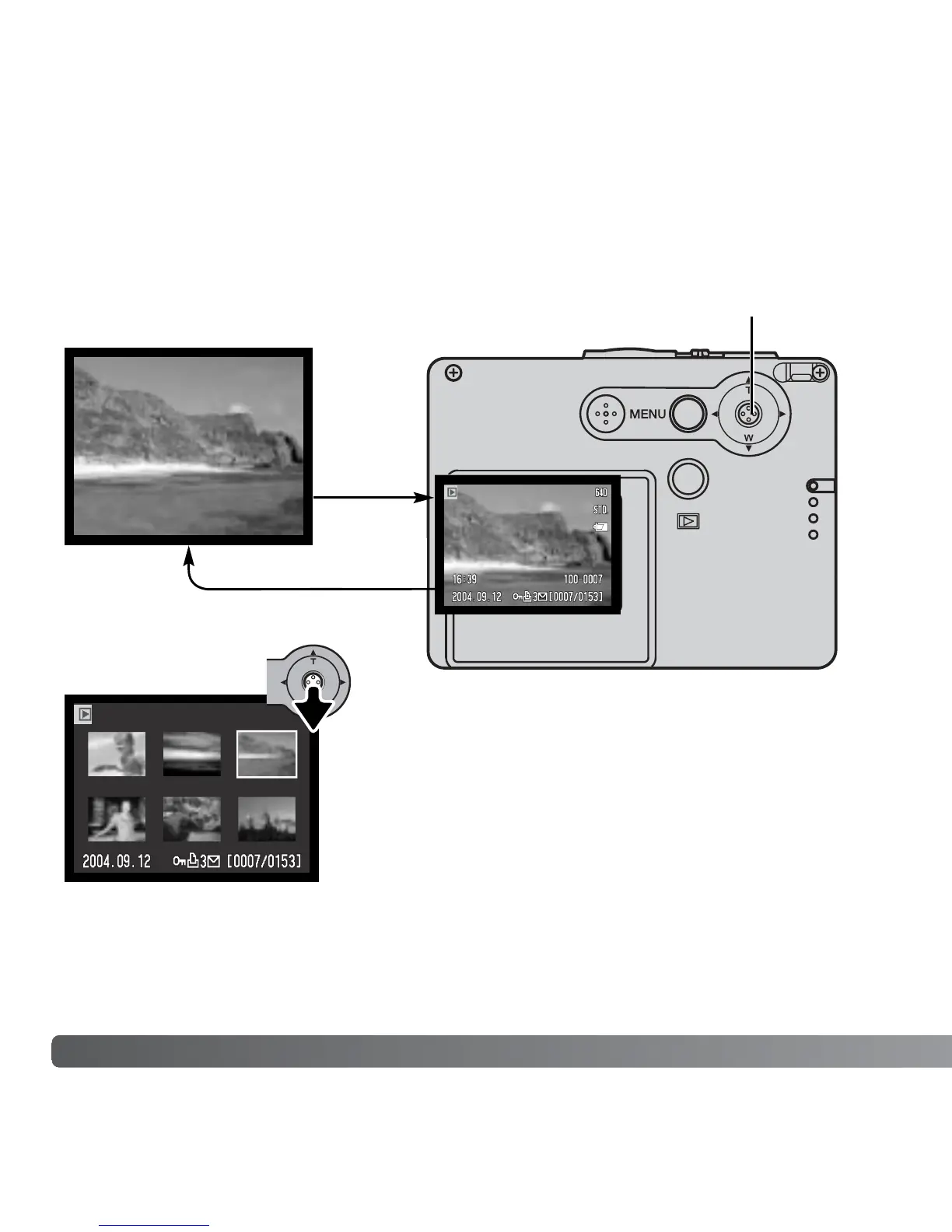
Index display can be shown by moving the controller
down.
In index playback, pushing the controller left and right
moves the yellow border around the index thumbnails.
To scroll through the index thumbnails faster, hold the
controller to the left or right. When the image is
highlighted with the border, the date of recording, the
lock and printing status, e-mail copy indicator, and the
frame number of the image are displayed at the bottom
of the screen. When the controller is moved up, the
highlighted image will be displayed in the single-frame
playback mode.
Pressing and holding the controller switches the LCD monitor display between full display
and live image only.
LCD MONITOR DISPLAY - PLAYBACK MODE
Index playback
Full
display
image only
Controller



 To Next Page
 Loading...











