72 PLAYBACK - ADVANCED OPERATION
While viewing Favorites, many menu functions are available to delete, lock, and display
images. However, certain functions are not available such as E-mail Copy, add-to-
Favorites, and DPOF setup. Favorites cannot be printed or saved to a computer.
To go back to normal playback, select the play
icon on the main menu. Turning the camera off
also cancels the favorite mode.
Favorites copies can be deleted only in the view-Favorites mode. Neither deleting (p. 68)
all the frames in normal playback nor formatting the memory card erases Favorites.
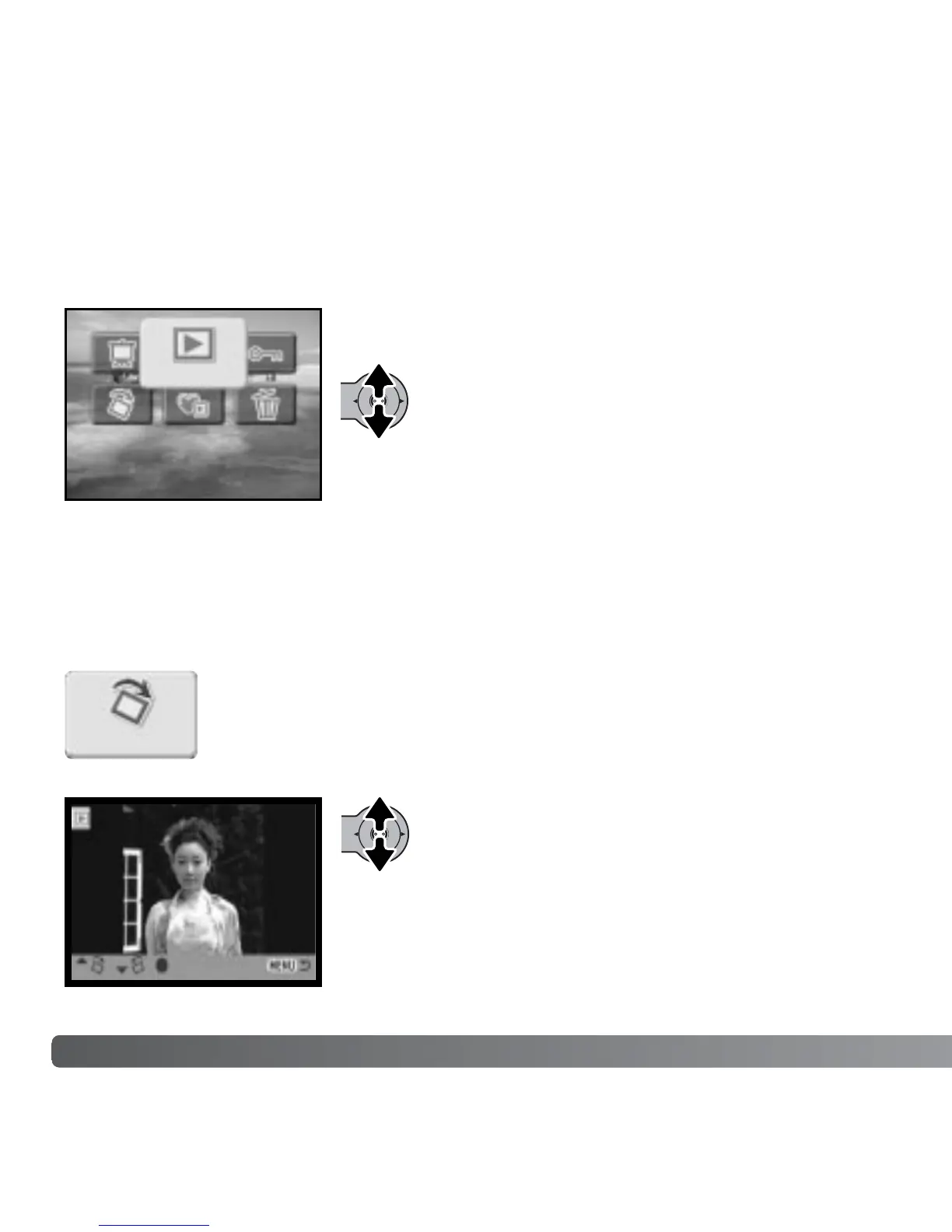
Rotate display orients a single vertical image displayed or highlighted in
the playback mode so that it can be viewed without having to turn the
camera sideways. The rotate function is selected in the main playback
menu (p. 64).
ROTATE
:enter
Move the controller up to turn the image
clockwise and down to turn it counterclockwise.
Press the control button to set the image
orientation.
Play
Rotate



 To Next Page
 Loading...











