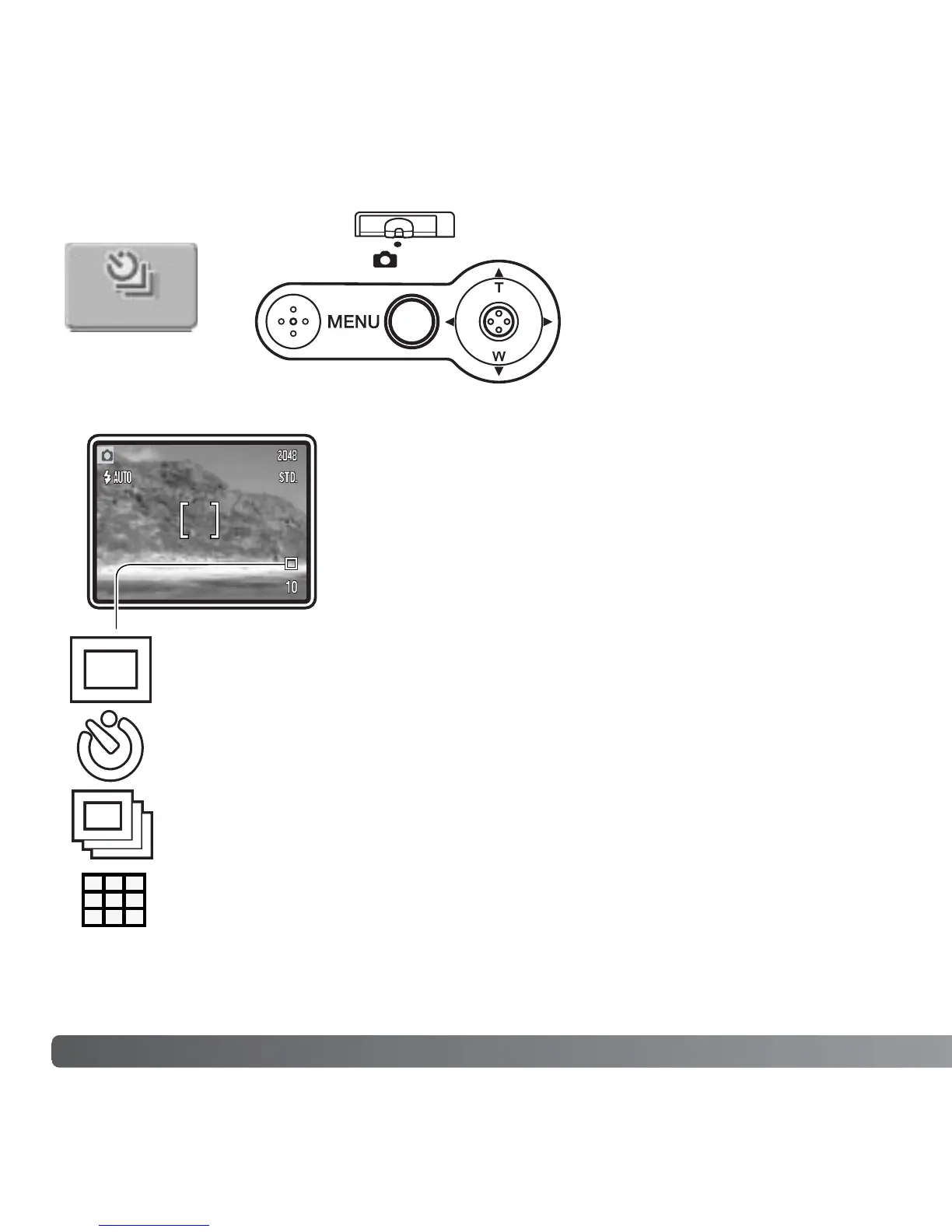
DRIVE MODES
Single-frame advance - to take a single image each time the shutter-
release button is pressed. This is the camera’s default setting.
Self-timer - to delay the release of the shutter (p. 41). Used for self-
portraits.
Continuous advance - to take multiple images when the shutter-release
button is pressed and held (p. 42).
Multi frame - to create a composite image of a nine-frame series when the
shutter-release button is pressed once (p. 43).
40 RECORDING - ADVANCED OPERATION
The drive modes control the
rate and method images are
captured. Indicators indicating
the selected drive mode
appear on the monitor. The
drive mode is set in the main
menu of the recording mode
(p. 36). If auto reset (p. 55) is
active, the drive mode is reset
to single-frame advance when the camera is turned off.
Drive modes can be assigned to the controller with
controller customization (p. 54).
Drive mode



 To Next Page
 Loading...











