73
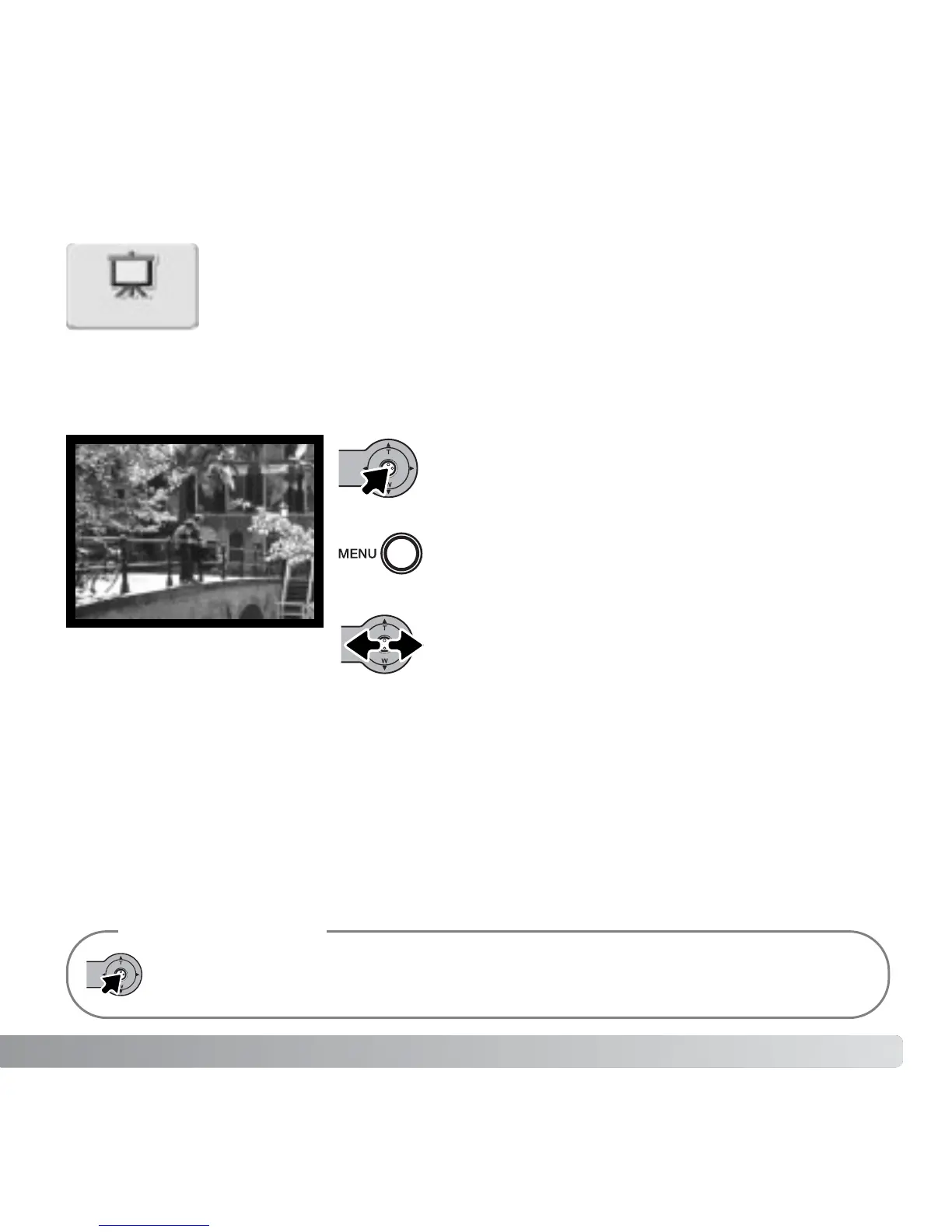
On the main menu (p. 64), selecting the slide show icon and pressing the
controller starts the slide show. This function automatically displays all
still images on the memory card in order. Movie clips are not displayed.
To start a Favorites slide show, select the slide show icon from the main
menu in the view-Favorites mode (p. 71).
SLIDE SHOW
Press the controller to pause and restart the
slide show presentation.
To cancel the presentation, press the menu
button.
The presentation can be viewed without image information. Before opening the playback
menu, press the controller for a few seconds to turn off the information display.
Camera Notes
Moving the controller left and right advances to
the next image or returns to the previous one.
Slide show



 To Next Page
 Loading...











