The camera exposure can be adjusted to make the final picture lighter or
darker by as much as ±2Ev in 1/3 increments with still image and movie
recording. When auto reset (P. 55) is active, exposure compensation is
reset to ±0 when the camera is turned off. Exposure compensation is set
in the main menu of the recording mode (p. 36) or the movie-recording mode (p. 61). The
exposure-compensation function can be assigned to the controller with controller
customization (P. 54).
47
EXPOSURE COMPENSATION
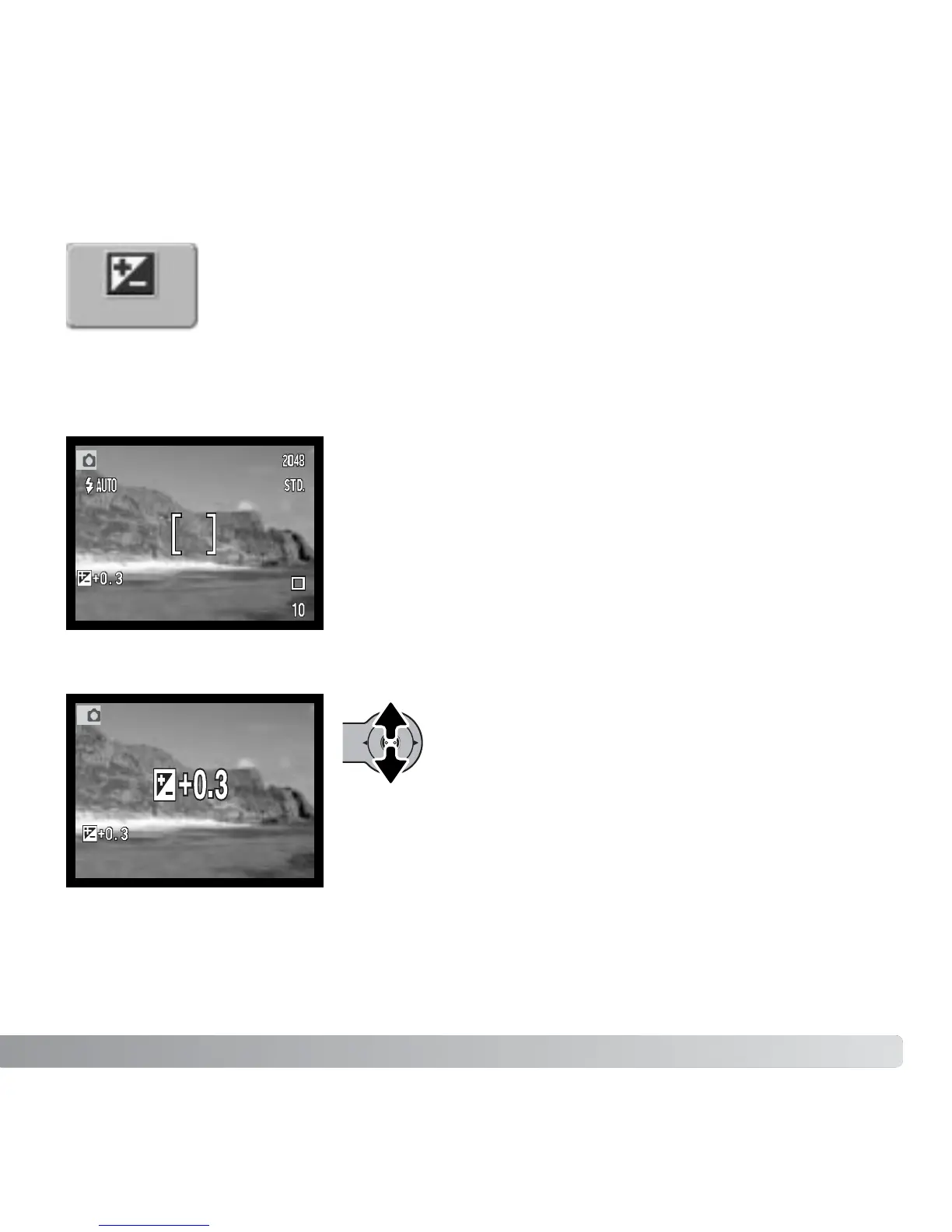
The LCD monitor will display the exposure-compensation
indicator and the degree of compensation. The change in
exposure is visible in the live image.
Move the controller up and down to adjust the
exposure-compensation value.
Exp. comp.
The exposure compensation must be set before the image
is captured. When setting the exposure compensation, the
amount of compensation is shown next to the exposure-
compensation indicator on the monitor. When set to any
value other than 0.0, the exposure-compensation indicator
will be displayed on the LCD monitor as a warning.



 To Next Page
 Loading...











